

 Download
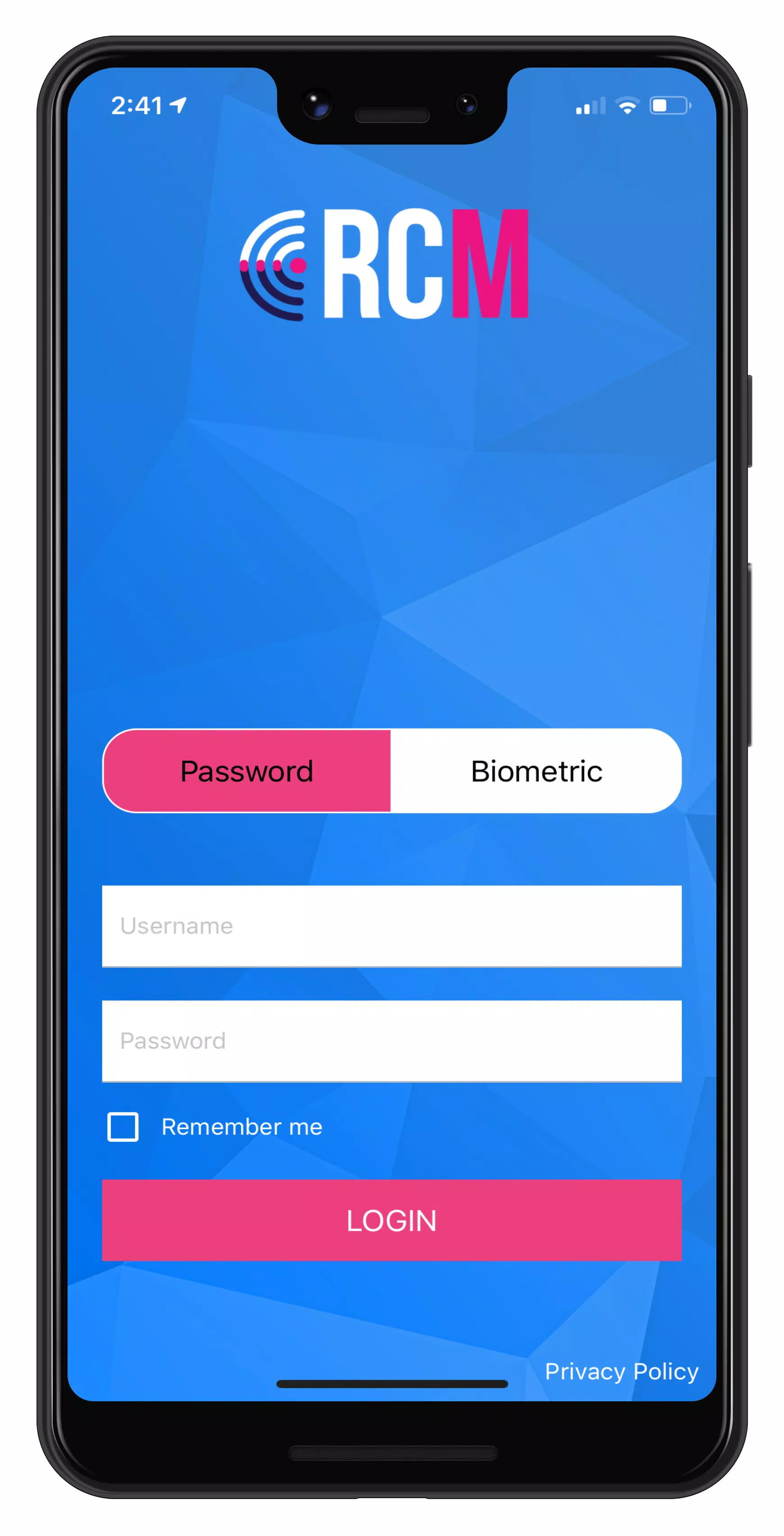
 Master case mapping with RCM! This tool seamlessly integrates with the RecoveryConnect® and MRS web applications.
Watch the Permissions Walkthrough - https://youtu.be/rW0rJGe0Wr8
Review our Privacy Policy - https://mbsicorp.com/privacy/.
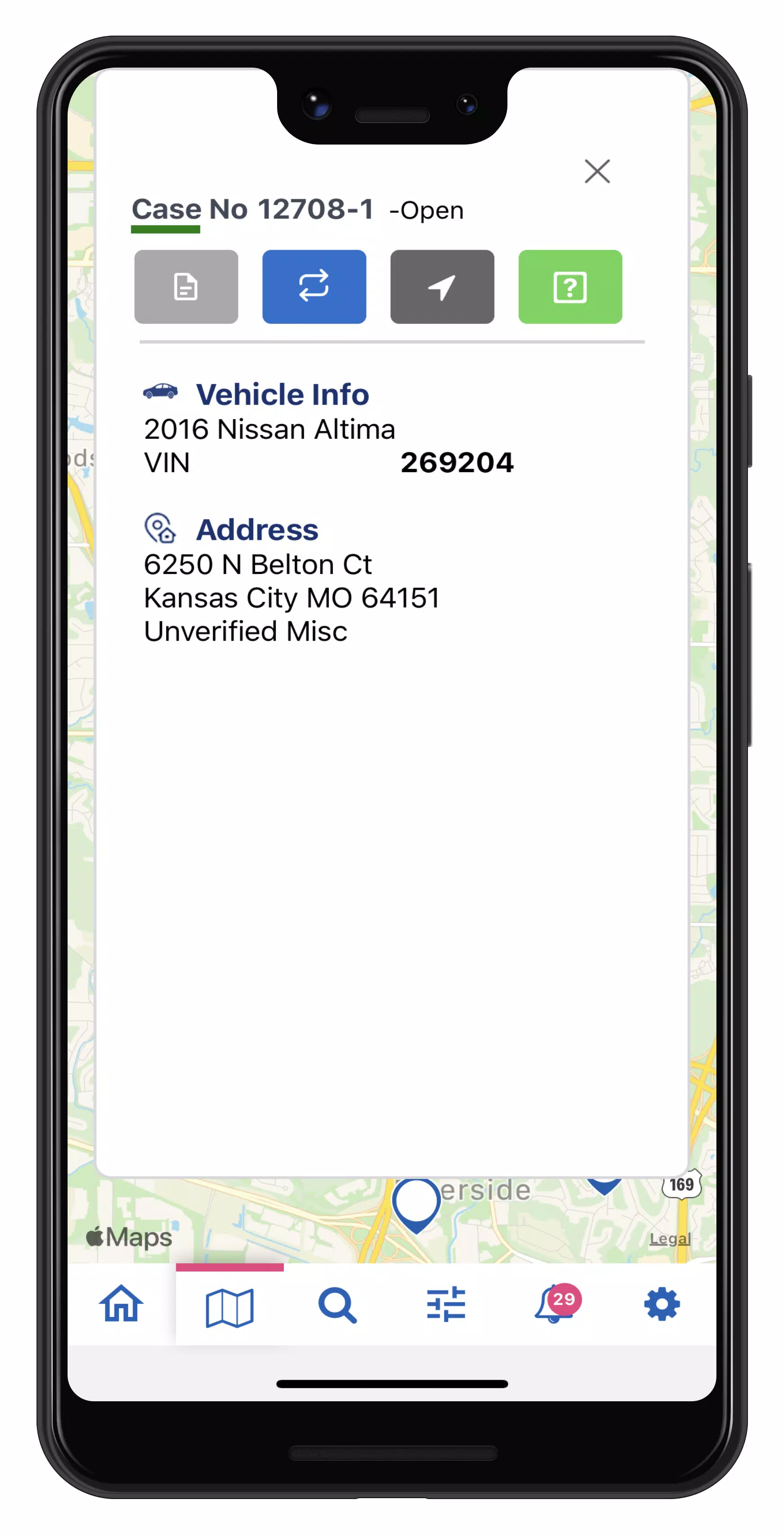
Equip your field agents with RCM to deliver real-time repossession assignment information directly to them. Instant access to case data enables agents to reduce risk by preventing wrongful repossessions and promptly updating a unit's status to On Hook. Once marked On Hook, agents can proceed with the asset recovery process safely and at their convenience.
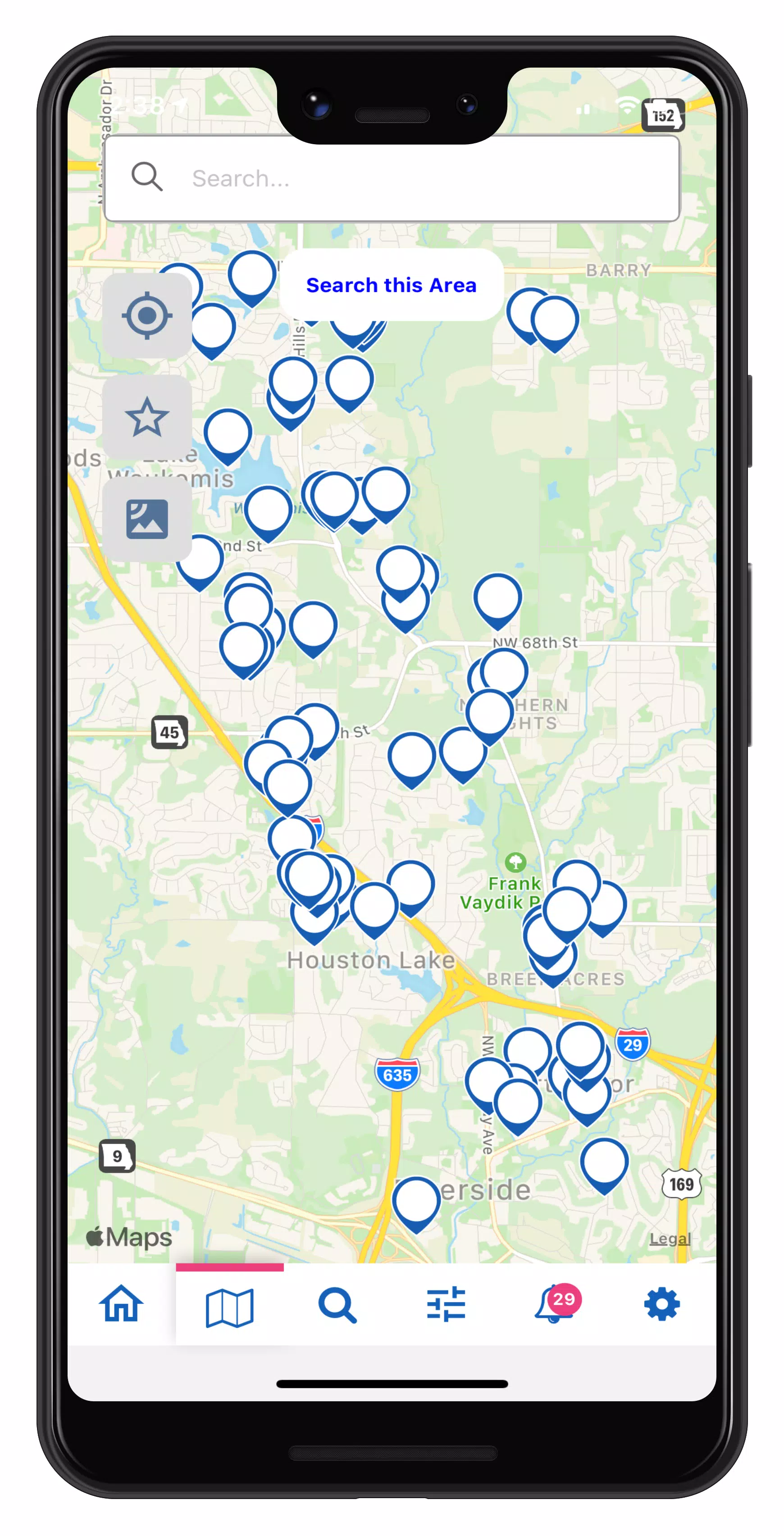
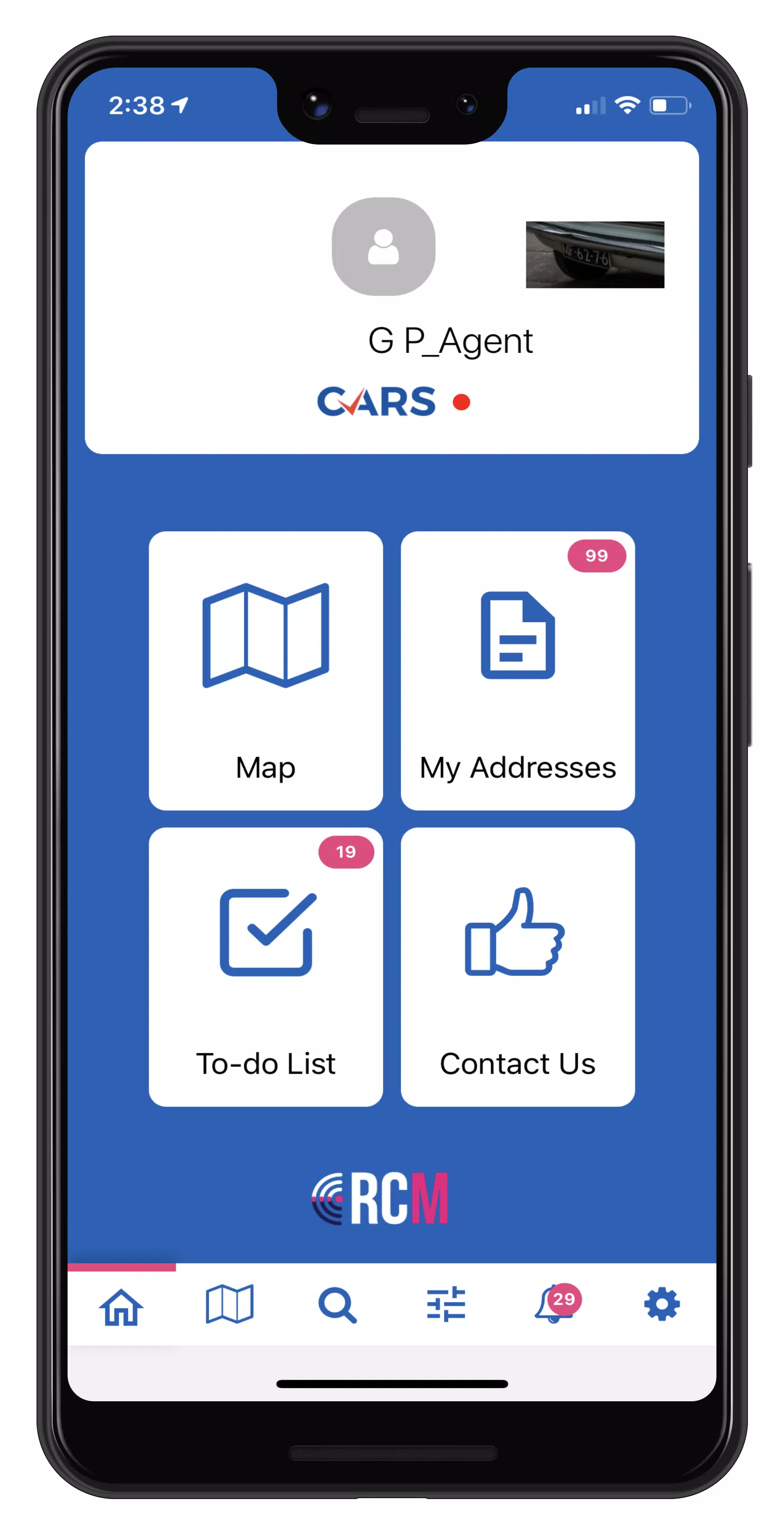
RCM mapping lets drivers quickly scan custom icons to efficiently manage addresses, submit one-tap updates, set pick-up locations, and recover more units. Easily create and save filters to focus your map on the details most relevant to your agency. Each asset recovery form gathers condition data and photos, automatically generating a Condition Report that is sent to the client.
With RCM, you can:
• Customize map icons (Pro)
• Mark collateral as On-Hook with a single tap
• Streamline the Asset Recovery process for quick condition checks, photos, and personal property reporting
• View real-time case information and addresses
• Search your map quickly (Pro)
• Mark cases as “Favorites” for easy access
• Filter cases to optimize address routing
• Submit fast updates with one tap
• Receive automatically generated geo-updates
• Manage your To Do list to efficiently capture condition reports for recovered units
For RCM support, our team is available 24/7. Submit a request via Contact Us or visit our website at https://mbsicorp.com/contact/
What's New in the Latest Version 3.0.33
Last updated on Oct 2, 2024
Accept Cases in Mobile
New Feature: Users can now accept cases directly in the mobile app!
Accept or Decline cases from the NEW CASES section on the home page
Long press to multi-select cases
Search or filter by client, case type, dates, or accepted before status
All activity is logged in the case History




- Indie Publisher Boss Feels ‘The Pain for Our Team’ After The Elder Scrolls IV: Oblivion Remastered Shadow-Drop Sucks the Air Out of the Room 5 days ago
- Where Winds Meet Breaks 2 Million Players Over Weekend 6 days ago
- Ragnarok X: Next Gen Growth Guide - Efficient and Strategic Leveling 6 days ago
- 'I'm Sick of the Superhero Title, Colon, Other-Name Thing' — James Gunn Explains Why Supergirl: Woman of Tomorrow Is Now Just Called Supergirl 1 weeks ago
- Microsoft Flight Simulator 2024 Coming to PlayStation 5 1 weeks ago
- Battlefield 6 Will Release in October for $80, Leak Suggests — and There's an Open Beta Coming, Too 1 weeks ago
-

Lifestyle / 24.4.1 / by Calisteniapp, S.L. / 69.34M
Download -

Productivity / v1.0 / by xifa console / 2.95M
Download -

Lifestyle / 0.105 / by Veicoli Srl / 4.80M
Download -

Personalization / 1.3.2 / 229.15M
Download -

Tools / 2.2.8 / by Gspace Team / 15 MB
Download -

Communication / 2.0.0.24 / 59.72M
Download


-
 The 10 Best Teams in Marvel Strike Force (2025)
-
 Square Enix Creates New Policy To Protect Employees From Toxic Fans
-
 How To Fix Marvel Rivals Compiling Shaders Slow on Launch
-
 Celebrate 7th Anniversary: Solve the Mystery in Harry Potter: Hogwarts Mystery!
-
 It seems we can forget about explicit sex scenes in inZOI
-
 "ESO Expansions & DLC: Complete Order Guide"