

 下载
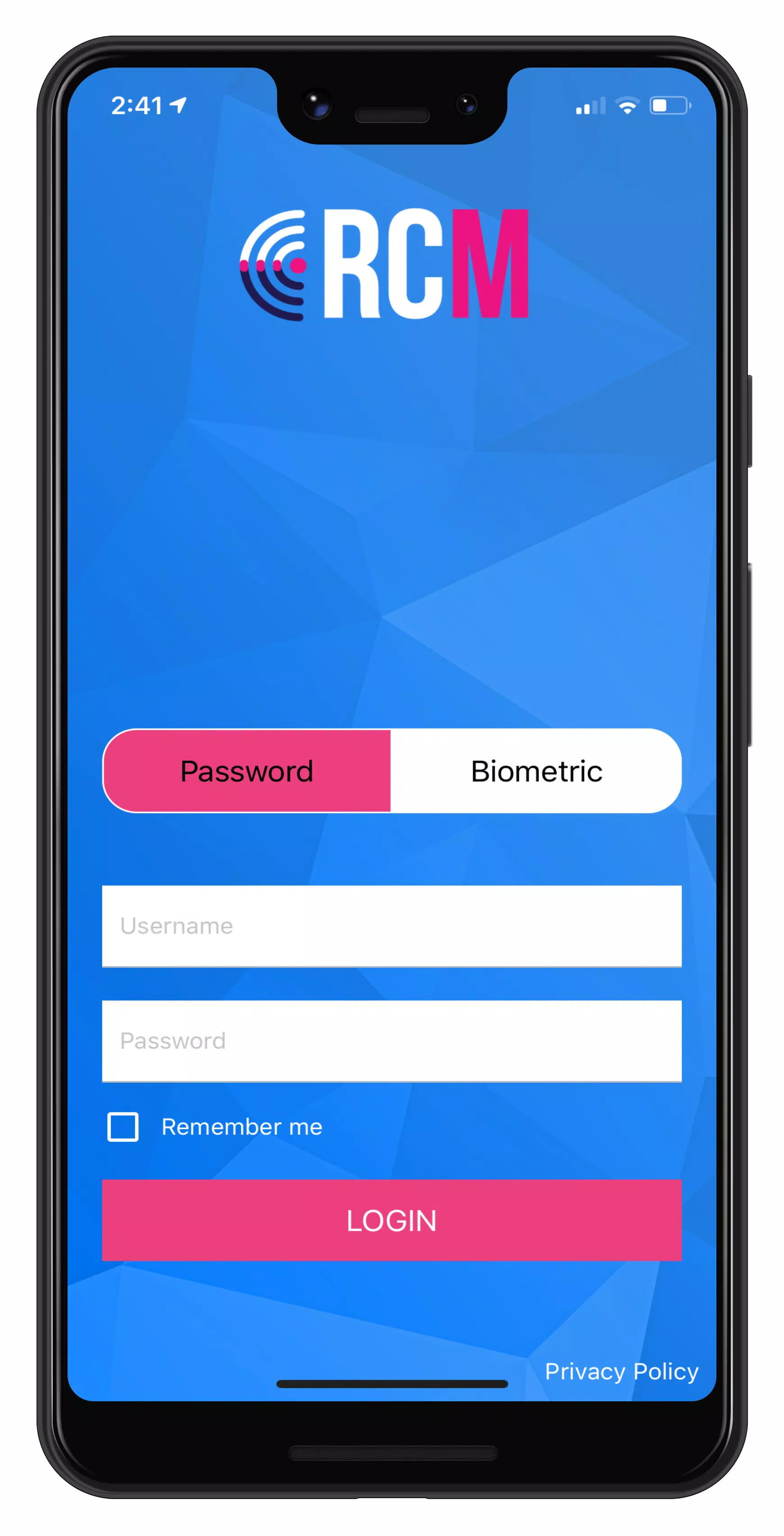
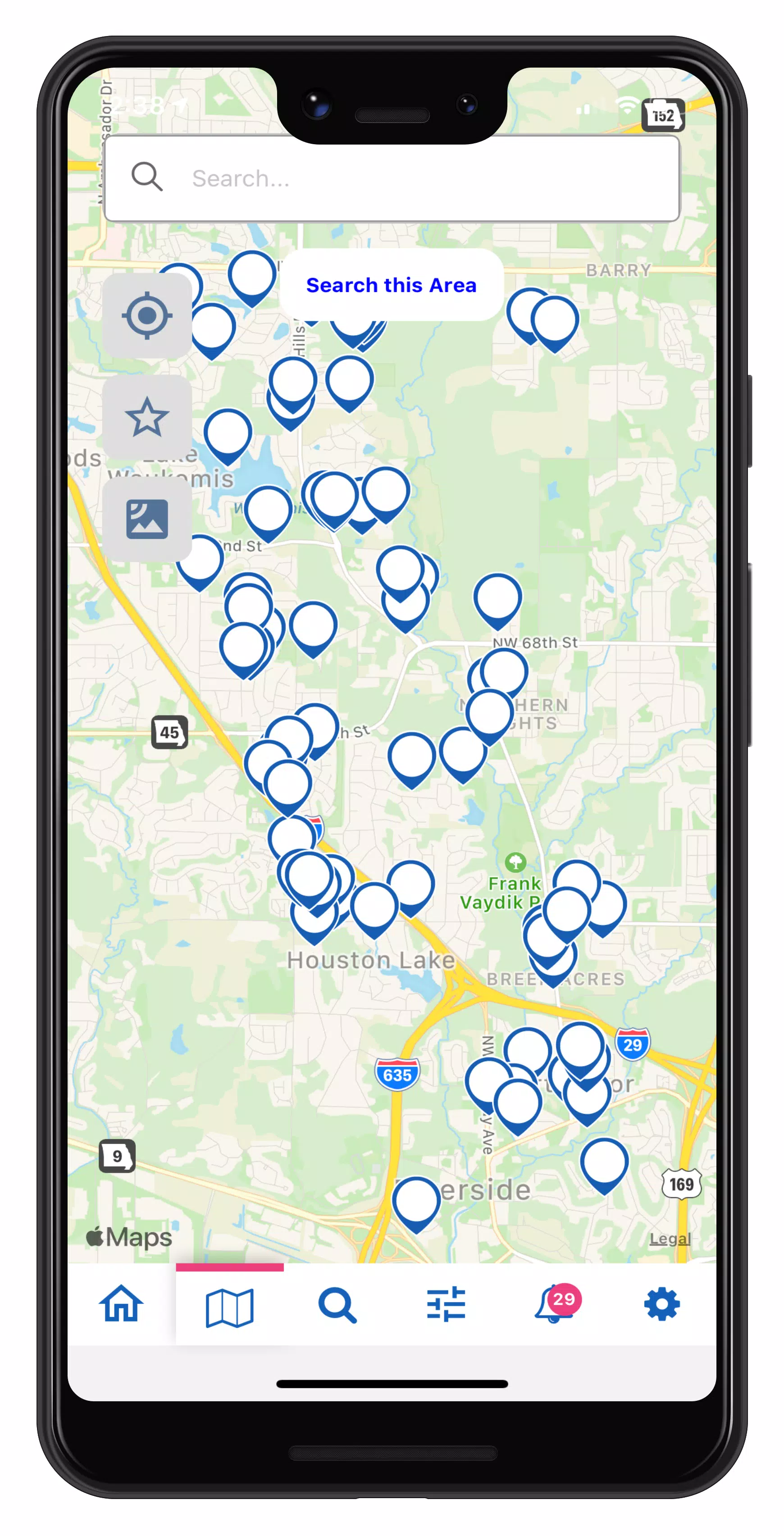
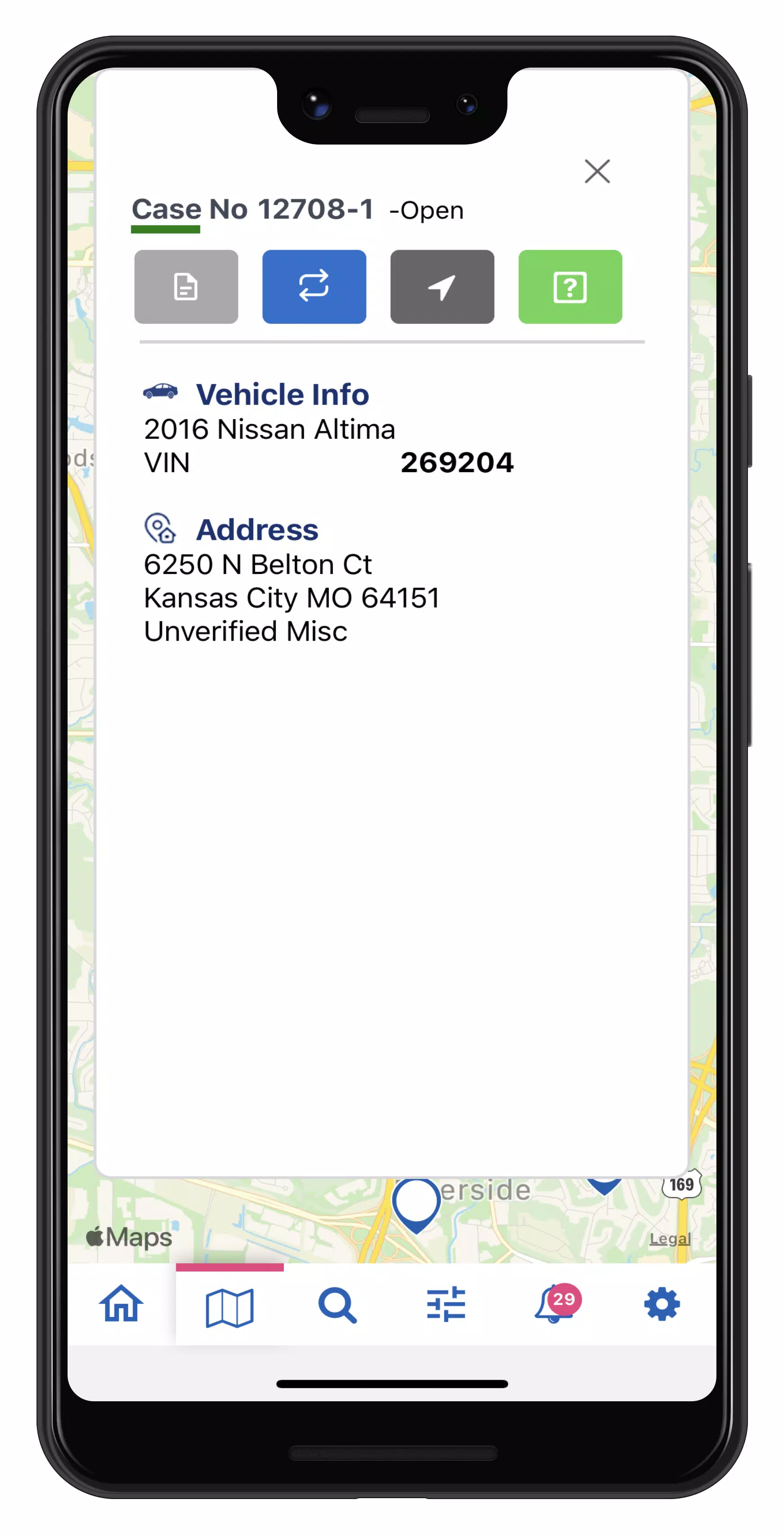
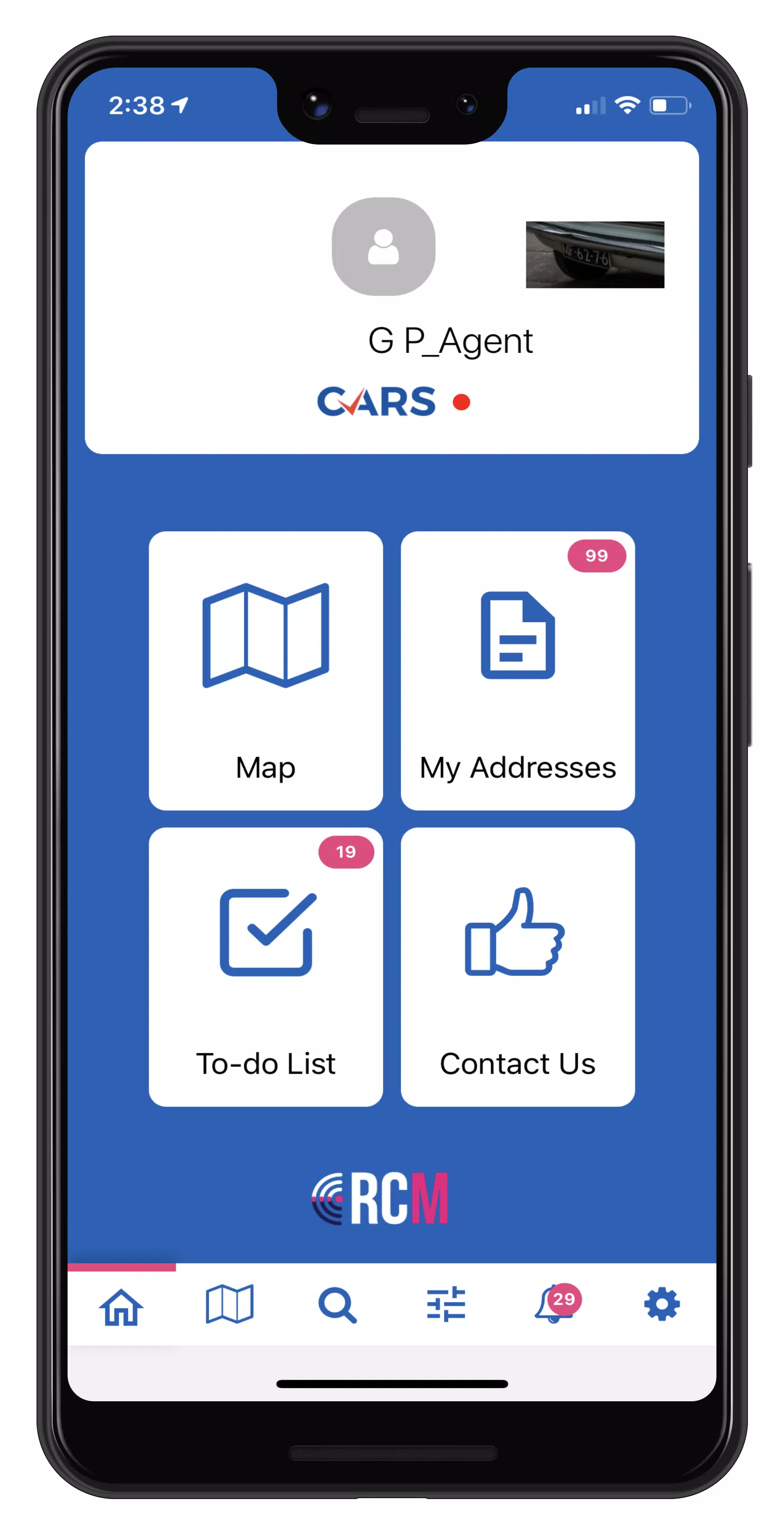
下载 Master case mapping with RCM! This tool seamlessly integrates with the RecoveryConnect® and MRS web applications. 使用 RCM 进行主案件映射!该工具与 RecoveryConnect® 和 MRS Web 应用程序无缝集成。 Watch the Permissions Walkthrough - https://youtu.be/rW0rJGe0Wr8 观看权限逐步演示视频 - https://youtu.be/rW0rJGe0Wr8 Review our Privacy Policy - https://mbsicorp.com/privacy/. 查看我们的隐私政策 - https://mbsicorp.com/privacy/. Equip your field agents with RCM to deliver real-time repossession assignment information directly to them. Instant access to case data enables agents to reduce risk by preventing wrongful repossessions and promptly updating a unit's status to On Hook. Once marked On Hook, agents can proceed with the asset recovery process safely and at their convenience. 通过 RCM 为外勤人员提供实时收车分配信息。即时访问案件数据使工作人员能够通过防止错误收车和及时将单元状态更新为“已挂钩”来降低风险。一旦标记为“已挂钩”,工作人员就可以安全、方便地进行资产回收流程。 RCM mapping lets drivers quickly scan custom icons to efficiently manage addresses, submit one-tap updates, set pick-up locations, and recover more units. Easily create and save filters to focus your map on the details most relevant to your agency. Each asset recovery form gathers condition data and photos, automatically generating a Condition Report that is sent to the client. RCM 映射功能让驾驶员可以快速扫描自定义图标,高效管理地址、提交一键更新、设置取车地点并回收更多单元。轻松创建和保存过滤器,使地图聚焦于与您的机构最相关的细节。每个资产回收表单都会收集状态数据和照片,自动生成发送给客户的状况报告。 With RCM, you can: 使用 RCM,您可以: • Customize map icons (Pro) • 自定义地图图标(专业版) • Mark collateral as On-Hook with a single tap • 一键将抵押品标记为“已挂钩” • Streamline the Asset Recovery process for quick condition checks, photos, and personal property reporting • 简化资产回收流程,进行快速状态检查、拍照和个人财产报告 • View real-time case information and addresses • 查看实时案件信息和地址 • Search your map quickly (Pro) • 快速搜索地图(专业版) • Mark cases as “Favorites” for easy access • 将案件标记为“收藏夹”,方便访问 • Filter cases to optimize address routing • 筛选案件以优化地址路由 • Submit fast updates with one tap • 一键提交快速更新 • Receive automatically generated geo-updates • 接收自动生成的地理位置更新 • Manage your To Do list to efficiently capture condition reports for recovered units • 管理待办事项列表,高效记录已回收单元的状况报告 For RCM support, our team is available 24/7. Submit a request via Contact Us or visit our website at https://mbsicorp.com/contact/ 如需 RCM 支持,我们的团队全天候在线。通过“联系我们”提交请求或访问我们的网站 https://mbsicorp.com/contact/ ### What's New in the Latest Version 3.0.33 ### 最新版本 3.0.33 的新增功能 Last updated on Oct 2, 2024 最后更新于 2024 年 10 月 2 日 Accept Cases in Mobile 移动端接受案件 New Feature: Users can now accept cases directly in the mobile app! 新功能:用户现在可以直接在移动应用中接受案件! Accept or Decline cases from the NEW CASES section on the home page 从主页的“新案件”部分接受或拒绝案件 Long press to multi-select cases 长按多选案件 Search or filter by client, case type, dates, or accepted before status 按客户、案件类型、日期或已接受状态搜索或筛选 All activity is logged in the case History 所有活动均记录在案件历史中





-

时尚生活 / 24.4.1 / by Calisteniapp, S.L. / 69.34M
下载 -

商务办公 / v1.0 / by xifa console / 2.95M
下载 -

时尚生活 / 0.105 / by Veicoli Srl / 4.80M
下载 -

工具 / 2.2.8 / by Gspace Team / 15 MB
下载









