

bimmer-tool Lite
Category : Auto & VehiclesVersion: 3.7.6
Size:10.5 MBOS : Android 4.2+
Developer:bimmer-tool
 Download
 Reset fault codes and monitor DPF status in BMW vehicles
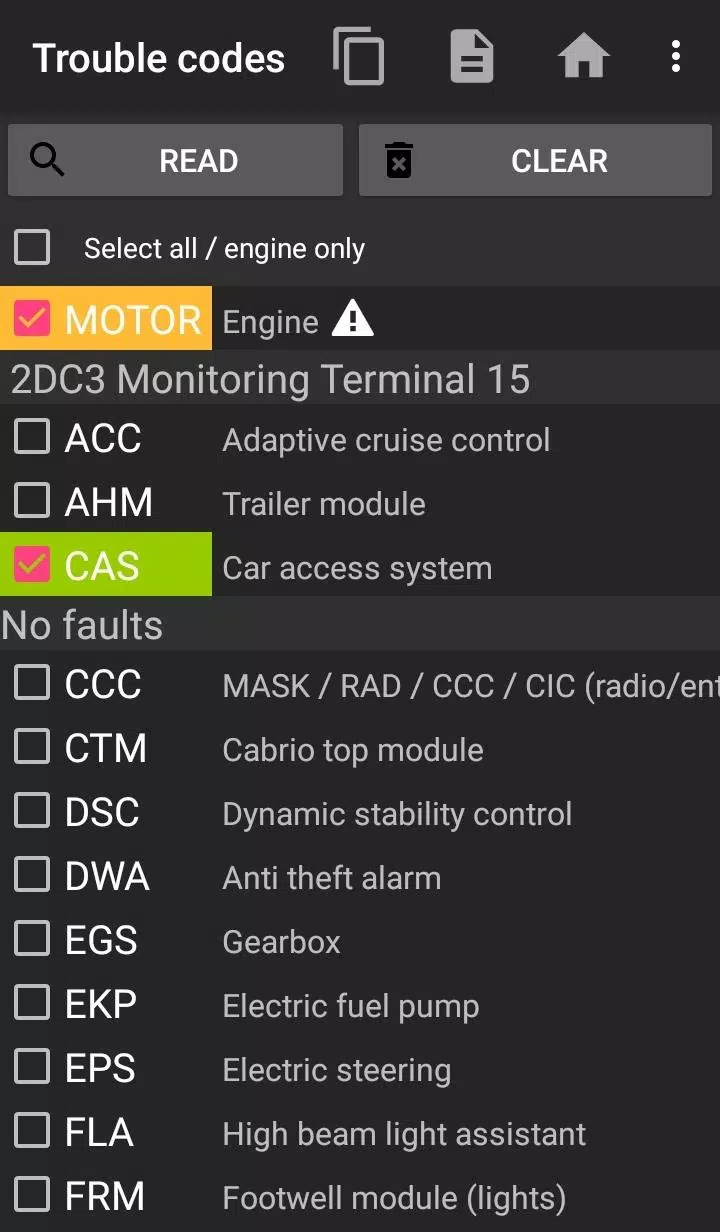
Bimmer-Tool enables fault code scanning and clearing, DPF regeneration triggering, real-time engine data monitoring, and more for BMW models.
For pre-2008 models, some features may be limited — we recommend using a K+DCan USB cable connection. Wireless ELM adapters may have compatibility issues with older vehicles.
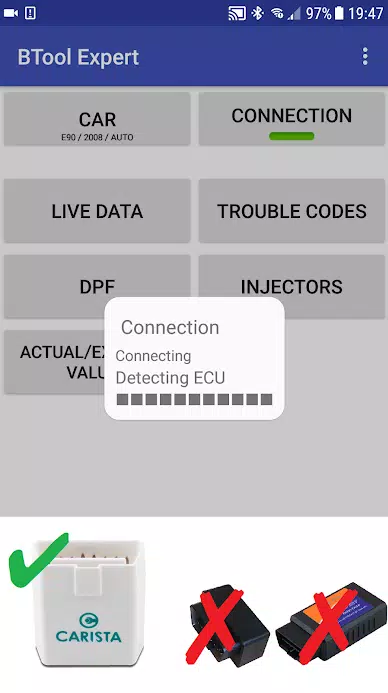
Note: A quality OBD adapter is essential. Recommended options include K+DCan cable, ENET adapter (for F/G series), or these Bluetooth adapters:
- Vgate vLinker MC/FS/BM/FD: Find models at vgatemall.com/products/
- UniCarScan UCSI-2000/USCI-2100: Configure in D-Can MODE2 (available at wgsoft.de or bmdiag.co.uk)
- Carista Adapter (caristaapp.com)
- Veepeak OBDCheck BLE (veepeak.com)
Key features:
- Monitor DPF regeneration status and details
- Initiate DPF regeneration cycles
- Reset DPF adaptation values post-replacement
- Measure exhaust backpressure
- Analyze fuel injector calibration
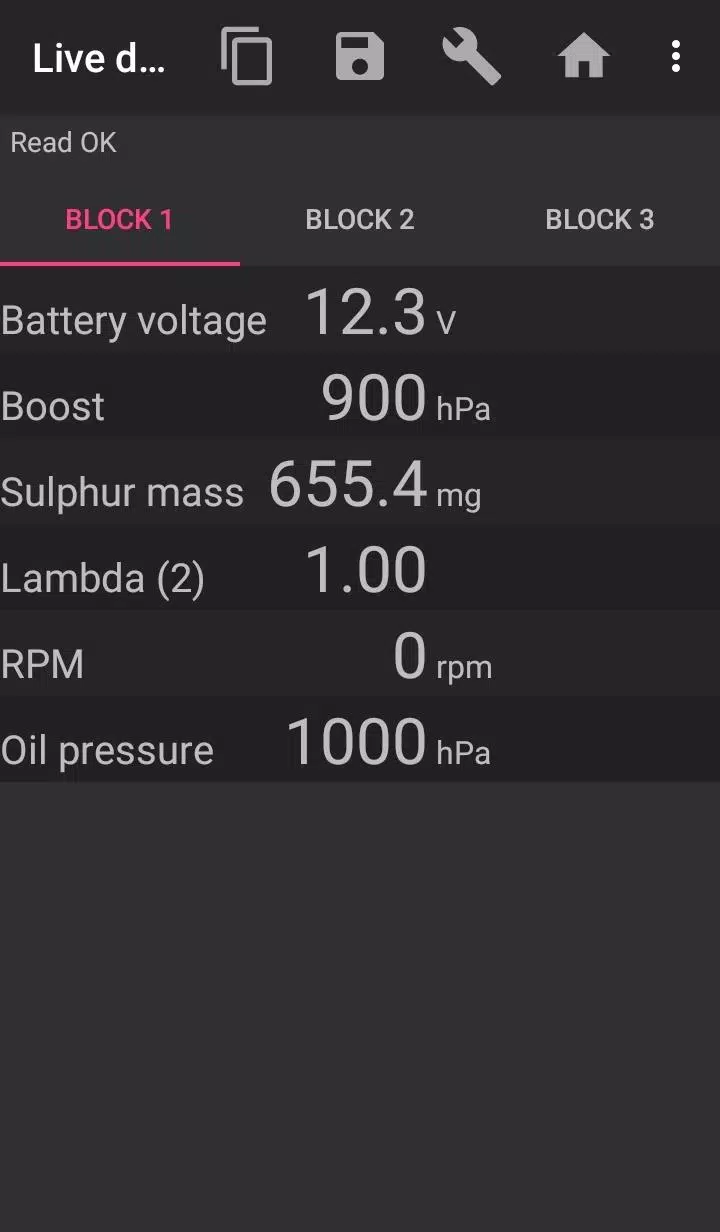
- Track air mass, manifold pressure, and fuel pressure readings
- Export diagnostic logs to CSV
- Register battery replacements
- Clear short-circuit warning lights
- Reset service interval counters
Compatible adapters:
- K+DCan USB (most stable option, requires USB-OTG)
- ENET cable/WiFi (ideal for F/G series models)
- ELM327 Bluetooth (requires genuine hardware, may lag)
- ELM327 WiFi (disable mobile data for stability)
For support inquiries, contact us via email (see footer).
Setup guide:
1) Plug adapter into OBD-II port
2) Turn ignition to ON
3) Connect to device:
* USB: Link via OTG cable, select bimmer-tool when prompted
* Bluetooth: Pair adapter (PIN: 0000/1234)
* WiFi: Disable mobile data first
4) Launch app → Select vehicle details
5) Configure connection settings
6) Tap 'Connect'
**Note:
Pre-2008 models (including e46/e39/e83/e53) require K+DCan cable and only support engine ECU diagnostics.
Troubleshooting:
- Intermittent engine errors (pre-2007+wifi/BT): Enable ATWM in advanced settings
- Connection failures: Force-stop all diagnostic apps or reboot device
Permission requirements:
- Storage: USB adapter support
- Media: CSV file creation
- Bluetooth: Wireless adapter pairing
- Network: WiFi functionality
- Location: Required by OS for Bluetooth (not used by app)
What's New in Version 3.7.6-L
Updated November 10, 2024
Added diesel idle speed calibration
Enhanced throttle body control





- Black Myth: Zhong Kui Release Date and Time 2 weeks ago
- Atelier Yumia Unveils Launch Date 2 weeks ago
- Official Anime Auto Chess Release Date and Gameplay 2 weeks ago
- Check Out These Fantastic Legion Gaming Laptop Deals During the Lenovo Labor Day Sale 2 weeks ago
- Coppola's Megalopolis Spawns Graphic Novel Spin-off 3 weeks ago
- Save 20% Off the Google Streamer 4K (The Best Android Streaming Device Under $100) 3 weeks ago
-

Lifestyle / 24.4.1 / by Calisteniapp, S.L. / 69.34M
Download -

Productivity / v1.0 / by xifa console / 2.95M
Download -

Lifestyle / 0.105 / by Veicoli Srl / 4.80M
Download -

Personalization / 1.3.2 / 229.15M
Download -

Tools / 2.2.8 / by Gspace Team / 15 MB
Download -

Communication / 2.0.0.24 / 59.72M
Download


-
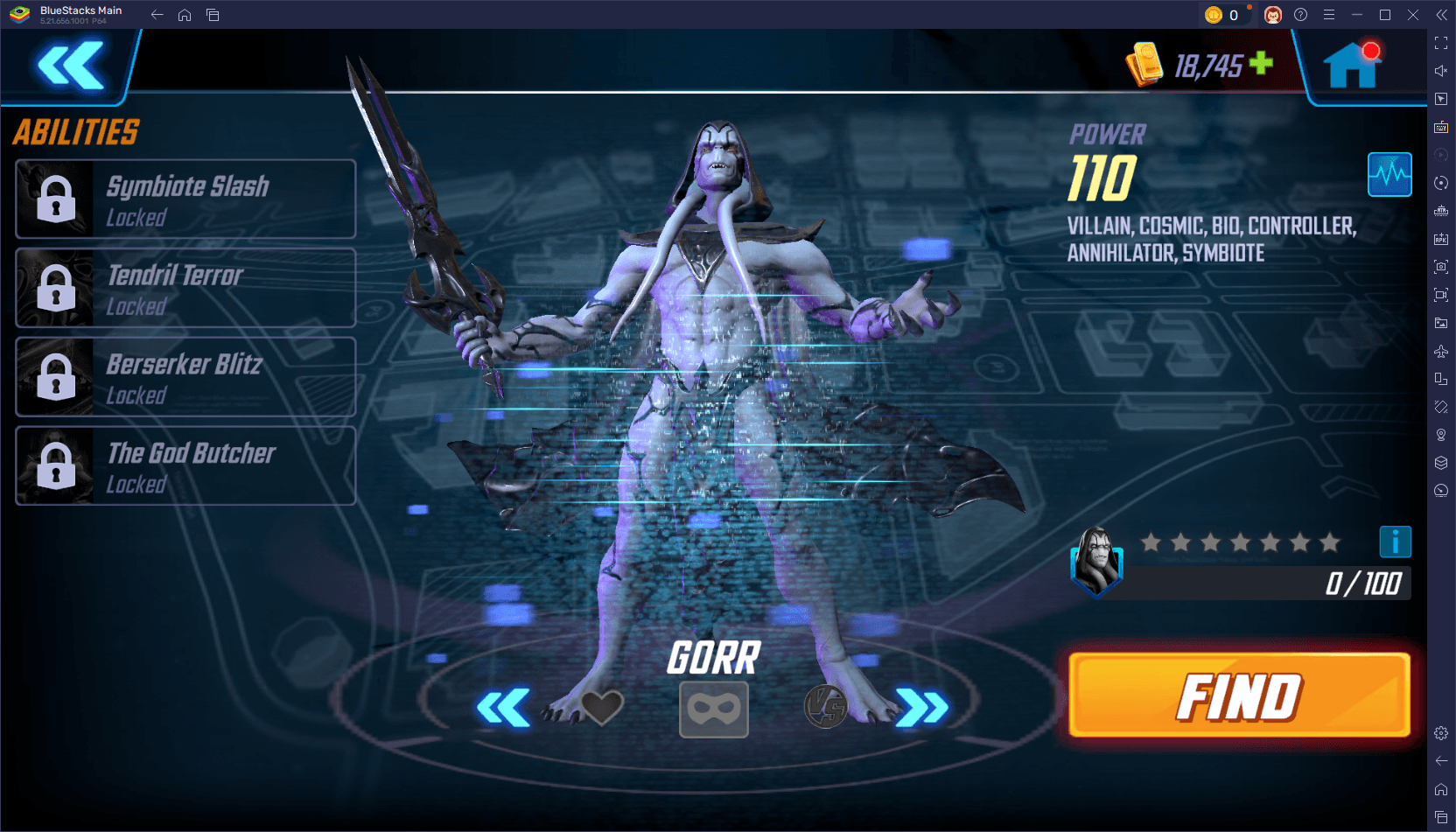 The 10 Best Teams in Marvel Strike Force (2025)
-
 Square Enix Creates New Policy To Protect Employees From Toxic Fans
-
 How To Fix Marvel Rivals Compiling Shaders Slow on Launch
-
 Celebrate 7th Anniversary: Solve the Mystery in Harry Potter: Hogwarts Mystery!
-
 It seems we can forget about explicit sex scenes in inZOI
-
 "ESO Expansions & DLC: Complete Order Guide"