

BlueDriver
Category : Auto & VehiclesVersion: 7.14.2
Size:119.3 MBOS : Android 8.0+
Developer:Lemur Vehicle Monitors
 Download
 BlueDriver® is a premium OBD2 diagnostic scan tool for professional use. Visit www.BlueDriver.com
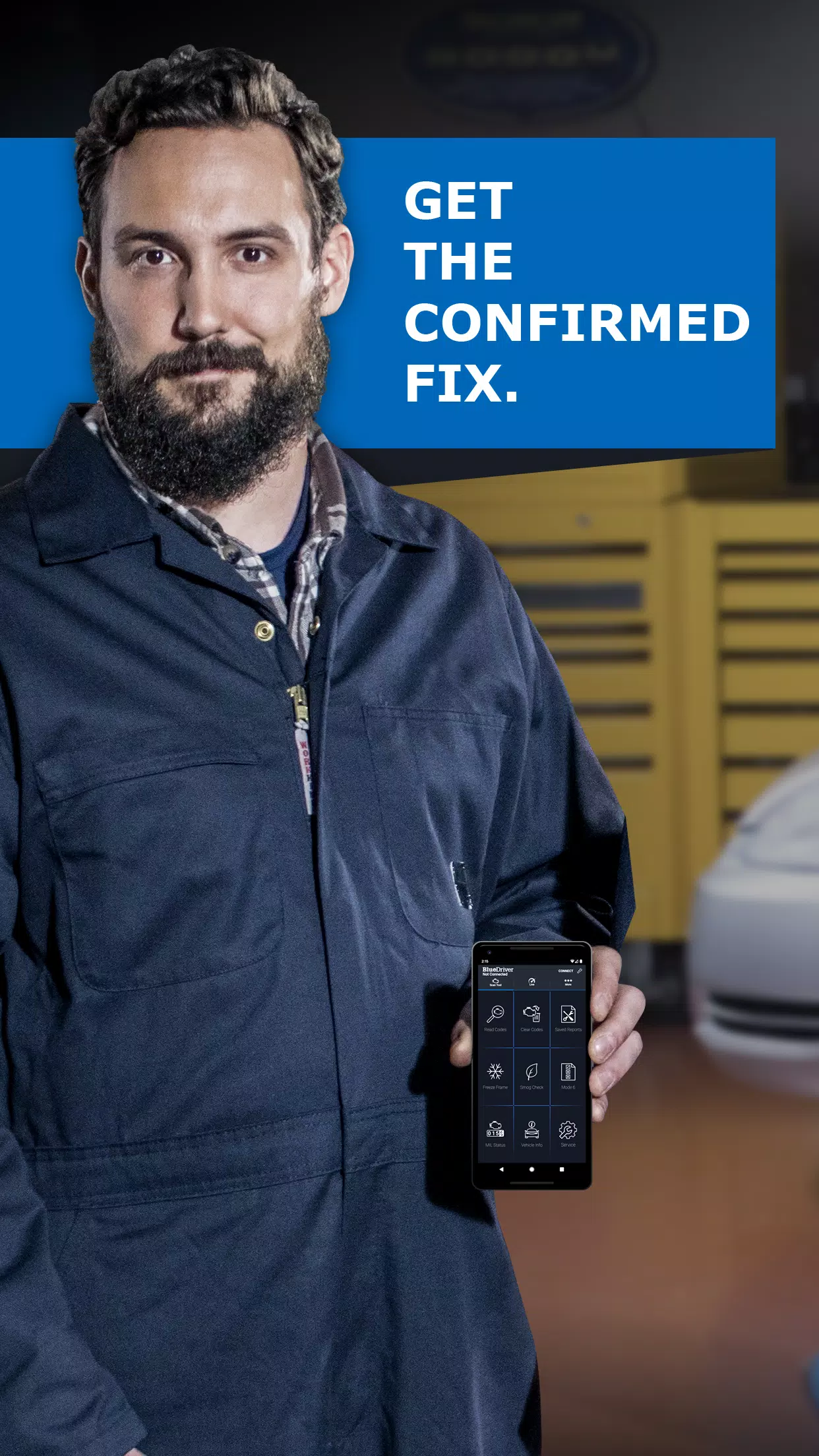
BlueDriver® is a professional-grade OBD2 diagnostic scanner trusted by mechanics, car enthusiasts, and everyday drivers who want deeper insight into their vehicle's performance and repairs—especially when the Check Engine Light turns on.
Features:
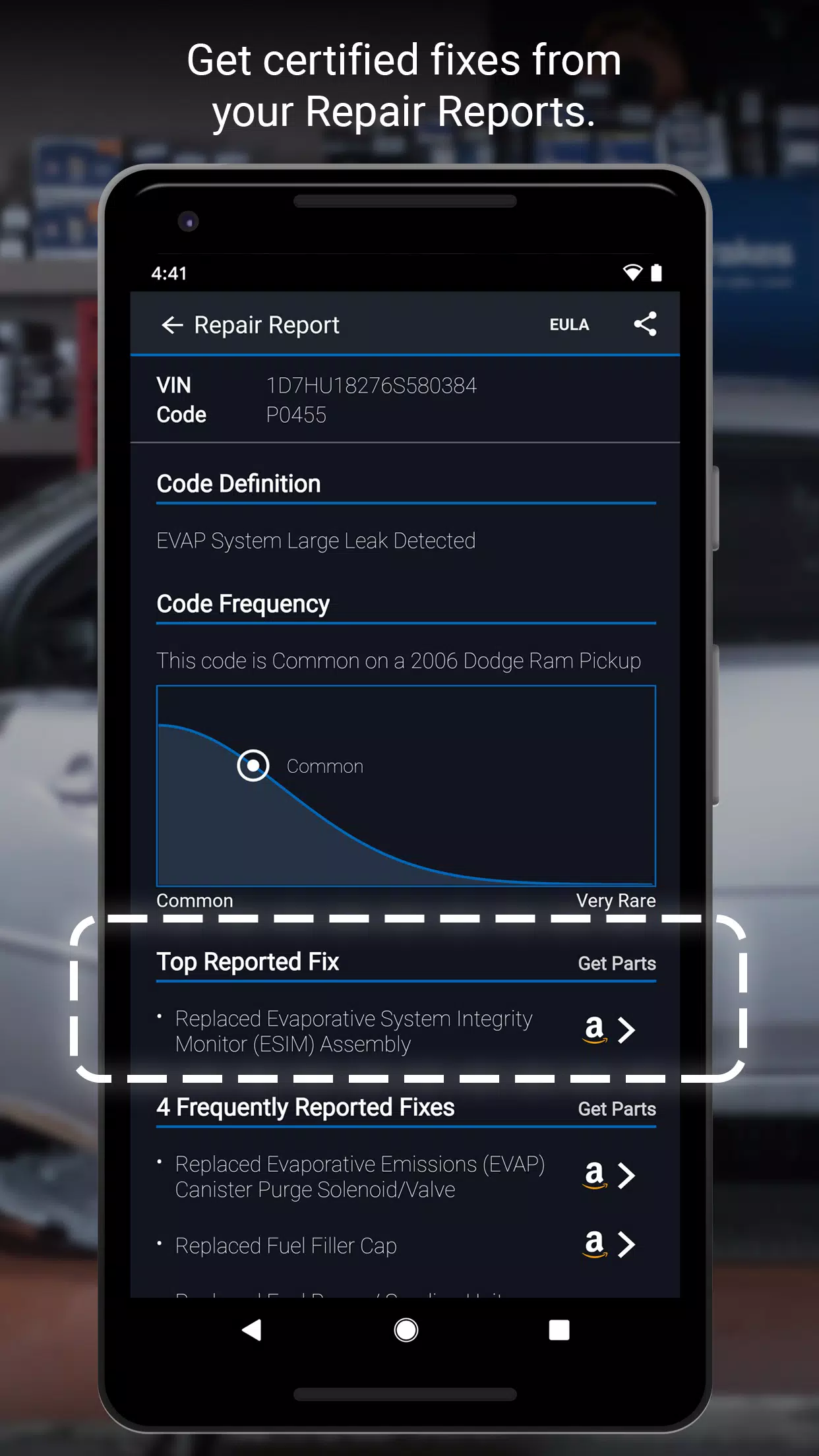
• Create, print, and share detailed Repair Reports
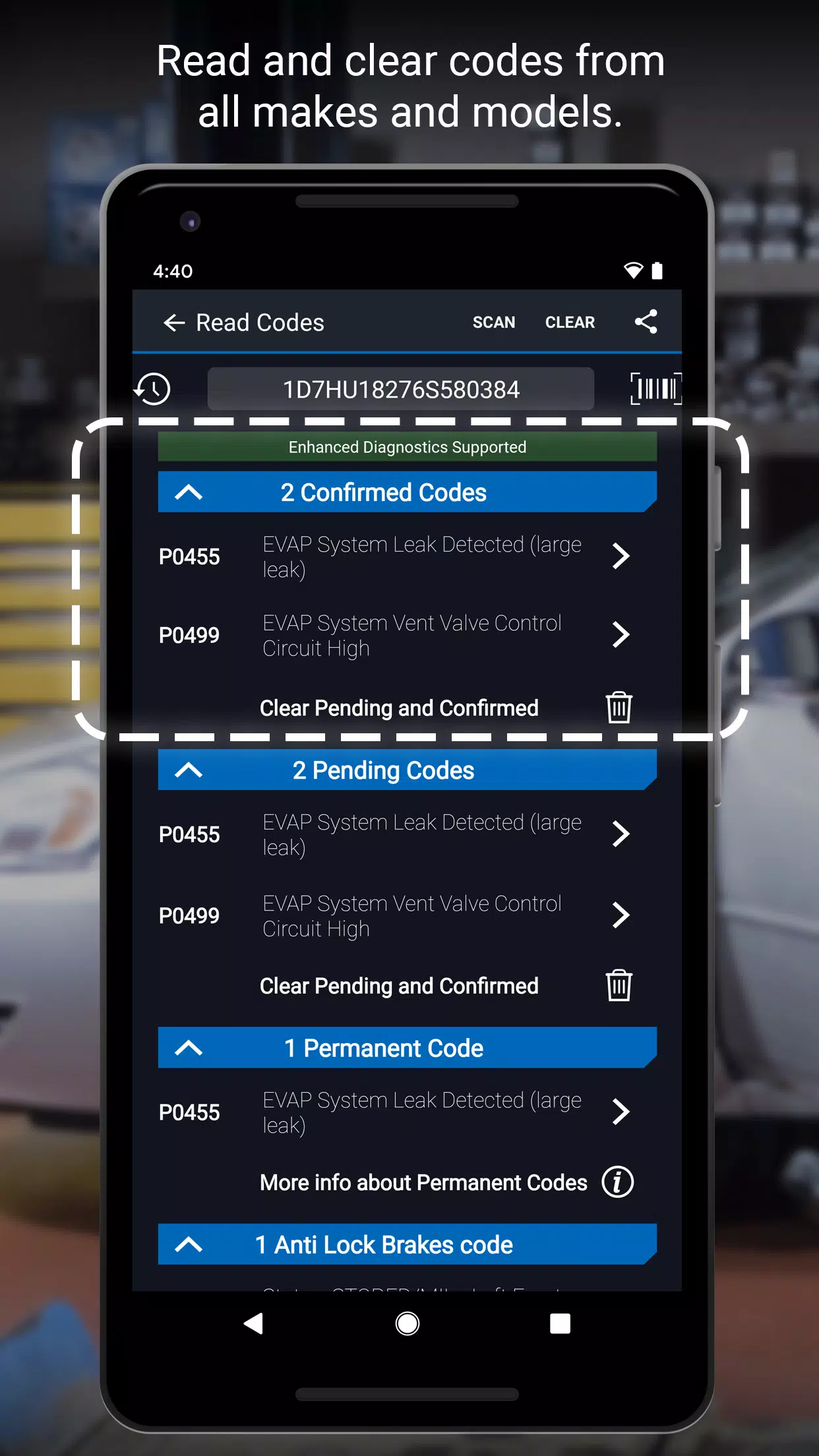
• Scan for trouble codes
• Clear trouble codes
• Enhanced Diagnostics (including ABS, Airbag, and Transmission) for
- GM, Ford, Chrysler, Toyota, Nissan, Mazda, Mercedes (2005 and newer), Mitsubishi (2008 and newer), Hyundai/Kia (2012 and newer) – available worldwide
- BMW/Mini, Honda/Acura, Volkswagen/Audi – available in North America
- Subaru – available in the United States
• Mode 6 (On-Board Monitoring Test Results)
• Smog readiness checks
• Freeze frame data
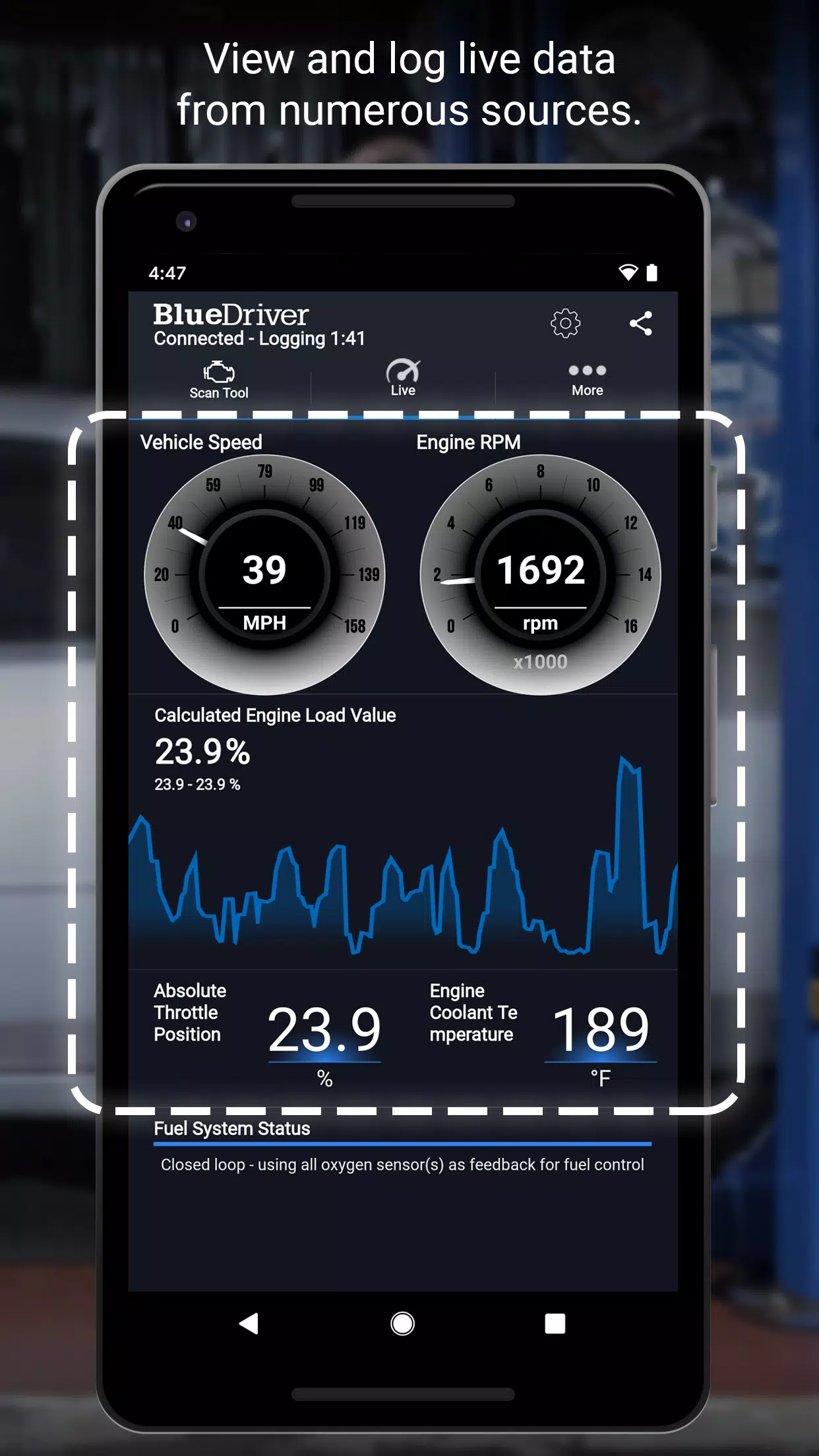
• Multi-data (PID) graphing and logging with interactive features
• Wireless connectivity—no cables required
• Supports both Metric and Imperial units
•••••••• BlueDriver Repair Report Details ••••••••
The BlueDriver Repair Database gives you access to over 30 million user-validated fixes ranked by frequency and reliability. Each Repair Report is customized to your vehicle’s year, make, and model, offering clear, actionable repair guidance—not just basic code definitions. Save time and effort by letting BlueDriver help prioritize your repairs. View a sample Repair Report directly in the app.
•••••••• IMPORTANT INFORMATION ••••••••
BlueDriver is a professional-grade diagnostic tool. The app is free to install, but you’ll need the BlueDriver Bluetooth® OBD2 Sensor to connect to your vehicle. The sensor is sold separately—purchase it via the 'More' tab in the app or at www.BlueDriver.com. You can generate Repair Reports without the sensor by selecting ‘Repair Reports’ > ‘New Report’ and entering your VIN and trouble code.
The BlueDriver Sensor plugs directly into your car’s OBD2 port, located near the steering wheel. All vehicles manufactured since 1996 come with this standard port. BlueDriver is compatible with cars worldwide.
Join thousands of satisfied BlueDriver users and fans at www.facebook.com/BlueDriver.f
Follow us on Twitter @BlueDriver_tw
What's New in the Latest Version 7.14.2
Last updated on Nov 9, 2024
- General performance improvements





- Black Myth: Zhong Kui Release Date and Time 1 weeks ago
- Atelier Yumia Unveils Launch Date 2 weeks ago
- Official Anime Auto Chess Release Date and Gameplay 2 weeks ago
- Check Out These Fantastic Legion Gaming Laptop Deals During the Lenovo Labor Day Sale 2 weeks ago
- Coppola's Megalopolis Spawns Graphic Novel Spin-off 2 weeks ago
- Save 20% Off the Google Streamer 4K (The Best Android Streaming Device Under $100) 2 weeks ago
-

Lifestyle / 24.4.1 / by Calisteniapp, S.L. / 69.34M
Download -

Productivity / v1.0 / by xifa console / 2.95M
Download -

Lifestyle / 0.105 / by Veicoli Srl / 4.80M
Download -

Personalization / 1.3.2 / 229.15M
Download -

Tools / 2.2.8 / by Gspace Team / 15 MB
Download -

Communication / 2.0.0.24 / 59.72M
Download


-
 The 10 Best Teams in Marvel Strike Force (2025)
-
 Square Enix Creates New Policy To Protect Employees From Toxic Fans
-
 How To Fix Marvel Rivals Compiling Shaders Slow on Launch
-
 Celebrate 7th Anniversary: Solve the Mystery in Harry Potter: Hogwarts Mystery!
-
 It seems we can forget about explicit sex scenes in inZOI
-
 "ESO Expansions & DLC: Complete Order Guide"