

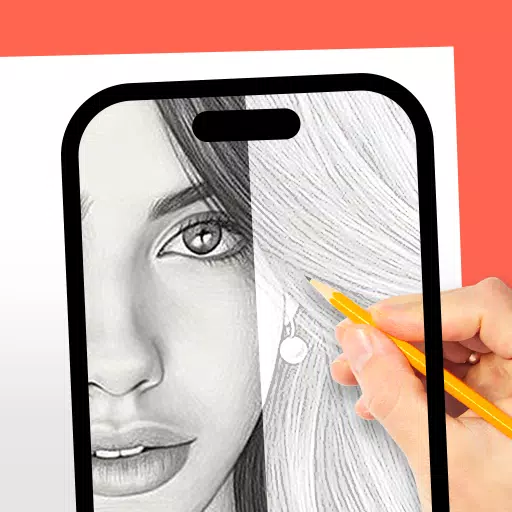
AR Drawing: Trace & Sketch
Category : Art & DesignVersion: 1.0.9
Size:32.0 MBOS : Android 5.0+
Developer:Mitra Ringtones
 Download
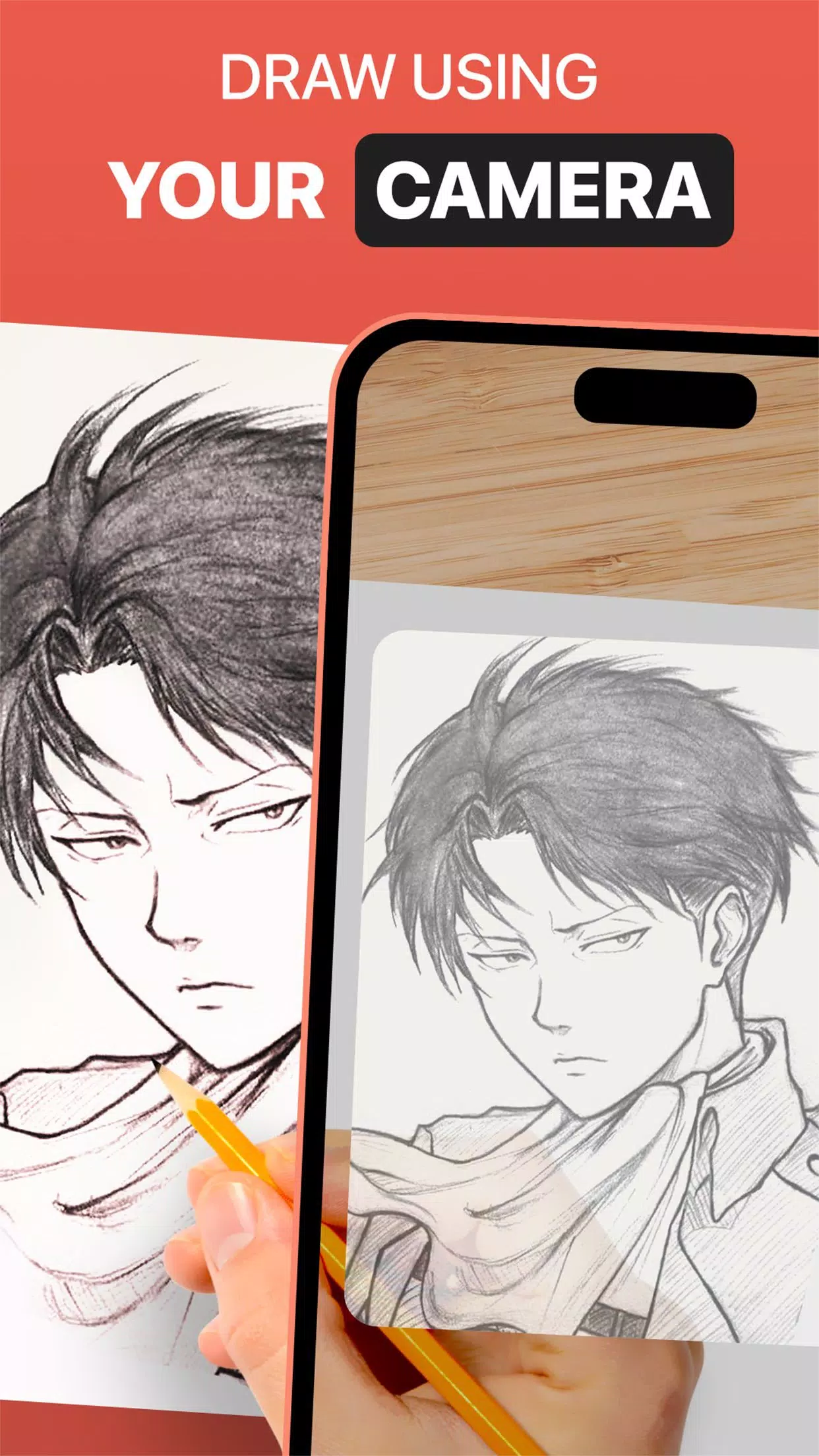
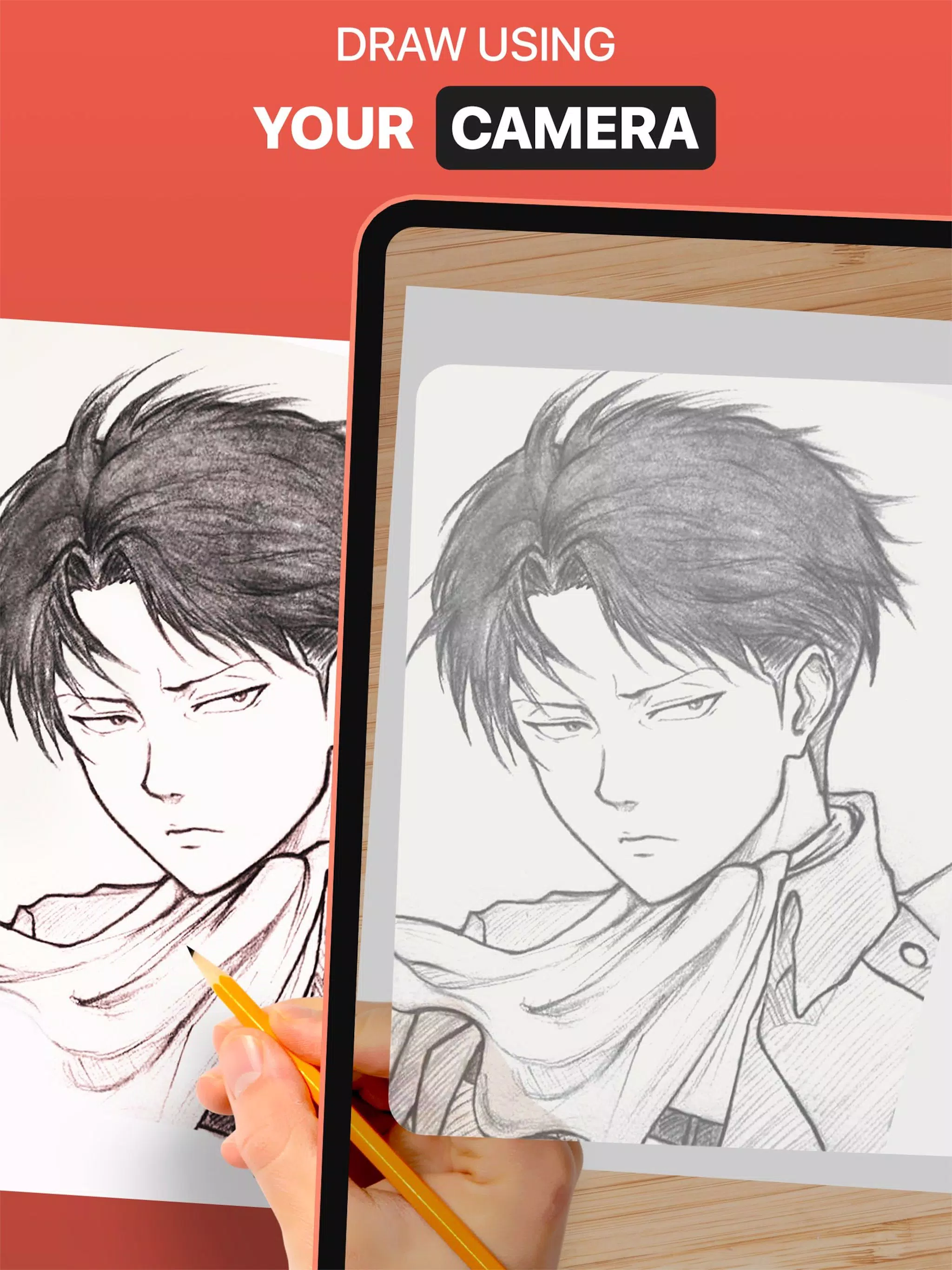
 Use the DrawingAR app to trace images directly from your device's screen and draw them onto paper.
DrawingAR utilizes augmented reality (AR) technology to project images onto surfaces like paper. Follow the outlined image on your screen as you draw, delivering a guided tracing experience.
Easy Drawing is a straightforward app that lets you import pictures from your gallery and overlay them with a transparent layer. You can trace sketches or images right on your device's screen and quickly reproduce them on paper.
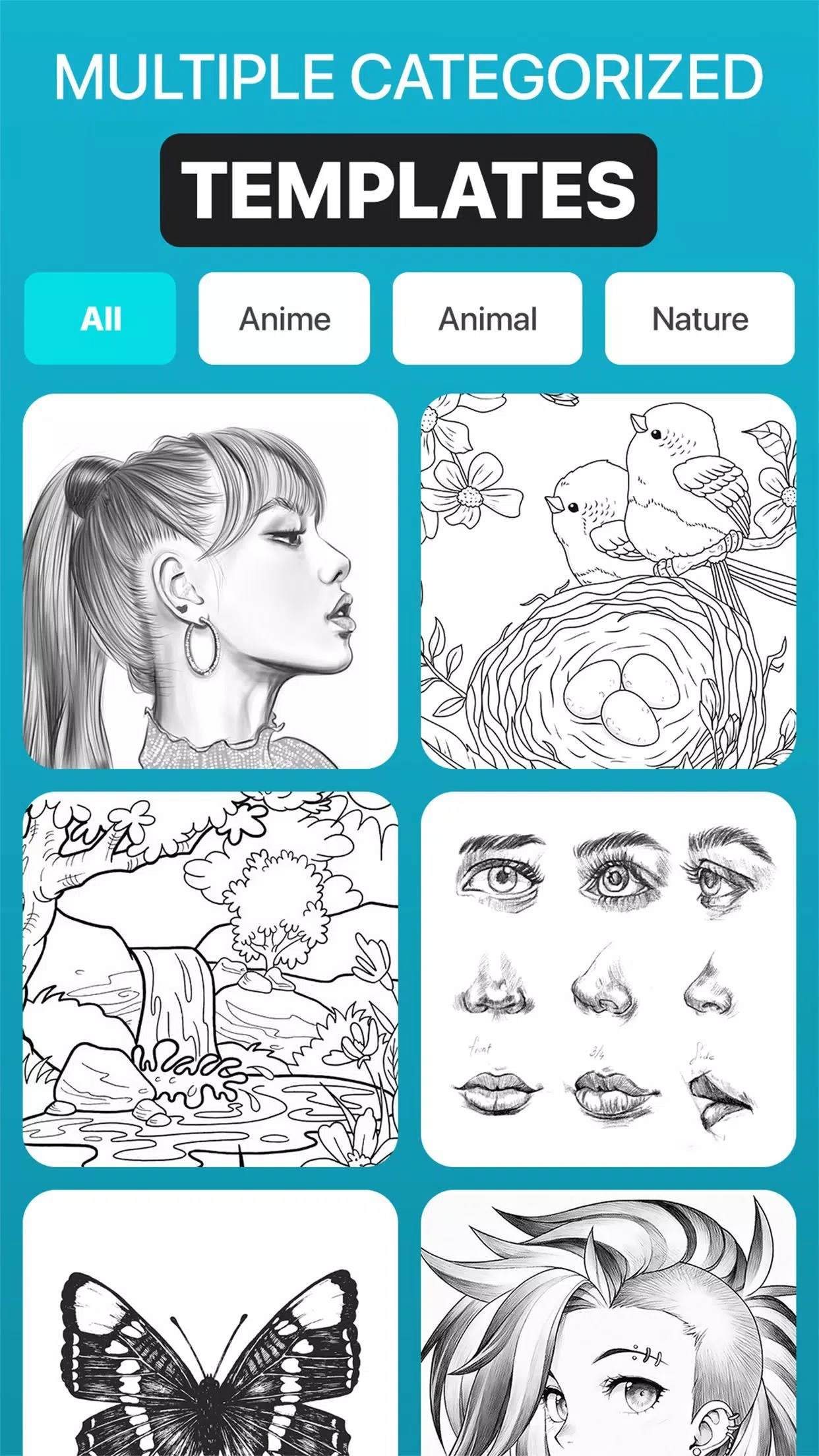
Sketch AR comes with hundreds of predefined images across categories like Animals, Cartoons, Food, Birds, Trees, Rangolis, and many other sketches and drawings.
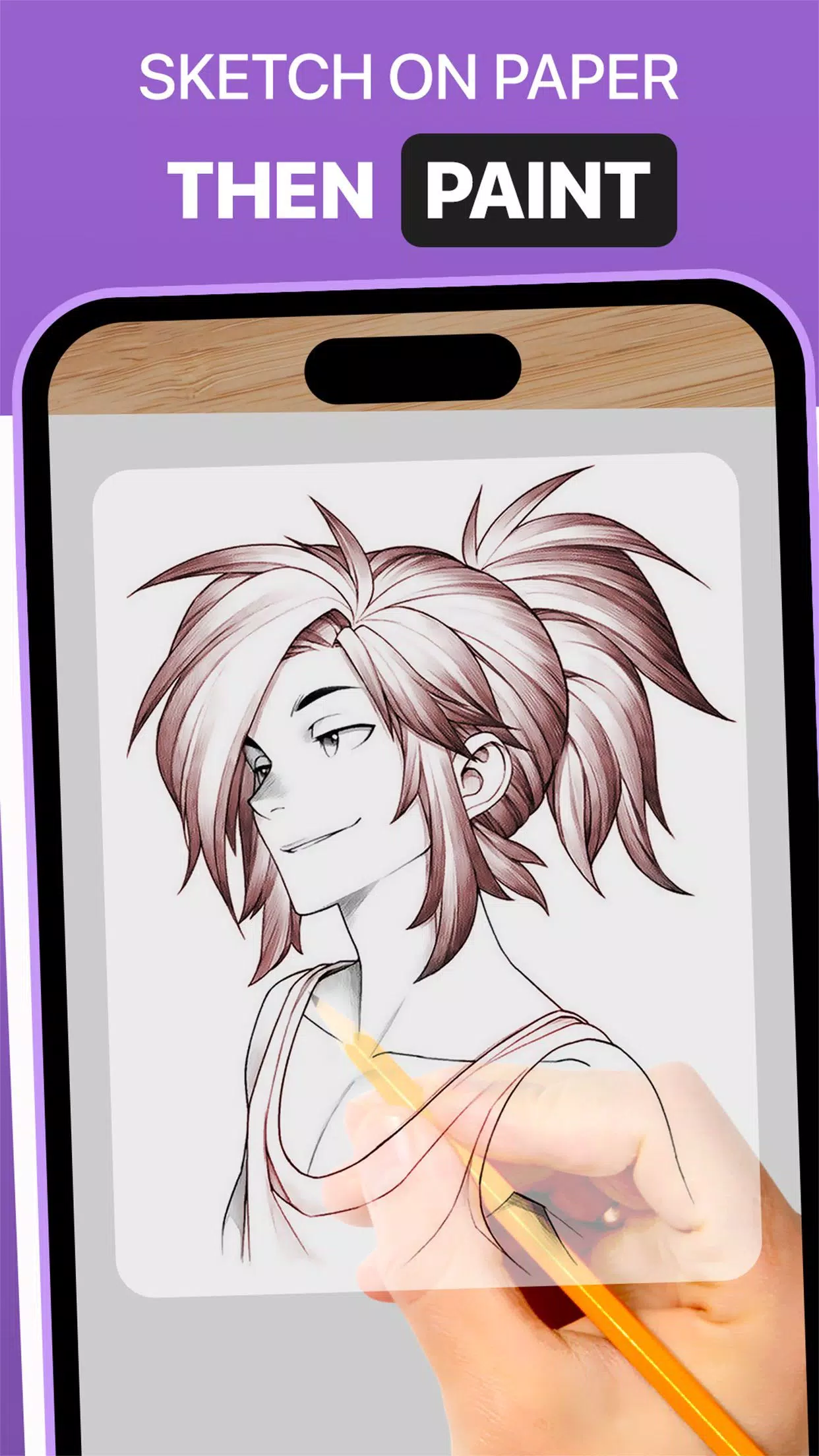
The Trace Anything app includes options to adjust image overlay opacity, zoom in or out, and pick from different images to trace. You can even paint your traced image using tracing paper or a sketch pad.
➤ Key Features of the AR Drawing App:
1. Image Import: Import images or sketches from your photo library or capture new ones with the built-in camera. Use these as tracing references for drawing on paper.
2. Image Overlay: Once an image is imported, the Trace Anything app overlays it onto your screen. Adjust its opacity to see both the original image and your tracing paper clearly. Make images transparent for quick and easy drawing.
3. Built-in Browser: Browse and import easy sketches or any type of image directly inside the Easy Drawing app. No need to use external browsers or download images separately.
4. Opacity Control: Adjust the transparency of the overlaid image in the Trace Drawing app to match your visibility preferences and drawing style.
5. Video Recording: Use the dedicated record button to capture your tracing process. The app also supports time-lapse video, and all recordings are saved in your device's ‘Drawing AR’ folder.
6. Snapshot Your Drawing: Capture images of your traced artwork while drawing or once finished. All photos are saved directly to your gallery.
7. User-Friendly Interface: Sketch AR offers a clean, intuitive interface with helpful tracing elements that are easy to manage and use.
➤ How to Use the AR Drawing App:
1. Download and open the DrawingAR app on your mobile device.
2. Import or choose an image to trace.
3. Place your paper or sketch pad in a well-lit area.
4. Adjust the image overlay and align it correctly on your screen.
5. Begin tracing the image onto the paper, following its details accurately.
This AR Drawing app is a versatile tool for artists, designers, and all creative individuals.




- Rocksteady Studios Rumored to Develop New Batman Game 4 days ago
- Daphne Hosts Otherworldly Guests in Blade & Bastard Crossover 4 days ago
- Switch 2 Stock Shortage Reportedly Ending 1 weeks ago
- World of Goo 2 Brings Physics Puzzles to Mobile 1 weeks ago
- Harukanaru Toki no Naka de: Ryuuguu no Miko is coming to iOS and Android this winter 1 weeks ago
- The Thunderbolts* 4K Steelbook Is Finally Up for Preorder, and It Features Both Titles 1 weeks ago
-

Lifestyle / 24.4.1 / by Calisteniapp, S.L. / 69.34M
Download -

Productivity / v1.0 / by xifa console / 2.95M
Download -

Lifestyle / 0.105 / by Veicoli Srl / 4.80M
Download -

Personalization / 1.3.2 / 229.15M
Download -

Tools / 2.2.8 / by Gspace Team / 15 MB
Download -

Communication / 2.0.0.24 / 59.72M
Download


-
 The 10 Best Teams in Marvel Strike Force (2025)
-
 Square Enix Creates New Policy To Protect Employees From Toxic Fans
-
 Celebrate 7th Anniversary: Solve the Mystery in Harry Potter: Hogwarts Mystery!
-
 How To Fix Marvel Rivals Compiling Shaders Slow on Launch
-
 It seems we can forget about explicit sex scenes in inZOI
-
 "ESO Expansions & DLC: Complete Order Guide"