


 Download
 Create pixel art, animate sprites, and modify game textures with Inktica!
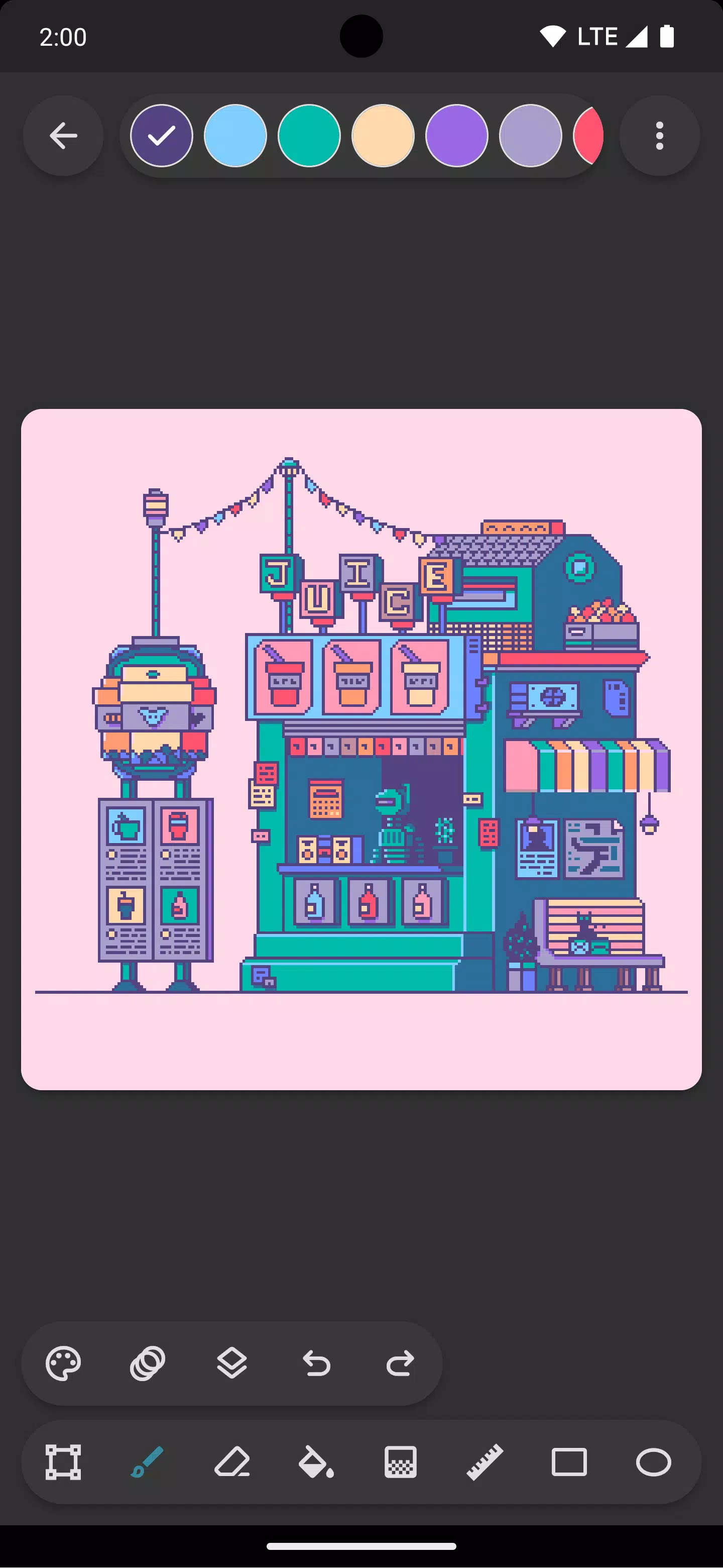
Craft pixel art with Inktica—a powerful yet easy-to-use pixel art editor. Use it to create art inspired by the low-resolution graphics of classic computers and game consoles, or to edit textures for your games.
Inktica provides a robust set of tools designed for editing images at the pixel level. Essential tools for pixel art include the Brush, Eraser, Flood-fill, Gradient, Line, Rectangle, Ellipse, and Pipette. These tools feature pixel‑art‑specific options, such as the brush’s “pixel perfect” algorithm for drawing crisp single‑pixel‑wide lines.
Use Inktica’s selection tool to copy, cut, move, and paste sections of your drawing or texture. You can also rotate or flip selections before pasting them.
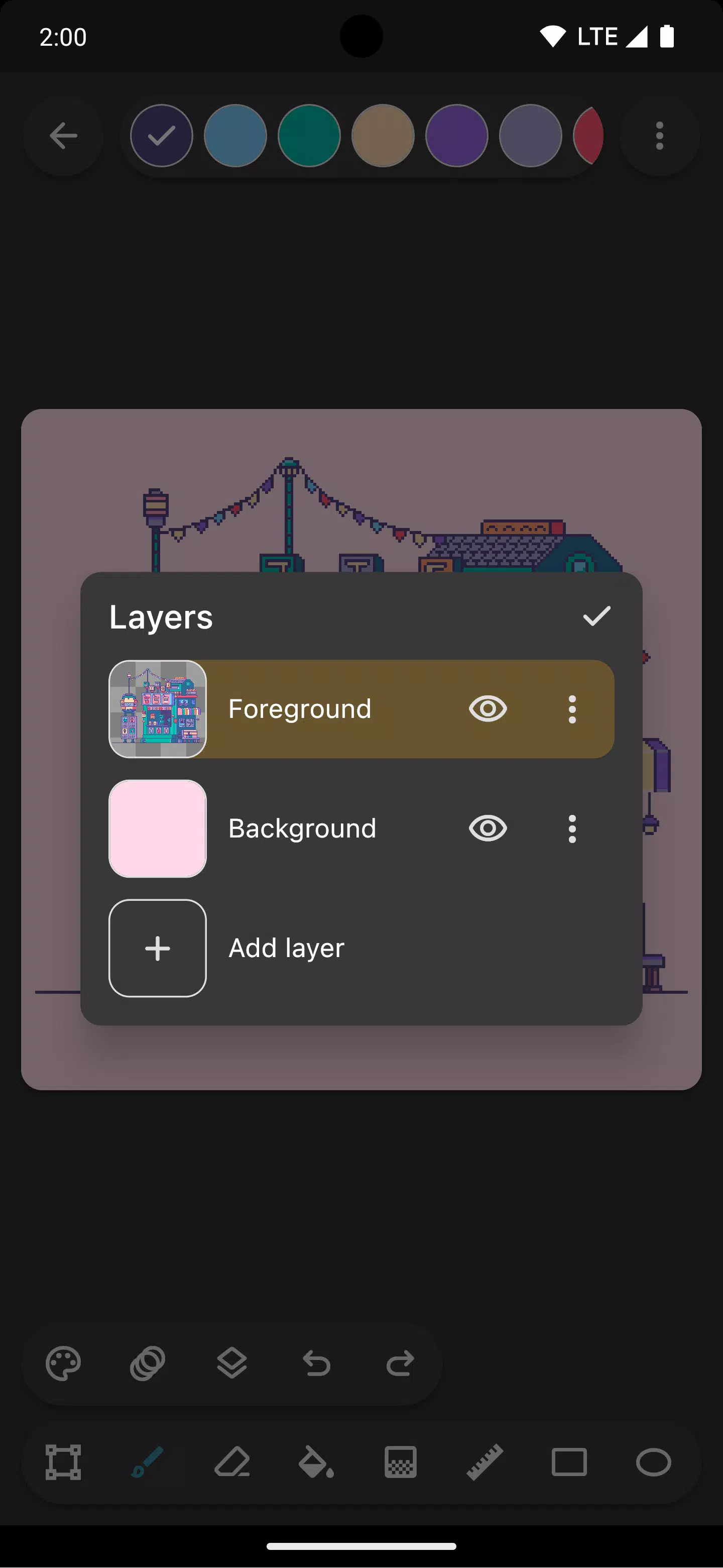
Inktica supports layers, helping you organize your pixel art and making it easier to edit specific parts.
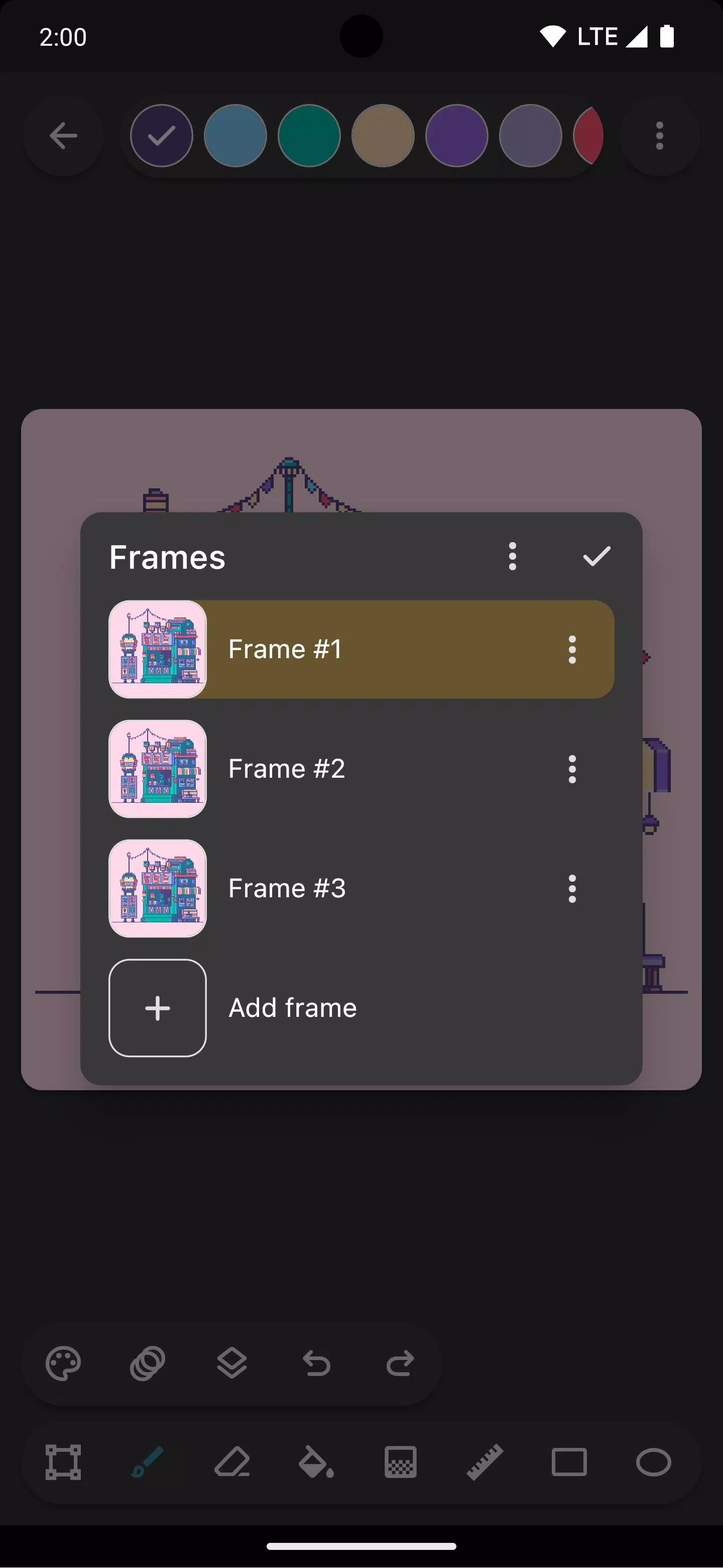
Bring your sprites to life with built‑in animation tools. While creating pixel animations, the onion‑skin option lets you easily compare the current frame with the previous one.
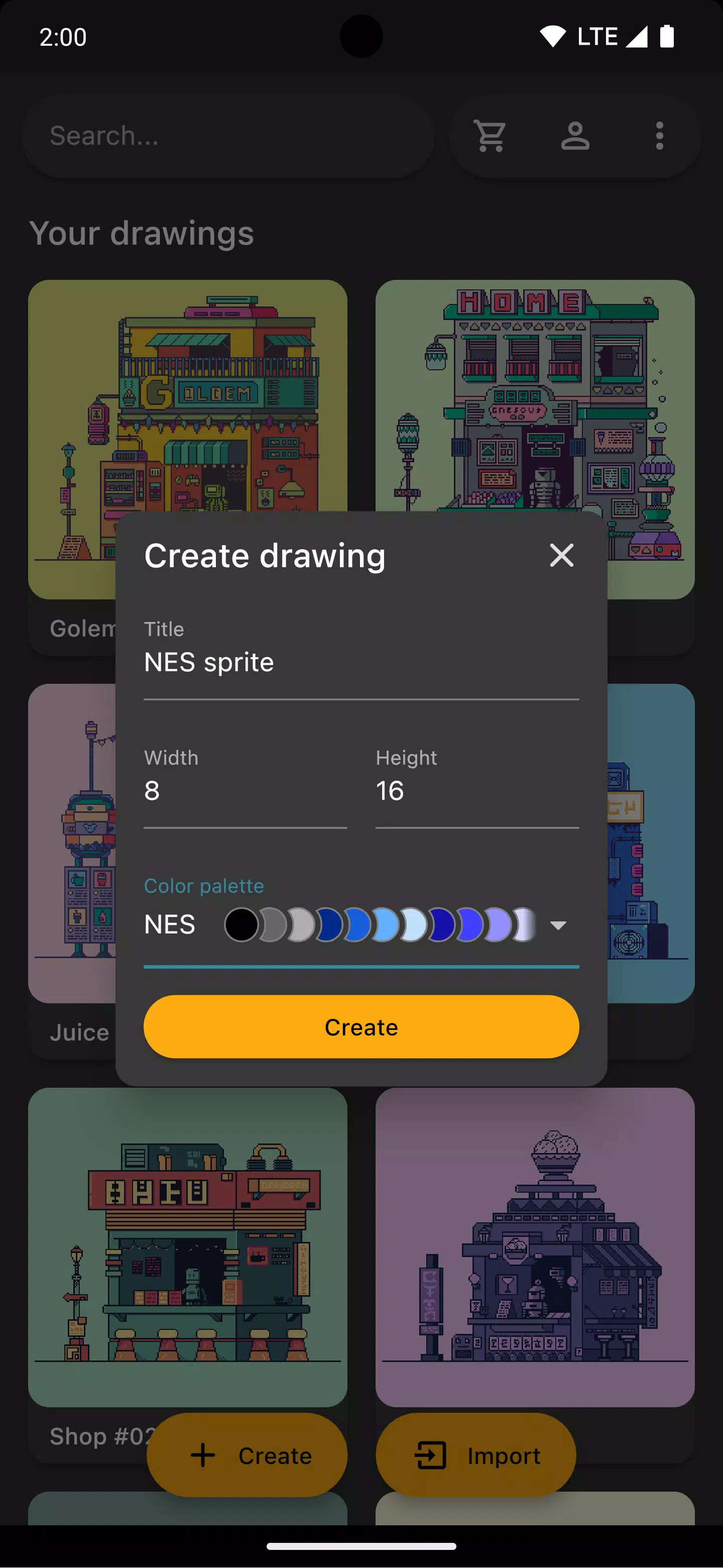
Choose from color palettes inspired by popular classic consoles like the Atari 2600, NES, or Game Boy. You can also import beautiful palettes from Lospec.
While drawing, open a reference image from your gallery to quickly compare your work with the source.
Once your artwork is complete, share it directly on social media or export it to your device’s storage. Exported images can be upscaled to prevent blurriness when viewed on non‑pixel‑art platforms.
Inktica also lets you edit pixel art made with other tools. It supports importing Aseprite files (.ase, .aseprite) as well as common image formats like PNG, JPEG, and GIF.
Art in screenshots by Pikurā
Privacy policy: https://inktica.com/privacy-policy.html
Terms of use: https://inktica.com/terms-of-use.html
What's New in the Latest Version 1.35.97
Last updated on Nov 11, 2024
- Updated the color dialog to a grid layout for displaying more colors
- Selecting a color in the dialog now dismisses it automatically for faster color switching


- The Thunderbolts* 4K Steelbook Is Finally Up for Preorder, and It Features Both Titles 1 weeks ago
- Hoora turns mobile gaming into a TikTok-style scroll of endless minigames 1 weeks ago
- Duet Night Abyss Cuts Gacha, Boosts Players & Devs 1 weeks ago
- Pedro Pascal Acknowledges Fan Backlash Over Reed Richards Casting 1 weeks ago
- Brown Dust 2 Pre-Registration Opens for Anniversary Update 1 weeks ago
- Play Together Unveils Massive Dinosaur-Themed Park! 1 weeks ago
-

Lifestyle / 24.4.1 / by Calisteniapp, S.L. / 69.34M
Download -

Productivity / v1.0 / by xifa console / 2.95M
Download -

Lifestyle / 0.105 / by Veicoli Srl / 4.80M
Download -

Personalization / 1.3.2 / 229.15M
Download -

Tools / 2.2.8 / by Gspace Team / 15 MB
Download -

Communication / 2.0.0.24 / 59.72M
Download


-
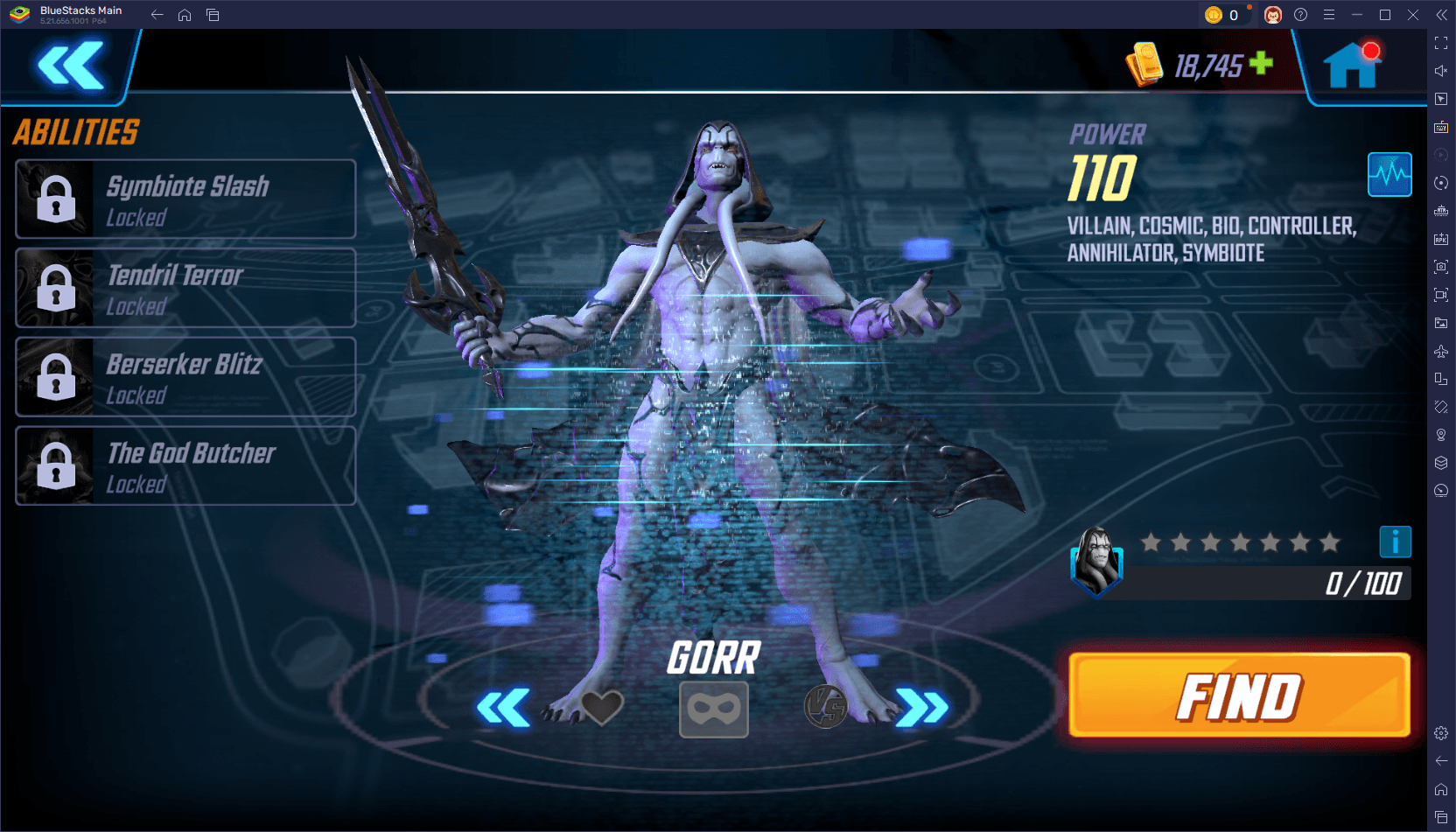 The 10 Best Teams in Marvel Strike Force (2025)
-
 Square Enix Creates New Policy To Protect Employees From Toxic Fans
-
 Celebrate 7th Anniversary: Solve the Mystery in Harry Potter: Hogwarts Mystery!
-
 How To Fix Marvel Rivals Compiling Shaders Slow on Launch
-
 It seems we can forget about explicit sex scenes in inZOI
-
 "ESO Expansions & DLC: Complete Order Guide"