

 ダウンロード
 Absolutely! Here's a polished, professional, and marketing-ready version of your app description for GridArt – Grid Drawing for Artists, optimized for app stores, websites, or promotional materials. It maintains all your core features while enhancing clarity, flow, and appeal:
🎨 GridArt – The Ultimate Grid Drawing App for Artists
Master Proportions. Unlock Precision. Create with Confidence.
Whether you're a beginner learning to draw or a seasoned artist refining your craft, GridArt is your go-to digital companion for mastering the classic grid drawing method — with a modern twist.
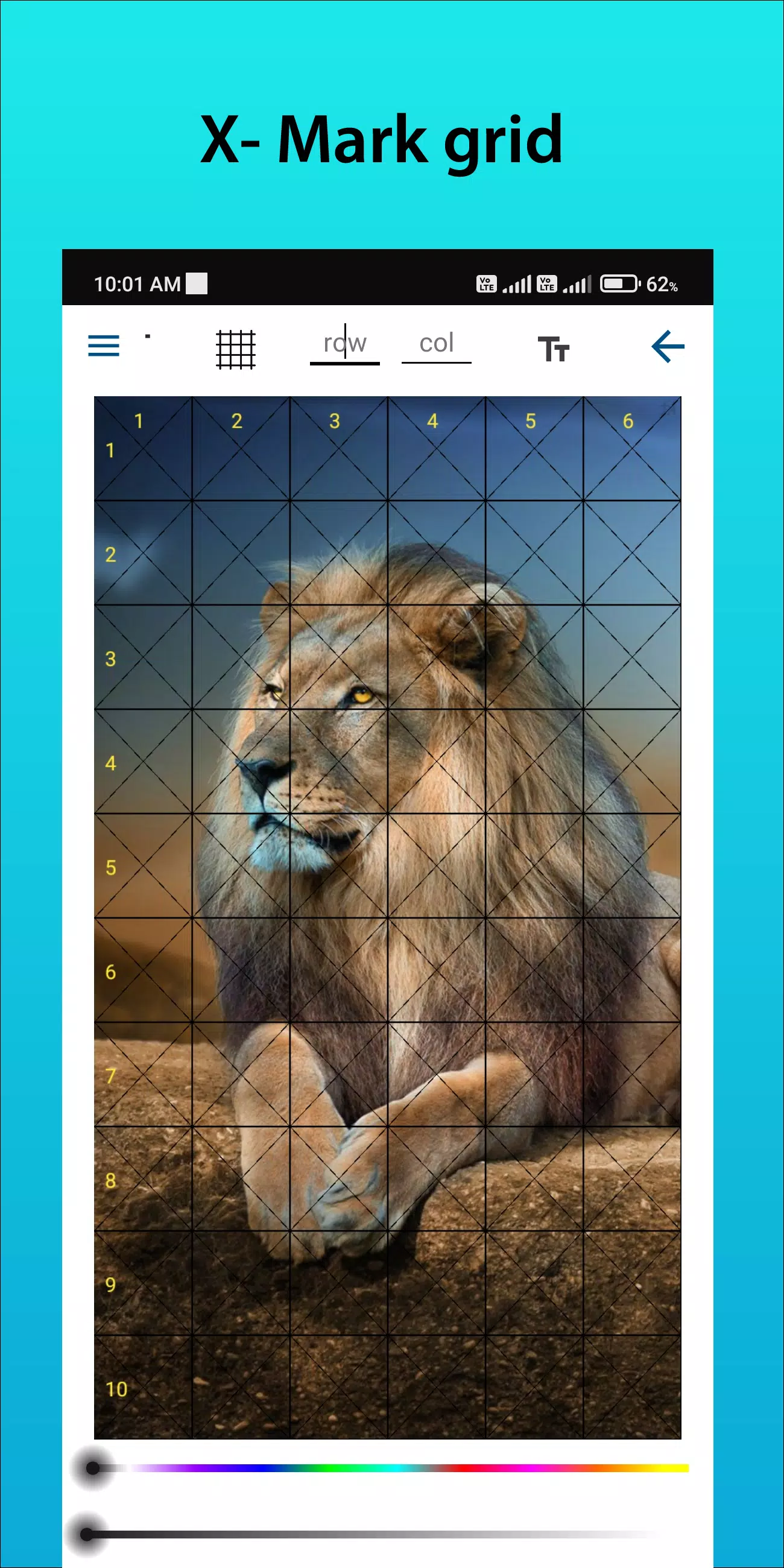
Transform any image into a precise, step-by-step drawing guide with fully customizable grids, intuitive controls, and studio-quality output. Perfect for sketching portraits, landscapes, architecture, manga, and more.
🧩 Why Artists Love the Grid Method
The grid drawing technique has been used for centuries by masters like Leonardo da Vinci and Albrecht Dürer to achieve flawless proportions and accuracy. GridArt brings this powerful method into the digital age — fast, flexible, and built for creativity.
How it works:
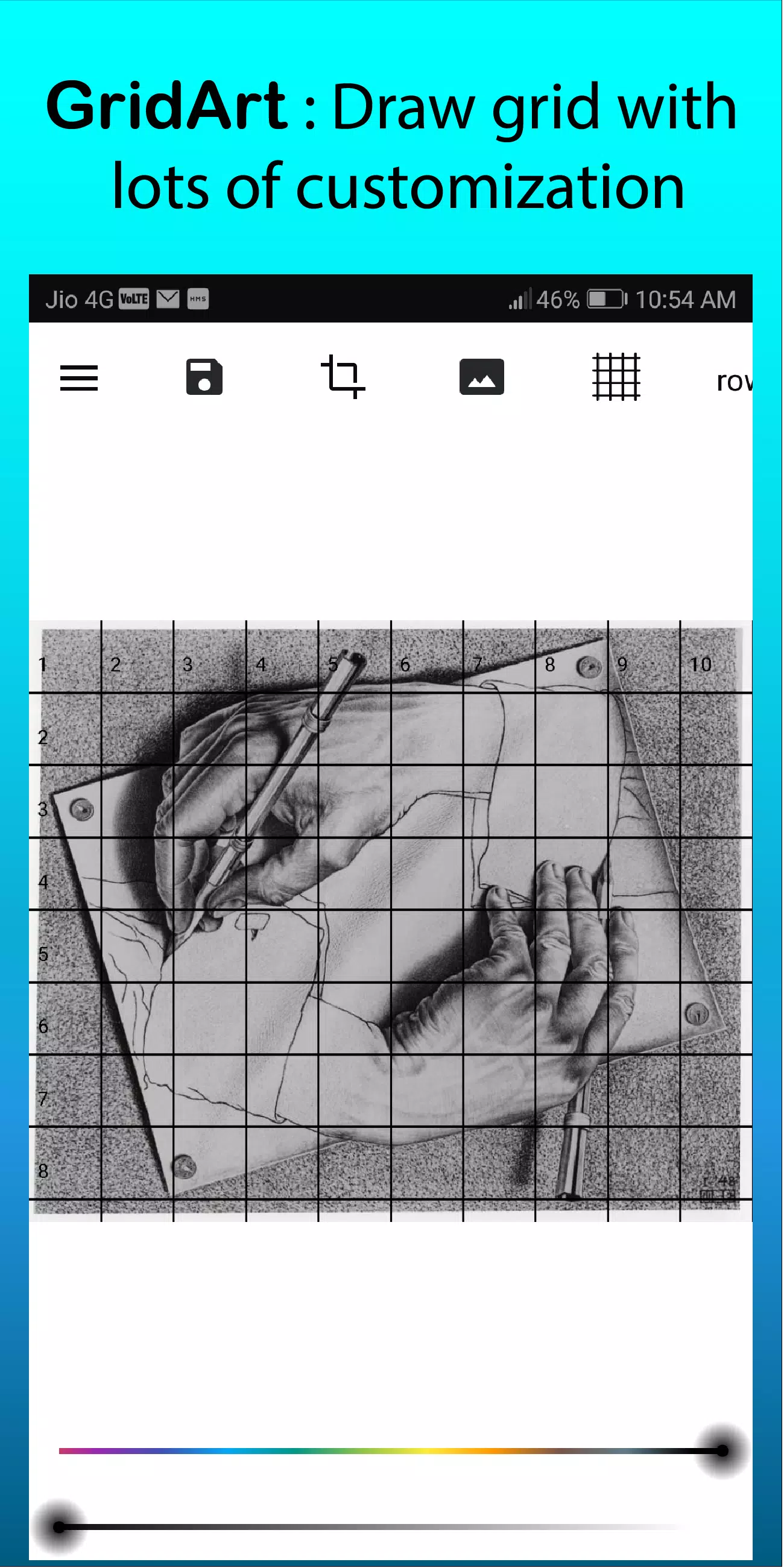
- Overlay a grid on your reference photo.
- Draw a matching grid on your canvas or paper.
- Copy one grid cell at a time — detail by detail.
- Rebuild the image with perfect alignment and scale.
The result? A stunningly accurate artwork — every line in place.
✨ Key Features of GridArt
🔹 Fully Customizable Grids
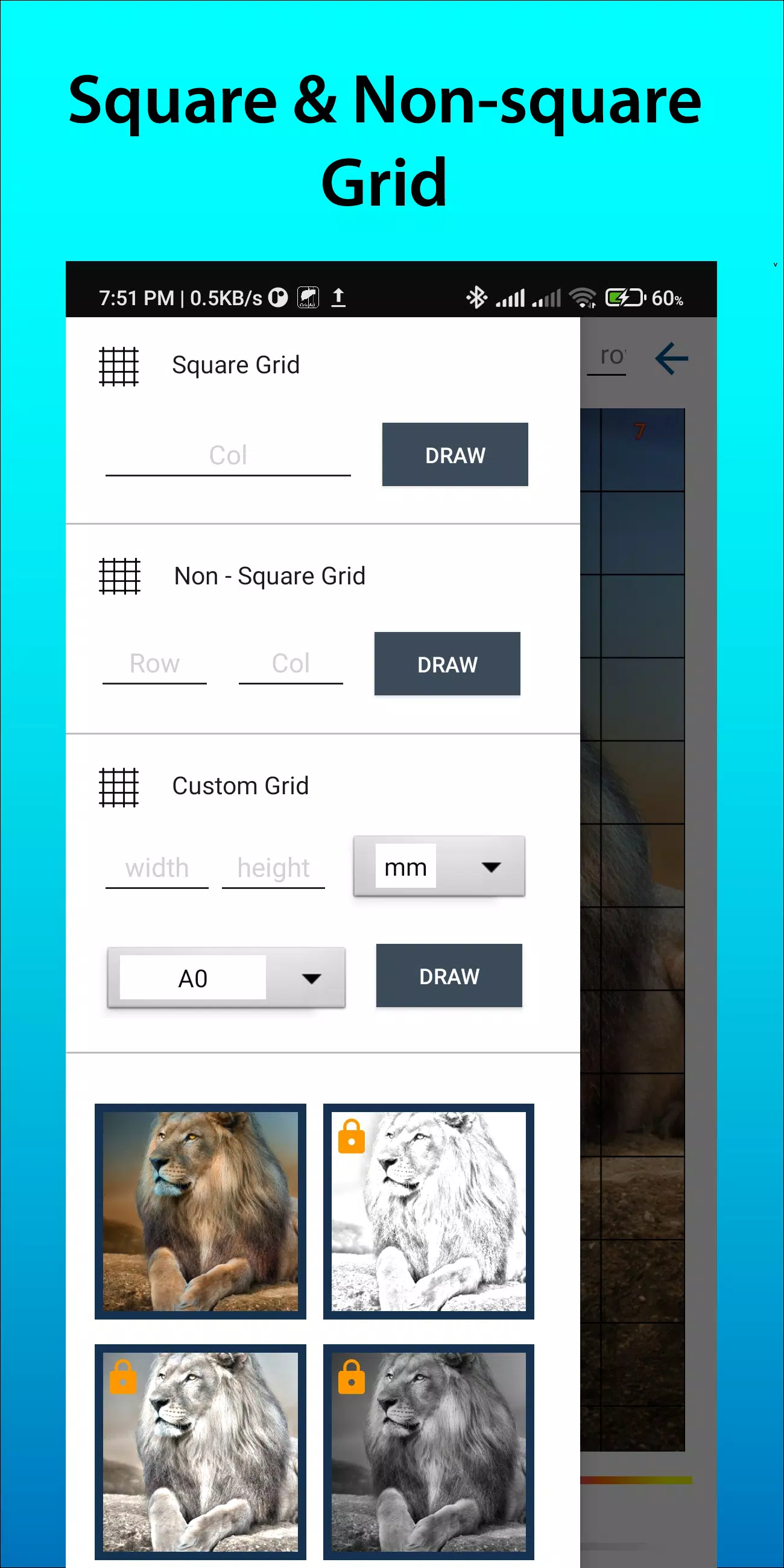
- Choose any number of rows and columns — from 4×4 to 20×20.
- Create square, rectangular, or custom grids to match any canvas or image aspect ratio.
- Adjust line thickness, color, opacity, and style (solid, dashed, dotted).
🔹 Smart Image Management
- Upload photos from your gallery or camera.
- Crop images to any size — including standard ratios like A4, 16:9, 9:16, 4:3, 3:4, or custom dimensions.
- Support for high-resolution images (up to 4K) for ultra-detailed work.
🔹 Intuitive Grid Labeling
- Enable row and column numbering with adjustable font size and style.
- Choose from labeled grids (A1, B3), sequential numbers, or no labels — perfect for printing or sketching.
🔹 Precision Tools for Every Artist
- Draw grids by measurement: inches, centimeters, millimeters — ideal for technical drawing and life-sized sketches.
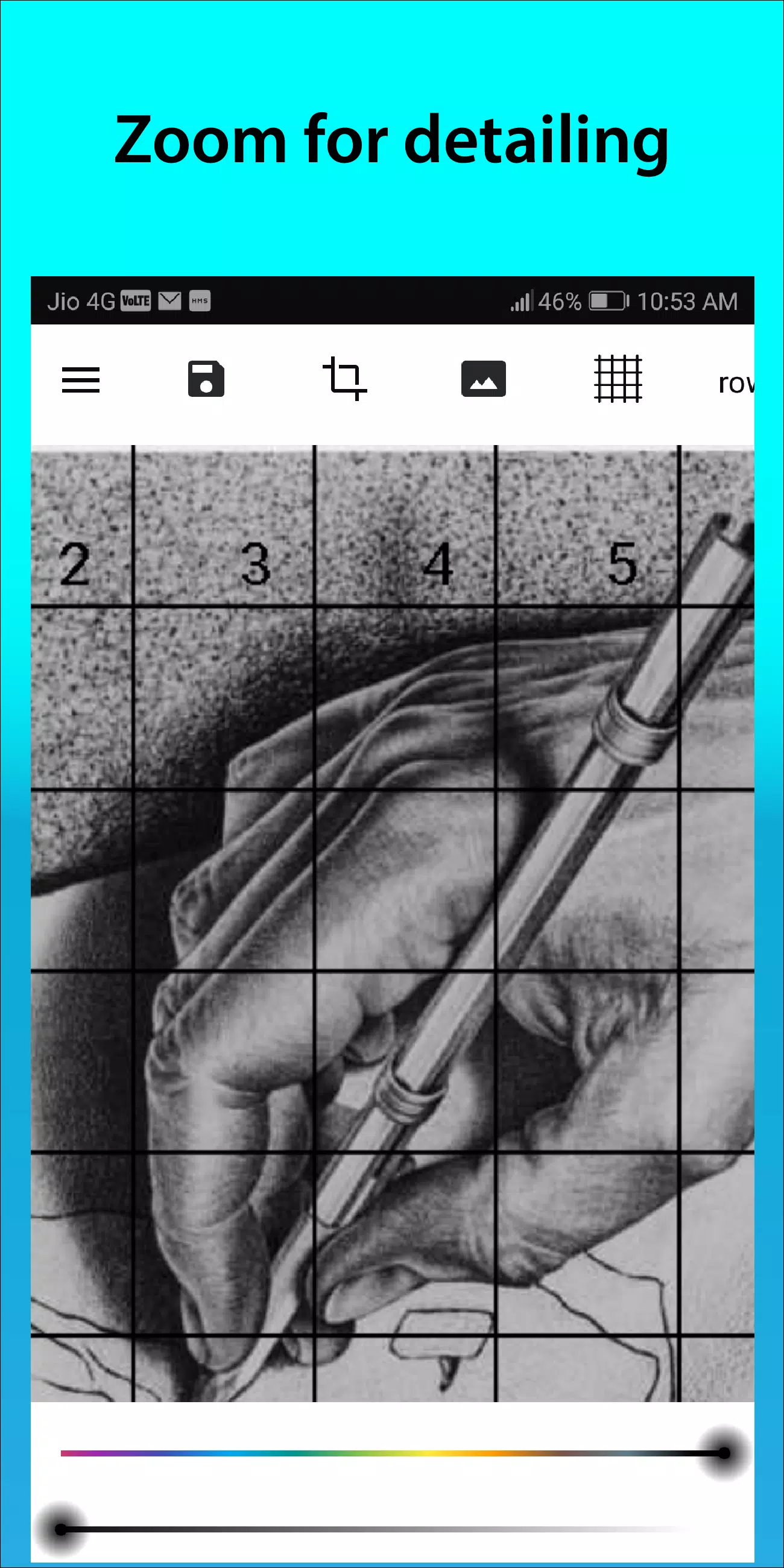
- Use the zoom tool to focus on tiny details with pixel-perfect accuracy.
- Apply a soft sketching filter to fade the background and enhance line visibility.
🔹 Export & Print Ready
- Save your grid-overlay images in high-resolution PNG or JPG formats.
- Print directly from your device — perfect for framing, tracing, or using as a sketching guide.
🔹 New in Version 1.8.3 (Sep 14, 2024)
- 🔒 Screen Lock Feature: Prevent accidental touches during long drawing sessions — stay focused, stay in control.
🛠️ How to Use GridArt (Simple 5-Step Process)
- Upload your reference image (photo, artwork, or scan).
- Customize your grid: choose size, lines, colors, labels.
- Crop & resize the image to your desired canvas ratio.
- Export the grid-overlay image to your device or print it.
- Start Drawing — one cell at a time, with perfect proportion and placement.
🌐 Connect & Share
Join thousands of artists worldwide who use GridArt to grow their skills and create beautiful, accurate artwork.
📸 Follow us on Instagram: @gridArt_sketching_app
💬 Have a suggestion? We love hearing from you!
✨ Share your masterpieces using #gridArt to get featured on our page!
🎯 Perfect For:
- Portrait & Figure Drawing
- Manga & Comic Art
- Architecture & Blueprint Sketching
- Still Life & Nature Studies
- Art Students & Art Teachers
- Print & Tracing Projects
📱 Available on iOS & Android
Download GridArt – Grid Drawing for Artists today and turn any image into a precision drawing guide. Whether you’re drawing on paper, tablet, or canvas — GridArt makes accuracy effortless.
GridArt – Draw Smarter. Draw Better. Draw with Confidence.
👉 Download now and start drawing like a pro!
Let me know if you’d like:
- A short 60-second app promo video script
- Social media post templates
- App Store description (optimized for SEO)
- Email marketing copy
- Or a PDF flyer version
Let’s get your app noticed! 🚀





-

おしゃれな生活 / 24.4.1 / by Calisteniapp, S.L. / 69.34M
ダウンロード -

ビジネスオフィス / v1.0 / by xifa console / 2.95M
ダウンロード -

おしゃれな生活 / 0.105 / by Veicoli Srl / 4.80M
ダウンロード -

パーソナライゼーション / 1.3.2 / 229.15M
ダウンロード -

ツール / 2.2.8 / by Gspace Team / 15 MB
ダウンロード








