

OPL Monitor
Kategorie : Auto & FahrzeugeVersion: 1.0.2.56
Größe:45.9 MBBetriebssystem : Android 5.0+
Entwickler:OPL Team Przemysław Zawadzki
 Herunterladen
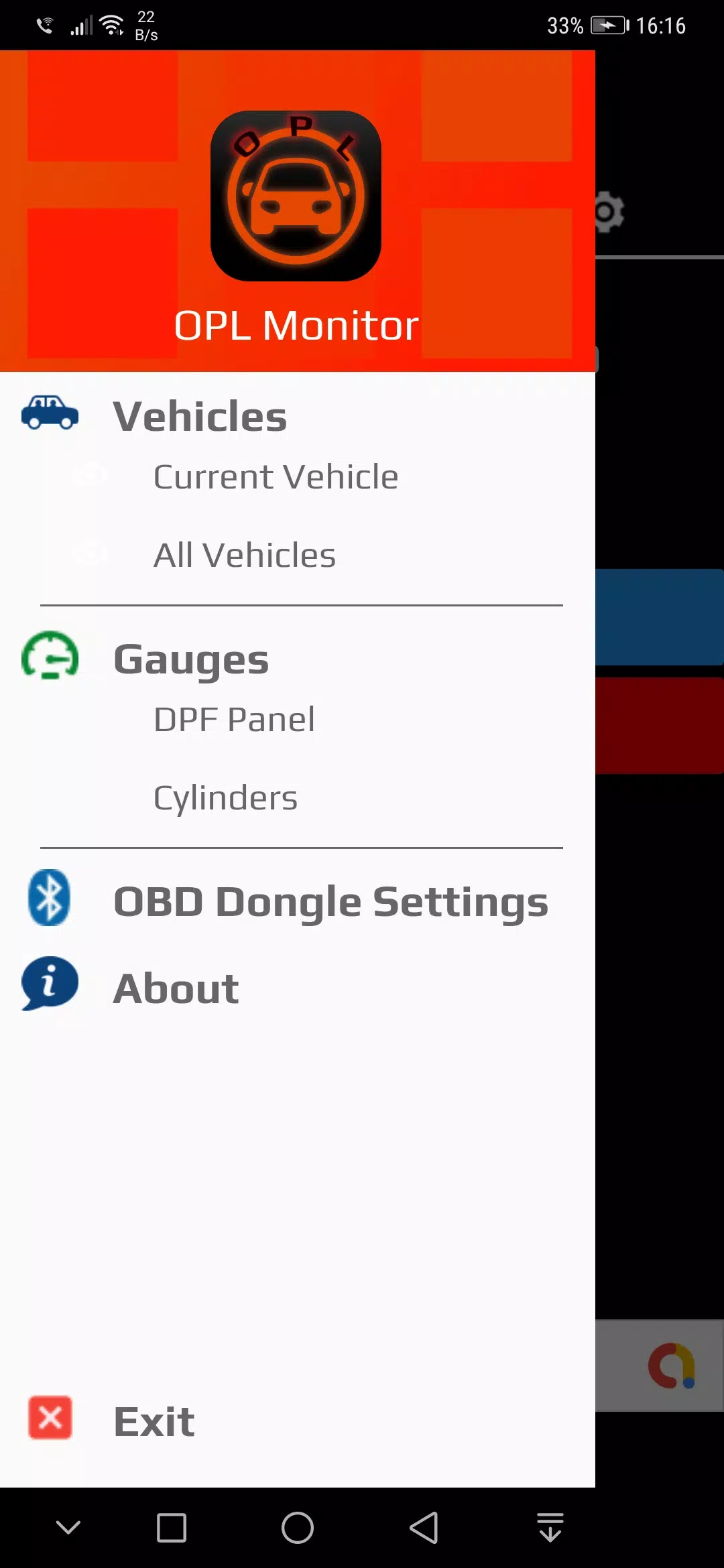
 Diese Anwendung ist für Eigentümer von Opel-, Vauxhall-, Chevrolet- und Buick -Fahrzeugen konzipiert und bietet eine bequeme Möglichkeit, diagnostische Fehlercodes (DTCs) zuzugreifen und zu interpretieren.
Unterstützte Modelle:
- Insignia a
- Abzeichen b
- Astra j
- Astra k
- Zafira c
- Corsa e
Diagnosefunktionen:
Die App liest DTCs aus einer Vielzahl von Fahrzeugmodulen, einschließlich:
- Motor
- Übertragung
- Bremse
- Elektronische Parkbremse
- Scheinwerfer
- Airbag*
- Instrumentencluster*
- Radio/Silverbox*
- HVAC*
- Park Assist*
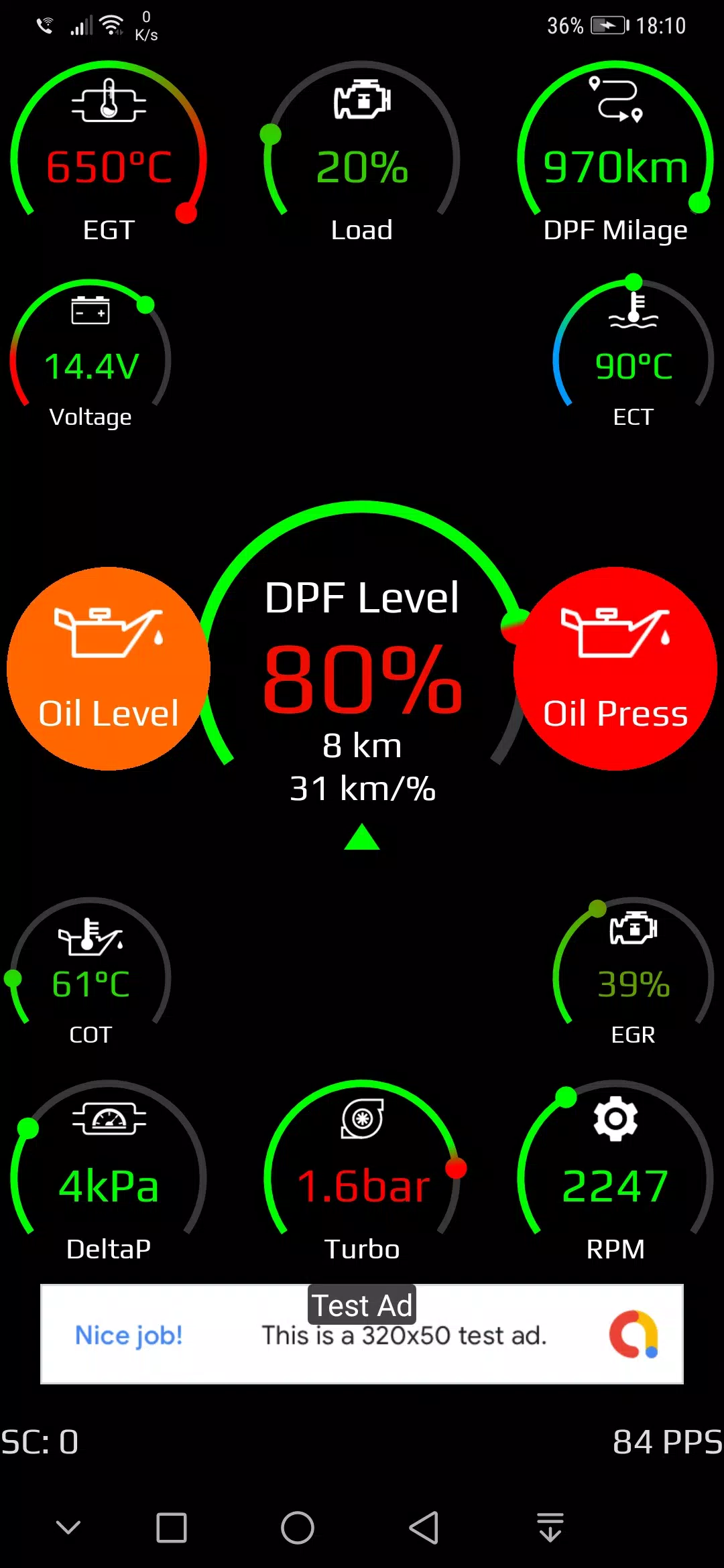
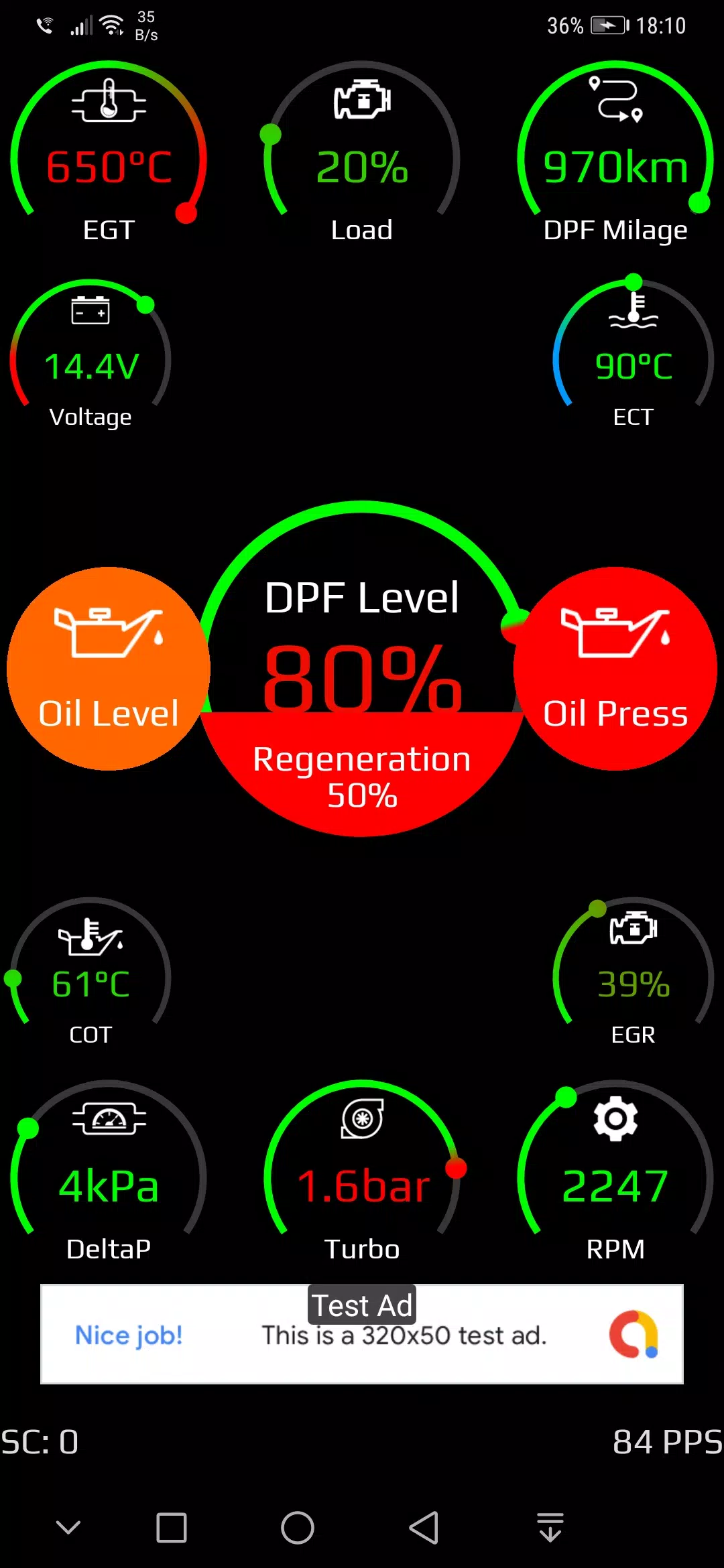
Darüber hinaus überwacht die App -Parameter, die sich mit dem mit dem Dieselpartikelfilter (DPF) in den folgenden Motoren bezogenen App -Parametern in Bezug auf kompatible ELM327 -Geräte (ICAR, Vlinker BT oder WiFi) beobachten:
- 2.0 CDTI
- A20DT
- A20DTC
- A20dte
- A20DTJ
- A20dth
- A20dtl
- A20dtr
- B20DTH
- B16DTH
Wichtiger Hinweis: Einige diagnostische Dongles unterstützen möglicherweise nicht die für das Abrufen von ECU -Daten (ECU) erforderlichen Protokolle.
Getestete Dongles:
- VGATE VLINKER MC/MX
- Vgate ICAR2
- Vgate ICAR3
* Module, die mit einem Sternchen (*) gekennzeichnet sind, sind nur mit Vlinker MC oder MX lesbar.
Was ist neu in Version 1.0.2.56 (26. Oktober 2024)
- Schnellere Vin -Verbindung über Folienfunktion.
- Verbesserte Benutzererfahrungsfunktionen.
- Gelöst bekannte Fehler.


Sehr nützliche App für meine Opel-Insignia A! Die Fehlerdiagnose war ziemlich genau und hat mir geholfen, einen Sensorwechsel rechtzeitig zu planen. Etwas mehr Detailinfo zu den Codes wäre noch schön, sonst stabil und einfach zu bedienen. 👍



- Gerüchte um ein neues Batman-Spiel von Rocksteady Studios Vor 4 Tagen
- Daphne empfängt andere Weltliche Gäste im Blade & Bastard Crossover Vor 4 Tagen
- Laut Berichten endet der Nintendo Switch 2-Mangel Vor 1 Wochen
- World of Goo 2 bringt Physikrätsel auf Mobilgeräte Vor 1 Wochen
- Harukanaru Toki no Naka de: Ryuuguu no Miko kommt diesen Winter auf iOS und Android Vor 1 Wochen
- Das 4K-Steelbook von „The Thunderbolts“ ist endlich vorbestellbar – mit beiden Titeln Vor 1 Wochen
-

Mode Lifestyle / 24.4.1 / by Calisteniapp, S.L. / 69.34M
Herunterladen -

Business Office / v1.0 / by xifa console / 2.95M
Herunterladen -

Mode Lifestyle / 0.105 / by Veicoli Srl / 4.80M
Herunterladen -

Werkzeuge / v1.1.9 / by nikiisoku / 141.53M
Herunterladen -

Personalisierung / 1.3.2 / 229.15M
Herunterladen -

Werkzeuge / 2.2.8 / by Gspace Team / 15 MB
Herunterladen -

Kommunikation / 2.0.0.24 / 59.72M
Herunterladen -

Mode Lifestyle / v1.0 / by MNA Team / 264.80M
Herunterladen
-
 Die 10 besten Teams in Marvel Strike Force (2025)
-
 Square Enix schafft eine neue Politik, um Mitarbeiter vor giftigen Fans zu schützen
-
 Feiern Sie das 7. Jubiläum: Lösen Sie das Geheimnis in Harry Potter: Hogwarts Mystery!
-
 So reparieren Sie Marvel -Rivalen, die Shader beim Start langsam zusammenstellen
-
 Es scheint, dass wir explizite Sexszenen in Inzoi vergessen können
-
 "ESO -Erweiterungen & DLC: Complete Order Guide"