Heim >  Nachricht >  Bau-Simulator 4: Leitfaden für Baumeister

Bau-Simulator 4: Leitfaden für Baumeister

Authore: BlakeAktualisieren:Dec 12,2024

Bau-Simulator 4: Ein Leitfaden für Anfänger zur Beherrschung des Bauimperiums

Der Bau-Simulator 4, nach sieben Jahren Arbeit, liefert endlich einen würdigen Nachfolger. Angesiedelt in der malerischen Pinewood Bay, inspiriert von Kanadas atemberaubenden Landschaften, bietet dieser Teil über 30 neue, voll lizenzierte Fahrzeuge von Marken wie CASE, Liebherr und MAN, darunter auch die lang erwartete Betonpumpe! Im kooperativen Modus können Sie sich mit Freunden zusammenschließen und in der kostenlosen „Lite“-Version können Sie es vor dem Kauf ausprobieren. Dieser Leitfaden enthält wichtige Tipps und Tricks für den Aufbau Ihres Bauunternehmens.

Verschaffen Sie sich frühzeitig einen Vorteil
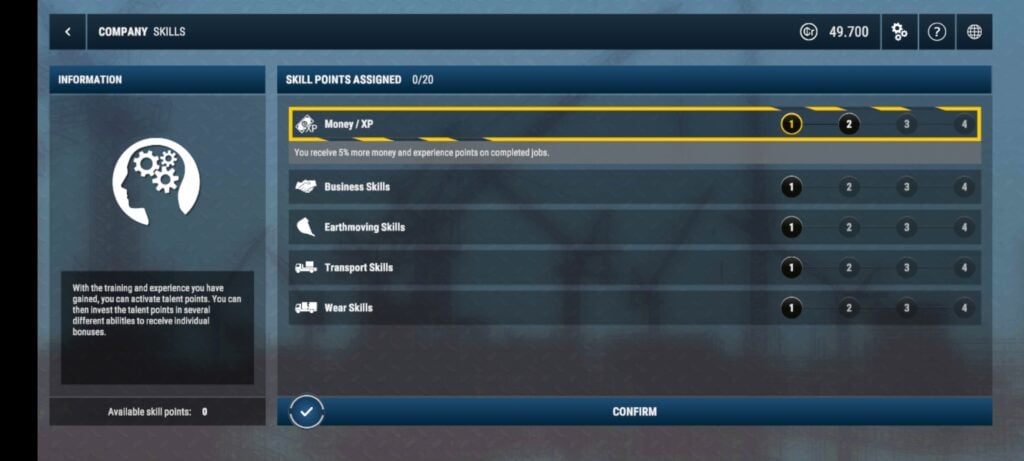
Construction Simulator 4 Gameplay

Beginnen Sie mit der Anpassung der Spieleinstellungen. Erweitern Sie den Wirtschaftszyklus auf 90 Minuten, um mehr Zeit für die strategische Planung zu haben. Deaktivieren Sie die Verkehrsregeln und nutzen Sie den Arcade-Fahrmodus für einfachere Kontrollen und vermeiden Sie lästige Bußgelder.

Beherrschen Sie die Grundlagen
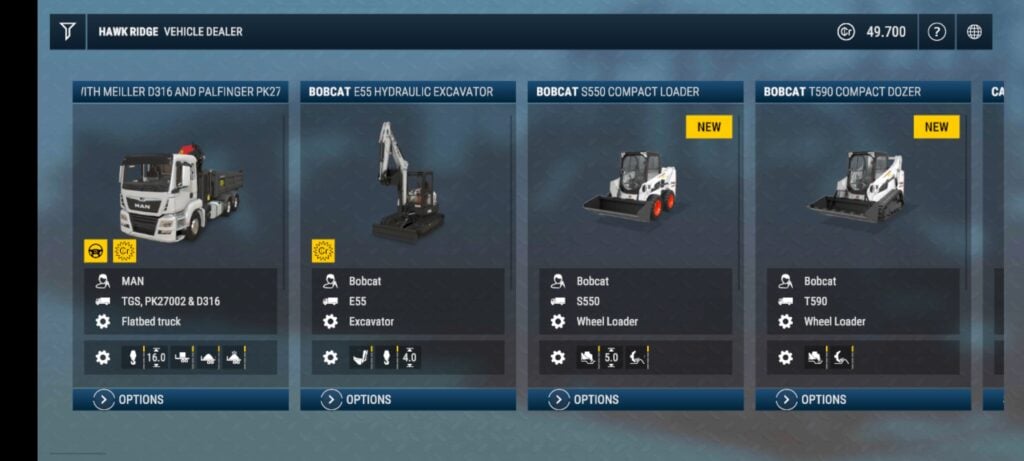
Construction Simulator 4 Tutorial

Schließen Sie das von Hape geleitete Tutorial sorgfältig ab. Diese umfassende Schulung umfasst die Fahrzeugbedienung und das Unternehmensmenü, in dem Sie Materialien verwalten, Maschinen kaufen und Wegpunkte festlegen.

Bewältigen Sie die Aufgaben
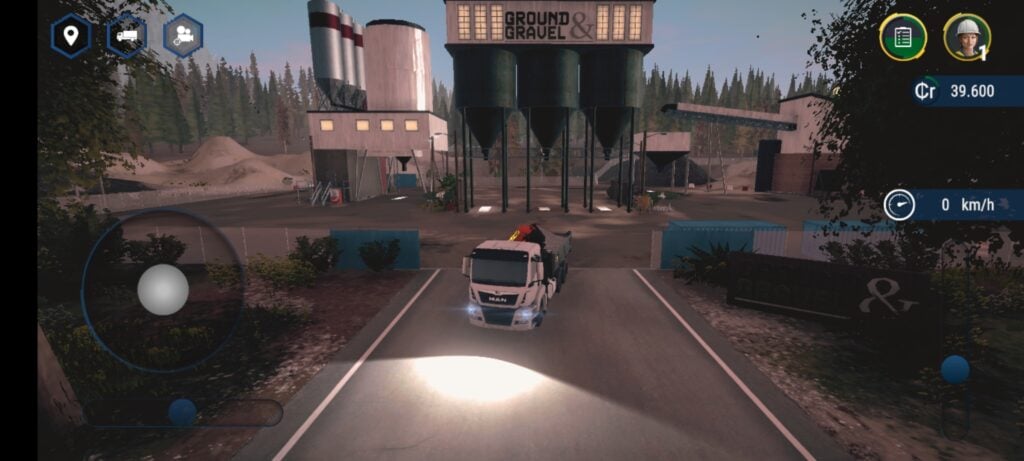
Construction Simulator 4 Job Menu

Konzentrieren Sie sich nach dem Tutorial auf das Jobsystem im Unternehmensmenü. Schließe Kampagnenmissionen ab und ergänze sie mit optionalen „Generalverträgen“ für zusätzliche Erfahrung und Geld.

Steigern Sie Ihr Geschäft
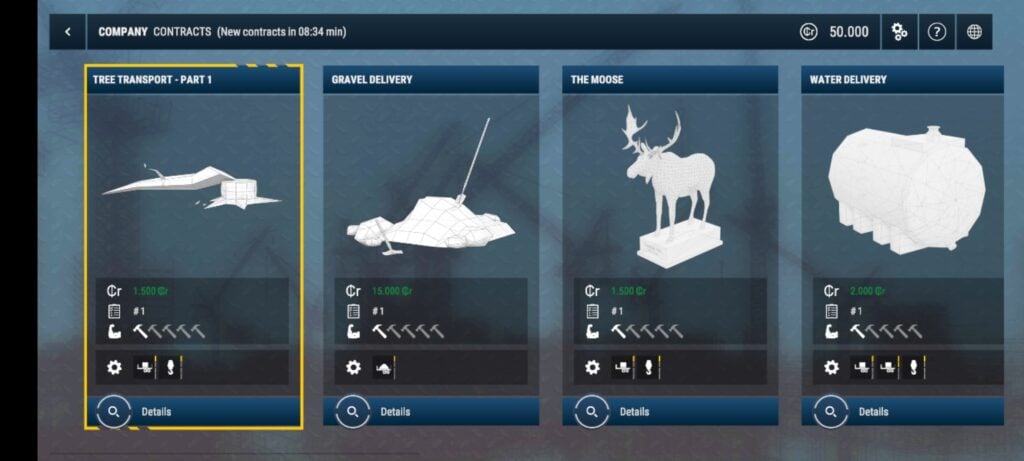
Construction Simulator 4 Rank Progression

Stellenbeschreibungen geben die erforderlichen Fahrzeugtypen und Ränge an. Nutzen Sie diese Informationen, um strategisch notwendige Maschinen zu erwerben, indem Sie durch Generalverträge Erfahrungspunkte sammeln. Die Kernspielschleife besteht darin, Kampagnenmissionen abzuschließen und die Lücken mit Generalverträgen zu schließen, um neue Fahrzeuge und Ränge freizuschalten.

Laden Sie Construction Simulator® 4 Lite noch heute aus dem App Store oder Google Play herunter!

Neueste Nachrichten
Boost Your Monster Hunter Wilds Experience: Exclusive PC Patch Released by Modder
Fans of Monster Hunter Wilds on PC have reason to celebrate — a highly anticipated, fan-made patch has been officially released by a dedicated modder, promising to enhance gameplay, improve performance, and unlock new features not found in the base game.
The unofficial patch, developed by a well-known modder known in the community as “HuntMaster_X,” addresses several long-standing issues reported by PC players since the game's launch. Key improvements include:

Performance Optimization: Reduced frame drops and stuttering, especially during large monster battles and intense environmental events.
Enhanced Graphics Settings: Added support for higher resolutions (up to 4K), customizable anti-aliasing, and improved texture streaming.
Quality-of-Life Tweaks: Faster loading times, reworked UI scaling for ultra-wide monitors, and improved controller support.
New Customization Options: Players can now adjust monster spawn rates, toggle weather effects, and modify hunter mobility for a more tailored experience.
Stability Fixes: Critical bug fixes for crash issues related to multiplayer sync and map transitions.

While the mod is not officially endorsed by Capcom, it has gained widespread praise across Reddit, Nexus Mods, and Monster Hunter fan forums. The modder has emphasized that the patch is fully compatible with the latest official update and does not require any game files to be altered, reducing the risk of account bans.
Important Note: As with all unofficial mods, users are advised to back up their game files and proceed at their own risk. The mod is currently only available for Windows 10/11 and requires the game to be installed via Steam or the Microsoft Store.
To download the patch, visit the official Nexus Mods page (link: nexusmods.com/monsterhunterwilds) or the modder’s verified Discord server.
Whether you're a seasoned hunter or new to the world of Monster Hunter Wilds, this exclusive PC patch could be the key to a smoother, more immersive experience.
Stay wild. Stay hunted. And stay modded. 🐉⚔️

Boost Your Monster Hunter Wilds Experience: Exclusive PC Patch Released by Modder Fans of Monster Hunter Wilds on PC have reason to celebrate — a highly anticipated, fan-made patch has been officially released by a dedicated modder, promising to enhance gameplay, improve performance, and unlock new features not found in the base game. The unofficial patch, developed by a well-known modder known in the community as “HuntMaster_X,” addresses several long-standing issues reported by PC players since the game's launch. Key improvements include: Performance Optimization: Reduced frame drops and stuttering, especially during large monster battles and intense environmental events. Enhanced Graphics Settings: Added support for higher resolutions (up to 4K), customizable anti-aliasing, and improved texture streaming. Quality-of-Life Tweaks: Faster loading times, reworked UI scaling for ultra-wide monitors, and improved controller support. New Customization Options: Players can now adjust monster spawn rates, toggle weather effects, and modify hunter mobility for a more tailored experience. Stability Fixes: Critical bug fixes for crash issues related to multiplayer sync and map transitions. While the mod is not officially endorsed by Capcom, it has gained widespread praise across Reddit, Nexus Mods, and Monster Hunter fan forums. The modder has emphasized that the patch is fully compatible with the latest official update and does not require any game files to be altered, reducing the risk of account bans. Important Note: As with all unofficial mods, users are advised to back up their game files and proceed at their own risk. The mod is currently only available for Windows 10/11 and requires the game to be installed via Steam or the Microsoft Store. To download the patch, visit the official Nexus Mods page (link: nexusmods.com/monsterhunterwilds) or the modder’s verified Discord server. Whether you're a seasoned hunter or new to the world of Monster Hunter Wilds, this exclusive PC patch could be the key to a smoother, more immersive experience. Stay wild. Stay hunted. And stay modded. 🐉⚔️

Resident Evil 2 erscheint für iPhone 15 und 16 Pro.

Resident Evil 2 erscheint für iPhone 15 und 16 Pro.