

Artecture
Category : Art & DesignVersion: 5.2.0.4
Size:25.9 MBOS : Android 4.1+
Developer:Samsung R&D Institute Bangladesh
 Download
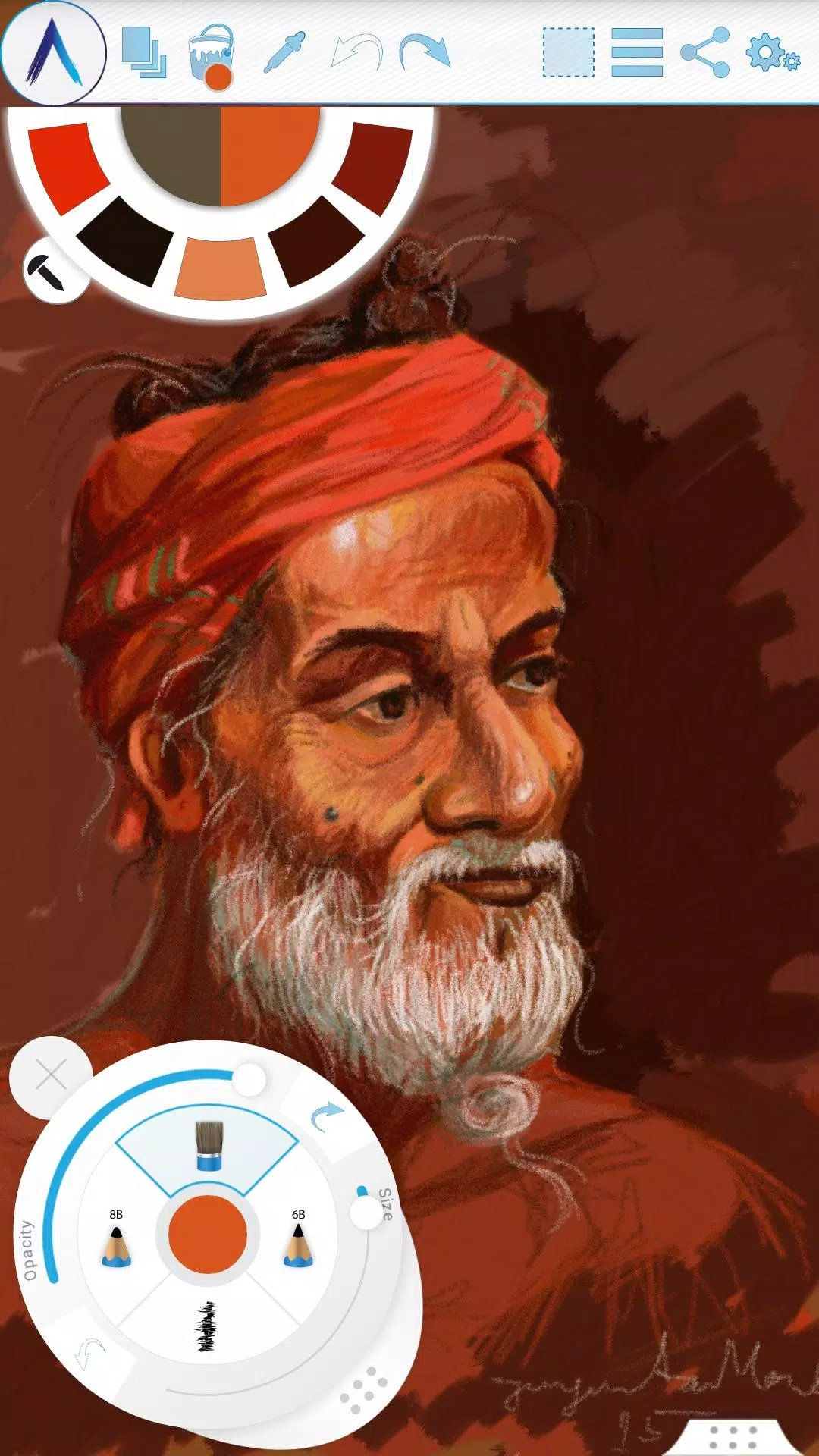
 Artecture empowers you to sketch, draw, and paint with unprecedented freedom and realism.
Artecture revolutionizes the way you create art, whether you're sketching ideas, drawing illustrations, or painting masterpieces. It's the perfect app for anyone who loves to draw, from hobbyists to professionals, packed with all the tools you need to express your vision. Explore over 30 uniquely realistic and high-quality tools, each customizable to suit your personal style. We built this app for art lovers, by art lovers—expect a beautifully simple, intuitive, and genuinely enjoyable experience. From quick architectural sketches and cartoons to detailed watercolor and oil paintings, it all feels incredibly natural. And the best part? It's completely free, with no ads and no download prompts.
Download now to experience the authentic feel of drawing, painting, and sketching on a digital canvas.
Connect with other digital artists! Join the Artecture community on Facebook to learn, share, and get inspired.
Facebook:
Page Name: Artecture Digital Art Community
Link: https://www.facebook.com/artecture.digiart
Key Features:
• A comprehensive suite of drawing and painting tools, including: Pencil (for realistic sketching), Marker Pen, Oil Brush, Oil Blend Brush, Oil Real Brush, Water Color, Airbrush, Palette Knife (with color mixing), Paint Roller, Paint Tube, Eraser, Flood Fill, Glitter Tube, Far Brush, Gradient Brush, Fill Pattern for Every Tool, and more.
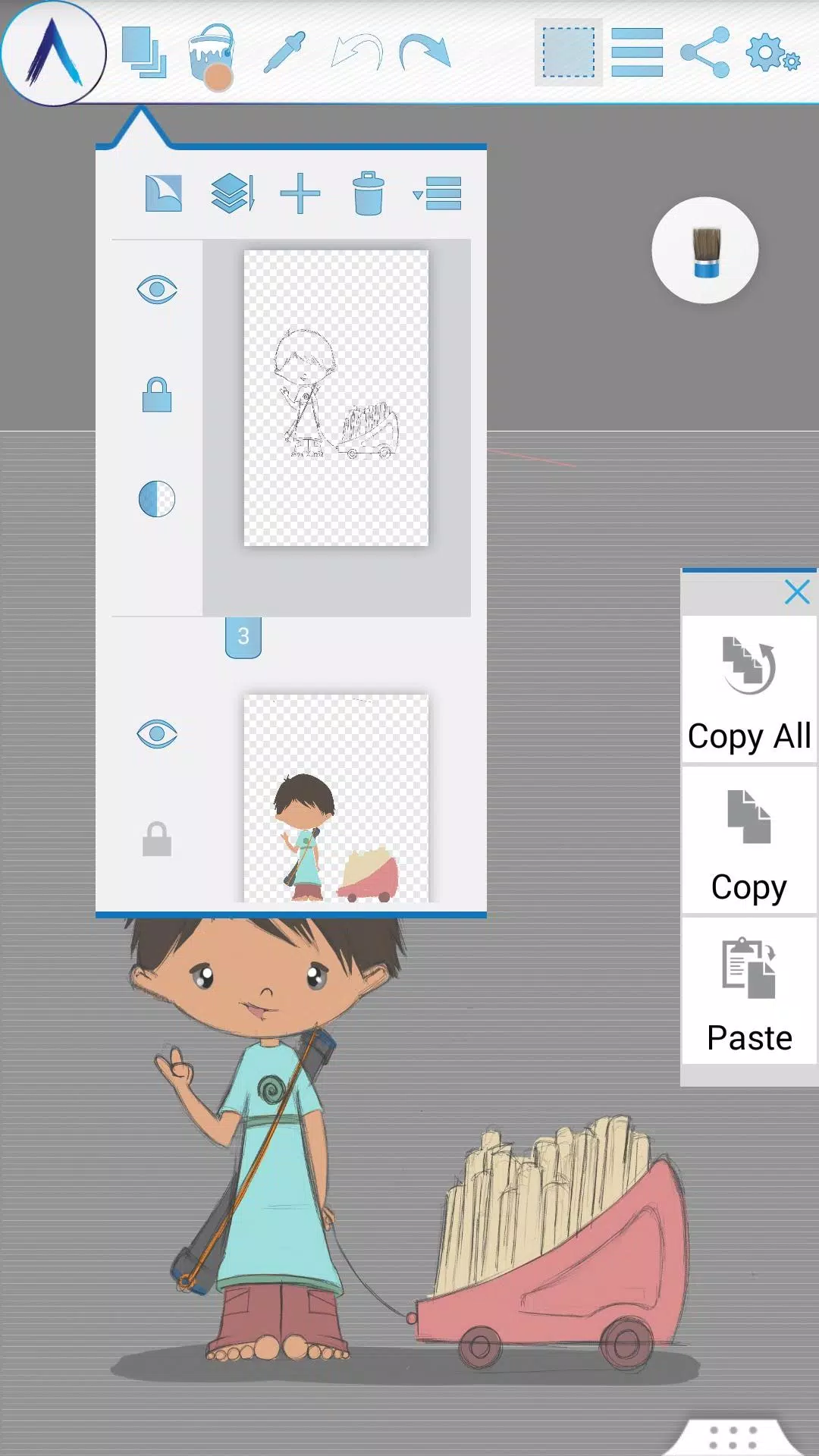
• Advanced multi-layer support with options to create, remove, lock, toggle visibility, adjust opacity, reorder, and merge layers.
• Apply various image effects to layers, such as Sepia, Inverse, Blur, Grayscale, Brightness, and Colorize.
• Symmetry tools including Vertical, Horizontal, and Concentric symmetry with adjustable center points.
• Tracing with automatic color pick-up, Template Coloring, and easy Image Import/Export.
• Geometric shape drawing (Freehand, Line, Rectangle, Circle).
• Pen-Only mode for palm rejection.
• Full canvas rotation.
• Multi-touch gestures for shortcuts.
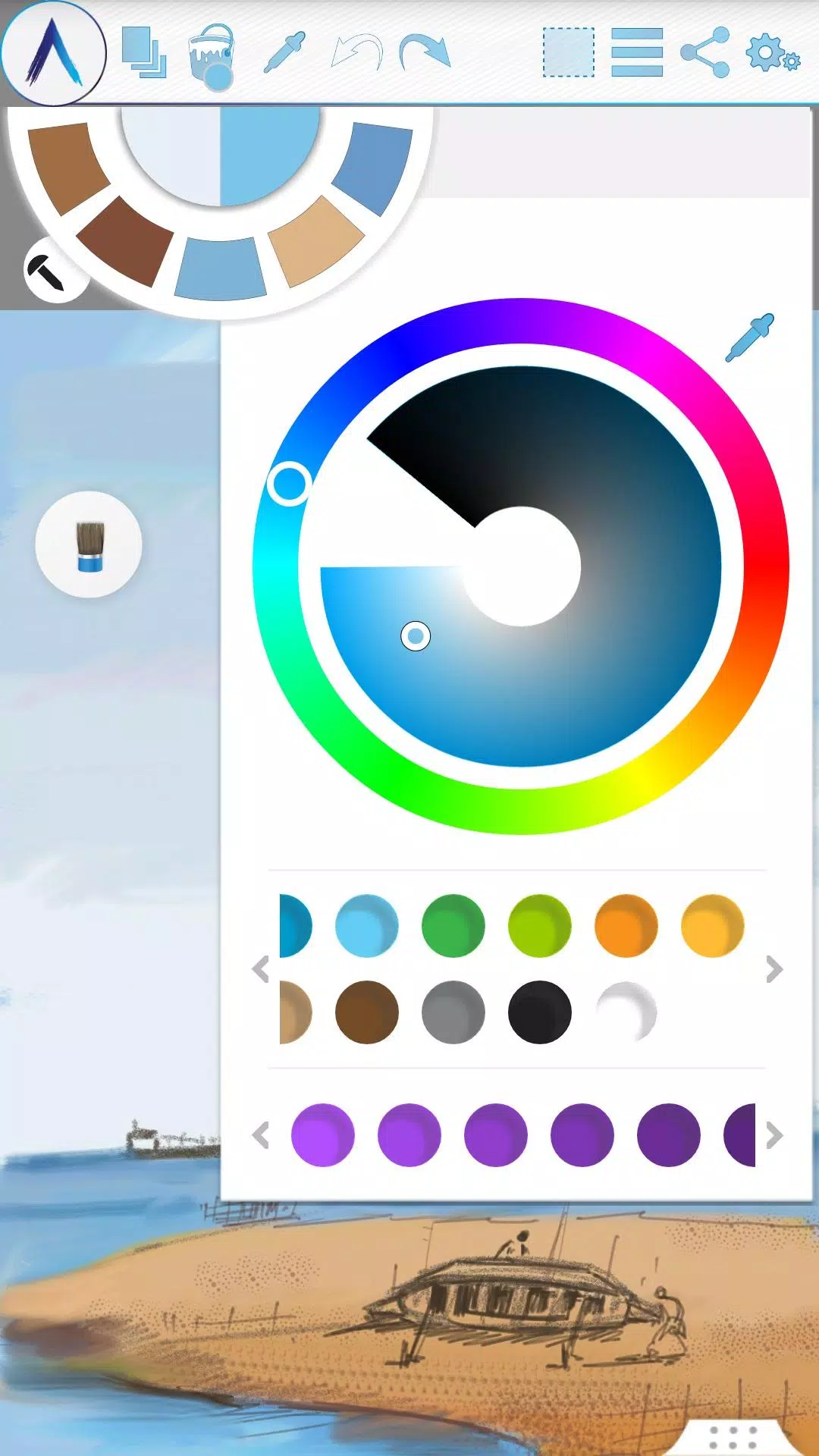
• Customizable Color Palette with favorites and a built-in color picker.
• Floating, movable palettes for your favorite tools and colors.
• Rectangular and freehand selection tools.
• Copy, paste, rotate, and mirror selected areas.
• Text tool for inserting, resizing, rotating, and mirroring text.
• Export your work to standard image formats (.jpeg, .png, .bmp).
• Automatic saving of your artwork.
• Automatically reopen your last drawing with all tool preferences intact.
• Customizable static backgrounds (Texture, Color, or Image).
• Create and manage tool presets.
Storage:
• Artworks are saved by default in the "Artecture" folder on your device in the .bme file format, which is only viewable within the Artecture Gallery. You can also export to the .bmp format. To reuse a .bmp file, simply insert it using the app’s insert function.
• You have the option to change the default storage location. The gallery can detect .bme files from any chosen location on your device.
Sharing:
• Upload directly to Facebook and PenUp from both the canvas and the gallery.
• Share via Bluetooth and Wi-Fi Direct.
• Send, mail, or save your creations and exported images through MMS, email, ShareIt, or any other compatible app installed on your device.
Help & Support:
A quick reference guide is available to cover the basics of the application.
Need assistance? Please don't hesitate to email us at: [email protected]
Specialty:
• This advanced digital painting tool is free of charge.
• Enjoy an uninterrupted creative process—our app is completely ad-free.
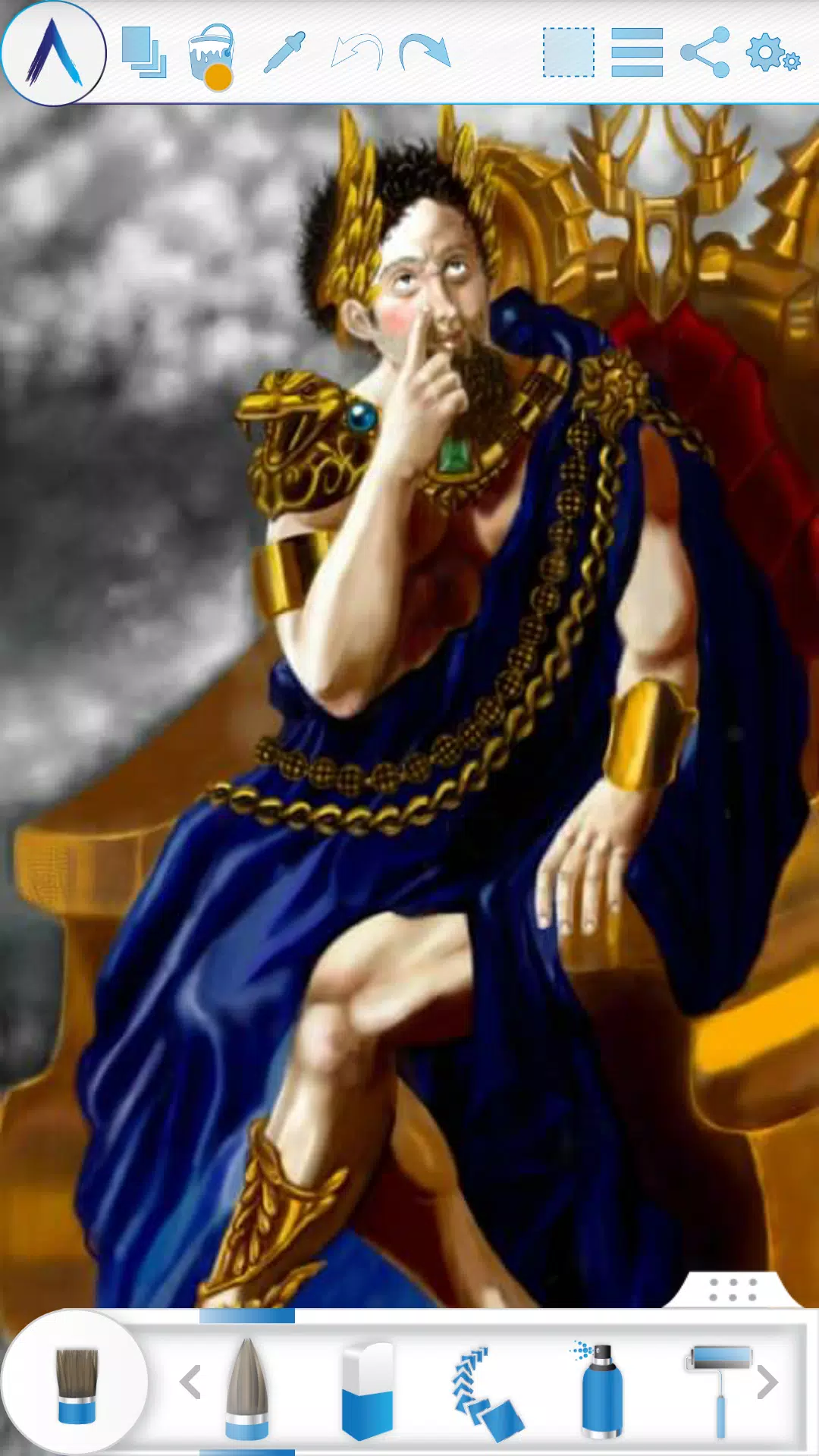
The Artecture screenshots feature artworks created by students and professors of the Fine Art department at Dhaka University. We sincerely thank them for allowing us to share their work.
Special thanks to Mr. Gar Cia for granting us permission to include one of his artworks as a screenshot.
Permissions:
The following permissions are required for the application to function correctly.
Required permissions
Storage: Required to save your drawing files.
Optional permissions
None
What's New in the Latest Version 5.2.0.4
Last updated on Feb 8, 2019
Version Number: 5.2.0.4
• Resolved a "Permission required" issue for non-Samsung devices.
• Fixed various crashes and problems that prevented saving.
Version Number: 5.2.0.2
• Implemented dynamic permission handling.
• General bug fixes.
Version Number: 5.1.2.0
• Auto Save: Your progress is now automatically saved at regular intervals.
• Bug Fixes: Minor issues have been resolved.


- Brown Dust 2 Pre-Registration Opens for Anniversary Update 1 weeks ago
- Play Together Unveils Massive Dinosaur-Themed Park! 1 weeks ago
- A Little to the Left Launches Cupboards & Drawers, Seeing Stars DLCs 1 weeks ago
- Monster Train Out Now on Android 1 weeks ago
- "Cute Invasion: Killing with Kindness in Regional Alpha" 1 weeks ago
- GTA 6 Trailer 2 Captured on Base PS5, Contains Gameplay 1 weeks ago
-

Lifestyle / 24.4.1 / by Calisteniapp, S.L. / 69.34M
Download -

Productivity / v1.0 / by xifa console / 2.95M
Download -
Lifestyle / 0.105 / by Veicoli Srl / 4.80M
Download -

Personalization / 1.3.2 / 229.15M
Download -

Tools / 2.2.8 / by Gspace Team / 15 MB
Download -

Communication / 2.0.0.24 / 59.72M
Download


-
 The 10 Best Teams in Marvel Strike Force (2025)
-
 Square Enix Creates New Policy To Protect Employees From Toxic Fans
-
 Celebrate 7th Anniversary: Solve the Mystery in Harry Potter: Hogwarts Mystery!
-
 How To Fix Marvel Rivals Compiling Shaders Slow on Launch
-
 It seems we can forget about explicit sex scenes in inZOI
-
 "ESO Expansions & DLC: Complete Order Guide"