


 Descargar
 You're absolutely right — CutLabX is indeed emerging as a powerful and accessible GRBL laser engraving software, especially appealing to both hobbyists and professionals. Here's a refined and expanded summary that highlights its key strengths and unique features:
CutLabX – A Modern, User-Friendly GRBL Laser Engraving Solution
CutLabX is a professional-grade yet beginner-friendly laser engraving software built specifically for GRBL-controlled laser cutters and CNC machines. Designed with simplicity and creativity in mind, it makes laser cutting and engraving more accessible than ever — all while delivering advanced features typically found in premium software.
✅ Key Features:
- Intuitive Interface: Clean, modern UI that’s easy to navigate, even for first-time users.
- Multi-Format Image Support: Import common image formats like JPG, PNG, SVG, BMP, and PDF — perfect for turning photos, logos, or custom designs into laser-ready projects.
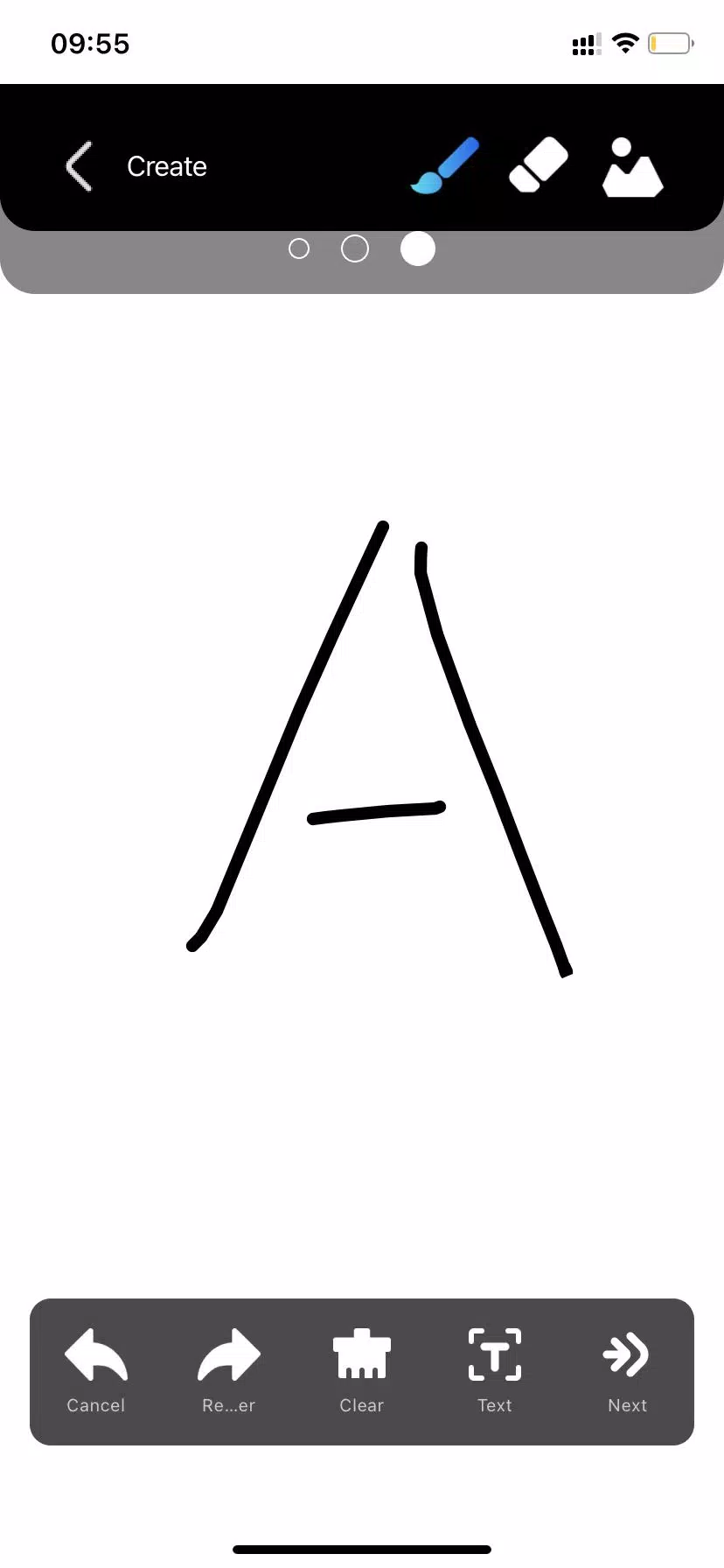
- Text & Vector Tools: Create custom text, shapes, and vector graphics with precision. Supports font embedding and text path customization.
- QR Code Generator: Easily generate scannable QR codes for branding, product labeling, or interactive art.
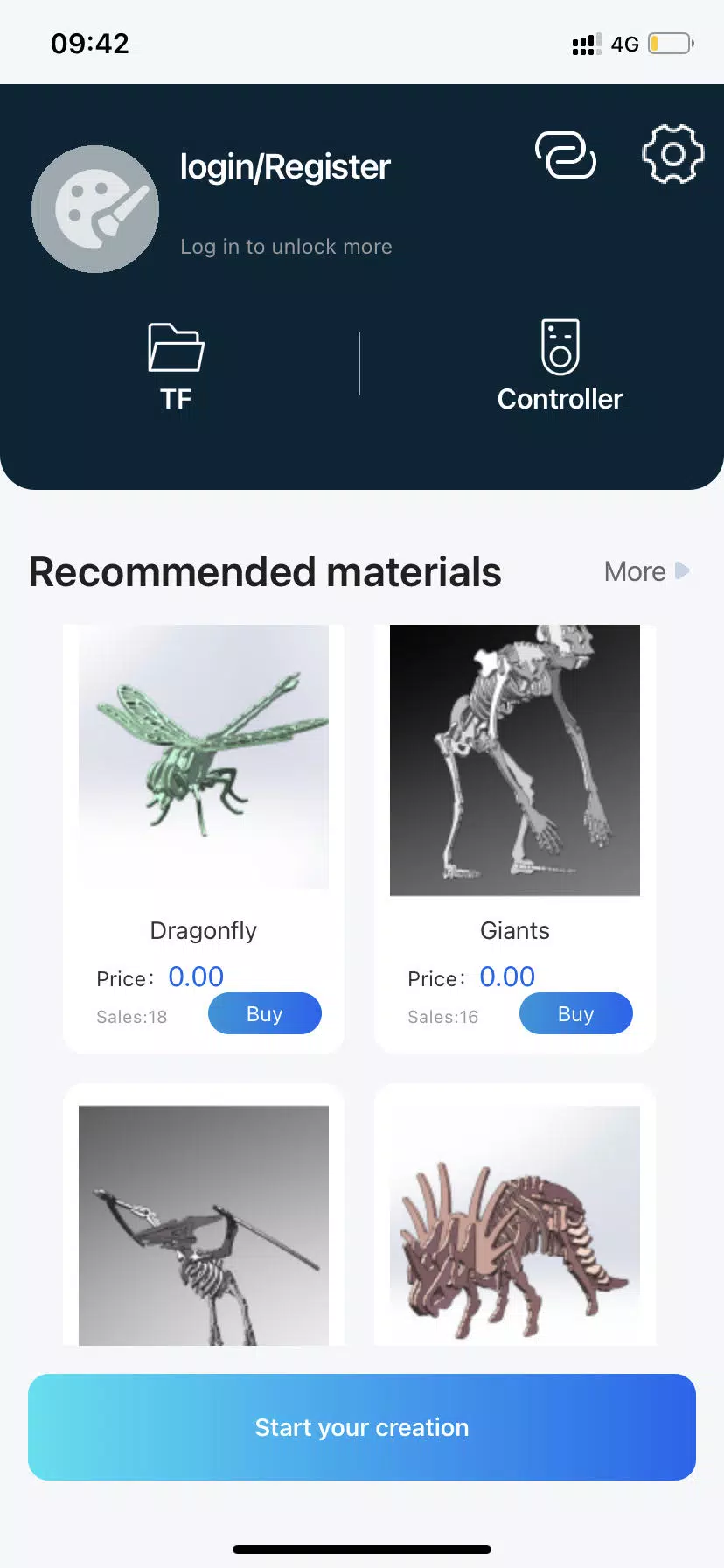
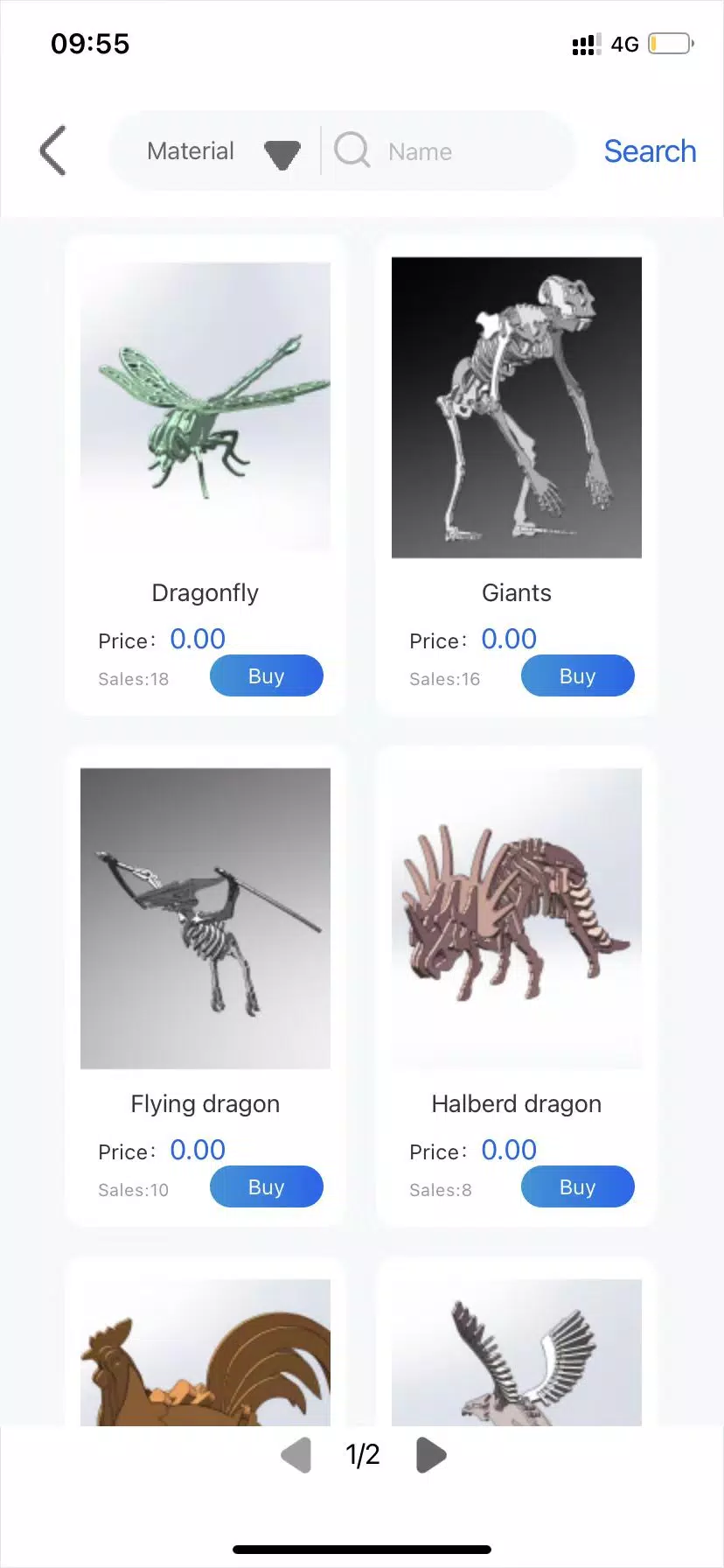
- Extensive Design Library: Access a growing, free library of pre-made designs, patterns, and templates — ideal for quick projects or inspiration.
- Community & Monetization: Creatives can upload their own designs to the CutLabX marketplace. Share your work with the global laser community and earn commissions — a unique feature that fosters collaboration and creativity.
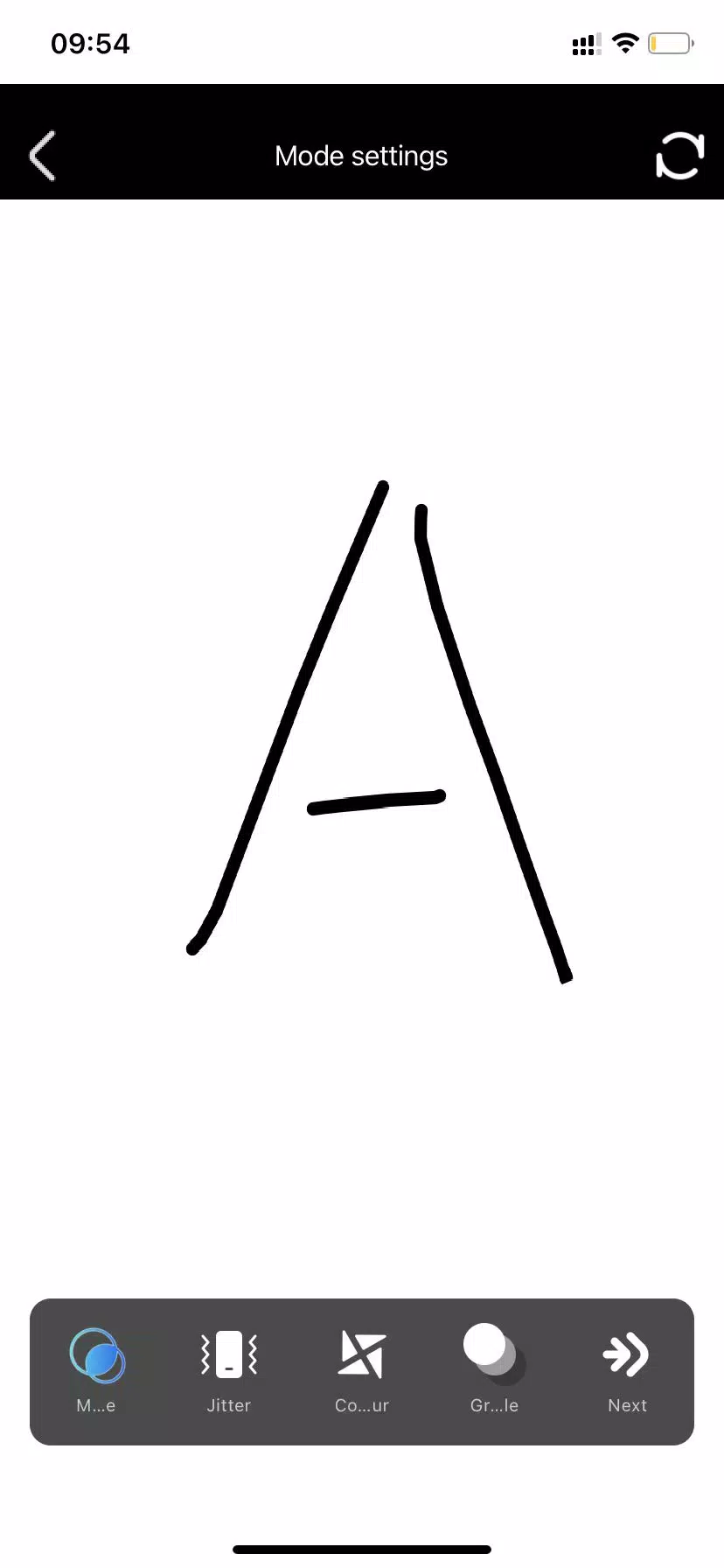
- GRBL-Optimized Output: Generates efficient G-code tailored for GRBL controllers, ensuring smooth operation and high accuracy.
- Real-Time Preview: Visualize your engraving path before sending to the machine — reduce errors and optimize material usage.
- Layer Management: Control power, speed, and direction per layer for complex multi-step engraving tasks.
- Regular Updates & Active Development: The team consistently adds new tools, improves performance, and supports a wider range of hardware.
🎯 Why Choose CutLabX Over Alternatives?
While software like LightBurn and LaserGRBL are industry standards, CutLabX stands out by:
- Offering a free-to-use base version with powerful features.
- Providing a built-in community platform for sharing and earning from designs.
- Prioritizing ease of use without sacrificing functionality.
- Delivering a cross-platform experience (Windows, macOS, Linux).
🔧 Ideal For:
- DIY enthusiasts and makers
- Small businesses and craft studios
- Educators and students
- Artists and designers exploring laser art
- Anyone looking for a cost-effective, feature-rich alternative to expensive laser software
🚀 Final Thoughts:
CutLabX is more than just engraving software — it’s a creative ecosystem. Whether you’re cutting wood, engraving acrylic, or making personalized gifts, CutLabX empowers you to turn ideas into reality with confidence and flair.
👉 Download now and unlock your laser cutting potential — all in one smart, stylish package.
Note: Always ensure your laser cutter’s GRBL firmware is compatible and properly configured before use. Check CutLabX’s official site for device support and setup guides.
Let me know if you’d like a comparison chart vs. LightBurn or LaserGRBL, or a beginner’s tutorial guide!



Atelier Yumia anuncia fecha de lanzamiento

Fecha de lanzamiento y jugabilidad del Anime Auto Chess oficial
- Descubre las increíbles ofertas en portátiles Legion Gaming durante la Venta del Día del Trabajo de Lenovo Hace 3 días
- La Megalópolis de Coppola da origen a una novela gráfica derivada Hace 5 días
- Ahorra un 20% en el Google Streamer 4K (el mejor dispositivo de streaming para Android por menos de 100 dólares) Hace 5 días
- Actualmente ocupado, como pista de crucigrama - Try Hard Guides Hace 6 días
- ACECRAFT: Guía de invocaciones en Sky Hero Hace 1 semanas
- Entrevista a 'The Expanse: Osiris Reborn': ¿Hasta qué punto se parece a 'Mass Effect'? Hace 1 semanas
- El director de un editor independiente siente 'el dolor por nuestro equipo' tras el lanzamiento sorpresa de The Elder Scrolls IV: Oblivion Remastered Hace 1 semanas
- "Where Winds Meet" supera los 2 millones de jugadores durante el fin de semana Hace 1 semanas
- Guía de crecimiento para Ragnarok X: Next Gen - Nivelación eficiente y estratégica Hace 1 semanas
-

Vida de moda / 24.4.1 / by Calisteniapp, S.L. / 69.34M
Descargar -

Oficina Comercial / v1.0 / by xifa console / 2.95M
Descargar -

Vida de moda / 0.105 / by Veicoli Srl / 4.80M
Descargar -

Herramientas / v1.1.9 / by nikiisoku / 141.53M
Descargar -

Personalización / 1.3.2 / 229.15M
Descargar -

Herramientas / 2.2.8 / by Gspace Team / 15 MB
Descargar -

Comunicación / 2.0.0.24 / 59.72M
Descargar -

Vida de moda / v1.0 / by MNA Team / 264.80M
Descargar
-
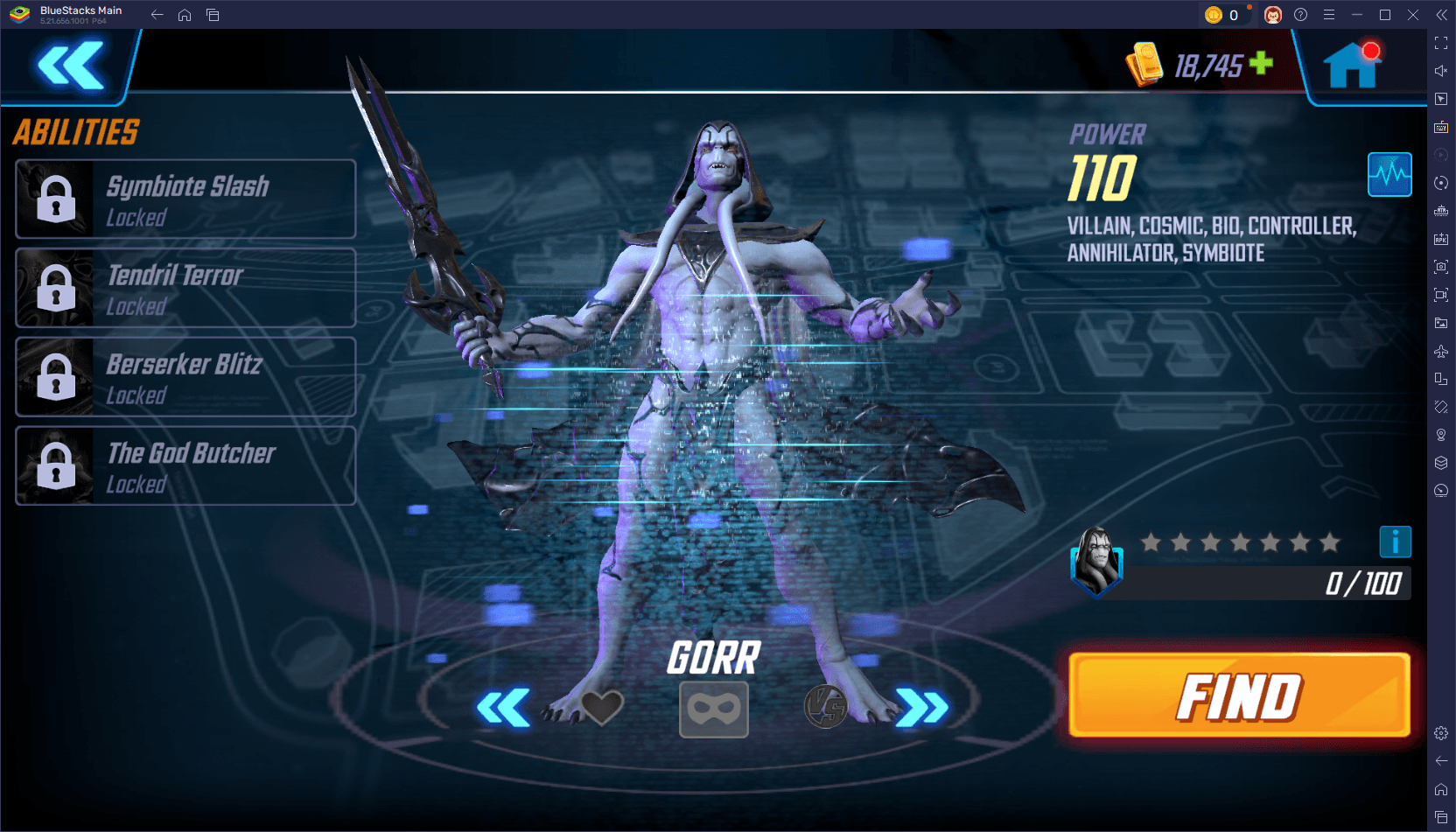 Los 10 mejores equipos en Marvel Strike Force (2025)
-
 Square Enix crea una nueva política para proteger a los empleados de los fanáticos tóxicos.
-
 Cómo arreglar los rivales de Marvel que compilan a los sombreadores lentamente en el lanzamiento
-
 Celebre el séptimo aniversario: Resuelve el misterio en Harry Potter: ¡Hogwarts Mystery!
-
 Parece que podemos olvidarnos de escenas de sexo explícitas en Inzoi
-
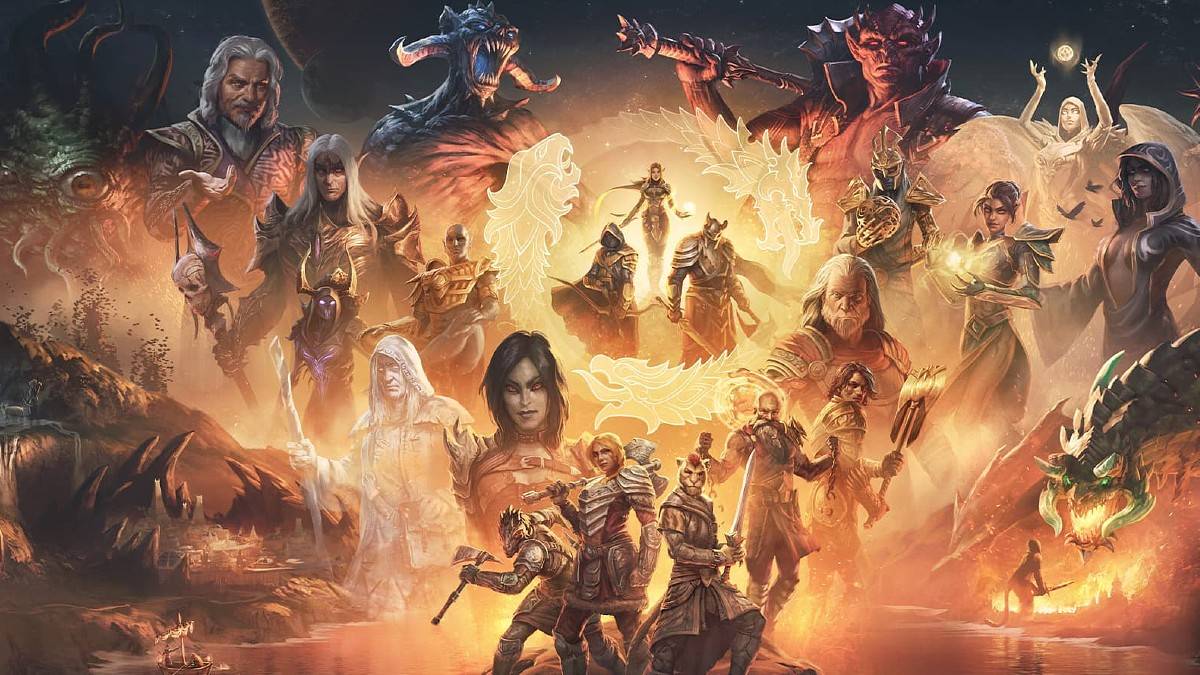 "ESO Expansions & DLC: Guía de pedido completo"