

 下載
下載 This is the ideal tool for evaluating the symmetry of eyebrow designs.
Created for microblading and micropigmentation specialists.
The application is exceptionally user-friendly, requiring just six straightforward steps:
Step 1: Launch the application.
Open the BeautyPro Symmetry App International by tapping its icon on your device's screen.
Step 2: Position the client's face on screen.
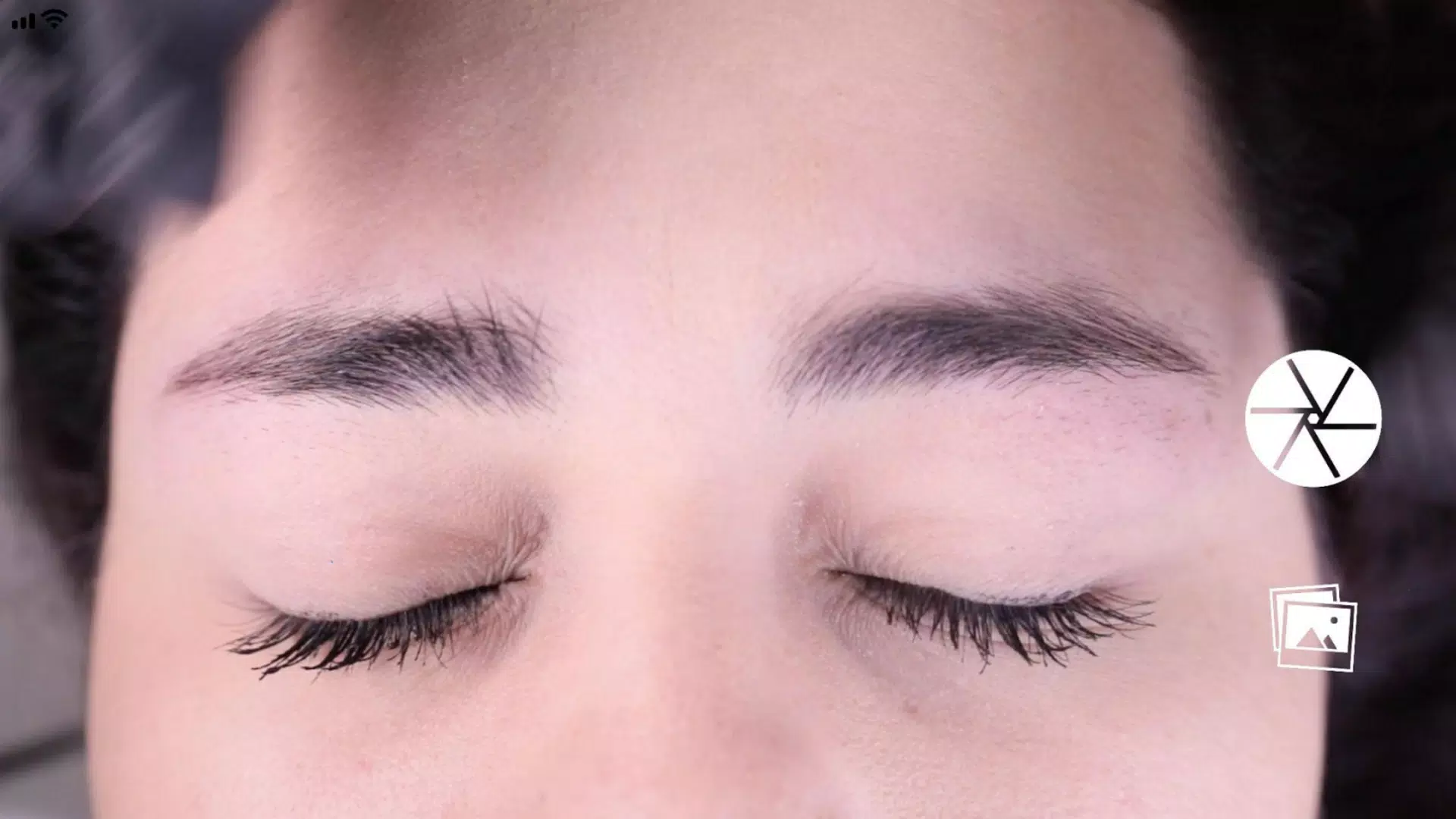
Hold your phone horizontally and align the face using the two horizontal lines at the eyebrow arches (point 2), while centering the vertical line with the nose bridge midline.
Step 3: Capture the image.
With the face properly centered as described, take the photo using the button at the center-right of the screen.
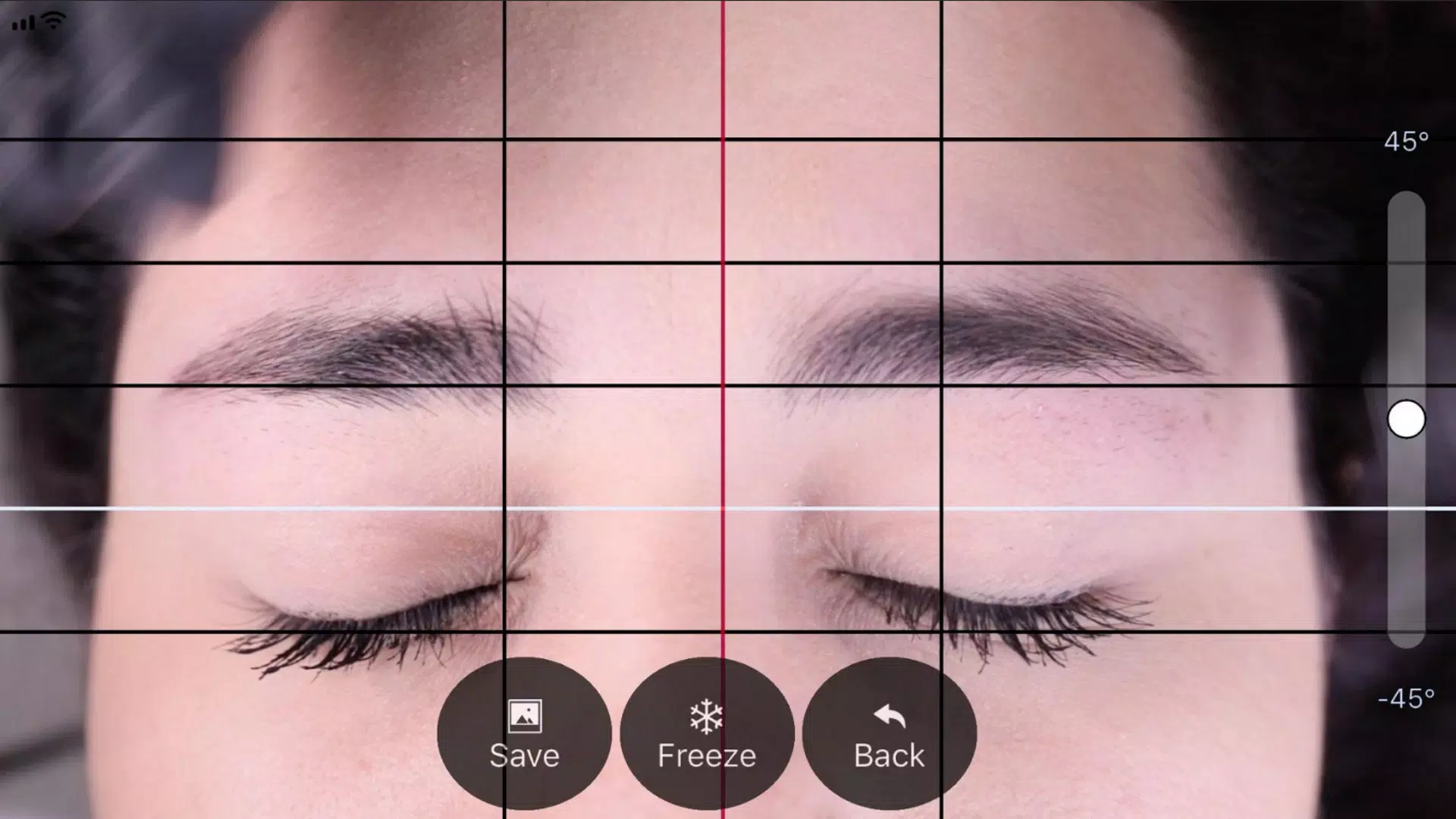
Step 4: Activate the "Grid" function.
After capturing the image, you'll see four black horizontal lines and one white line. Activate the "Grid" function by tapping its button to adjust and lock these lines.
Step 5: Adjust vertical lines.
Similarly, adjust the vertical grid lines - a central red line flanked by two black lines. Position the red line on the nose bridge centerline, using the black lines to define the distance between eyebrow starting points.
Step 6: Fine-tune level and zoom.
If needed, adjust the image in two ways: rotate using the vertical slider on the right, or pinch to zoom with two fingers.
Step 7:
Once all lines are correctly positioned, save the image to your device's photo library using the "SAVE" button, or press "BACK" to delete and restart with a new photo.





- 《布朗灰塵2》預註冊啟動,慶祝周年更新 1 週前
- Play Together 揭開巨型恐龍主題樂園面紗! 1 週前
- 《向左一點》推出“櫥櫃與抽屜”及“繁星閃爍”DLC 1 週前
- 《怪物火車》現已登陸安卓平臺 1 週前
- 可愛入侵:以溫柔之力擊敗地區阿爾法 1 週前
- GTA 6 預告片 2 在基礎版 PS5 上錄製,包含遊戲畫面 1 週前
-

時尚生活 / 24.4.1 / by Calisteniapp, S.L. / 69.34M
下載 -

商務辦公 / v1.0 / by xifa console / 2.95M
下載 -

時尚生活 / 0.105 / by Veicoli Srl / 4.80M
下載 -

工具 / 2.2.8 / by Gspace Team / 15 MB
下載









