Дом >  Новости >  Глубокое погружение Minecraft: регистрация первой учетной записи

Глубокое погружение Minecraft: регистрация первой учетной записи

Authore: EthanОбновлять:May 16,2025

Даже после многих лет Minecraft продолжает руководить пакетом среди игр на песочницу, предлагая бесконечные путешествия, динамическое поколение мира и надежные многопользовательские режимы наряду с безграничным творчеством. Давайте погрузимся в начальные шаги, чтобы начать ваше приключение Minecraft.

Оглавление

  • Создание учетной записи Minecraft
  • Как начать путешествие
    • ПК (Windows, MacOS, Linux)
    • Xbox и PlayStation
    • Мобильные устройства (iOS, Android)
  • Как выйти из Minecraft

Создание учетной записи Minecraft

Чтобы начать свое путешествие Minecraft, вам сначала нужно будет создать учетную запись Microsoft, которую вы используете для входа в игру. Зайдите на официальный веб -сайт Minecraft, найдите кнопку «Войти» в верхнем правом углу и нажмите ее. Вам будет предложено создать новую учетную запись, если у вас ее еще нет.
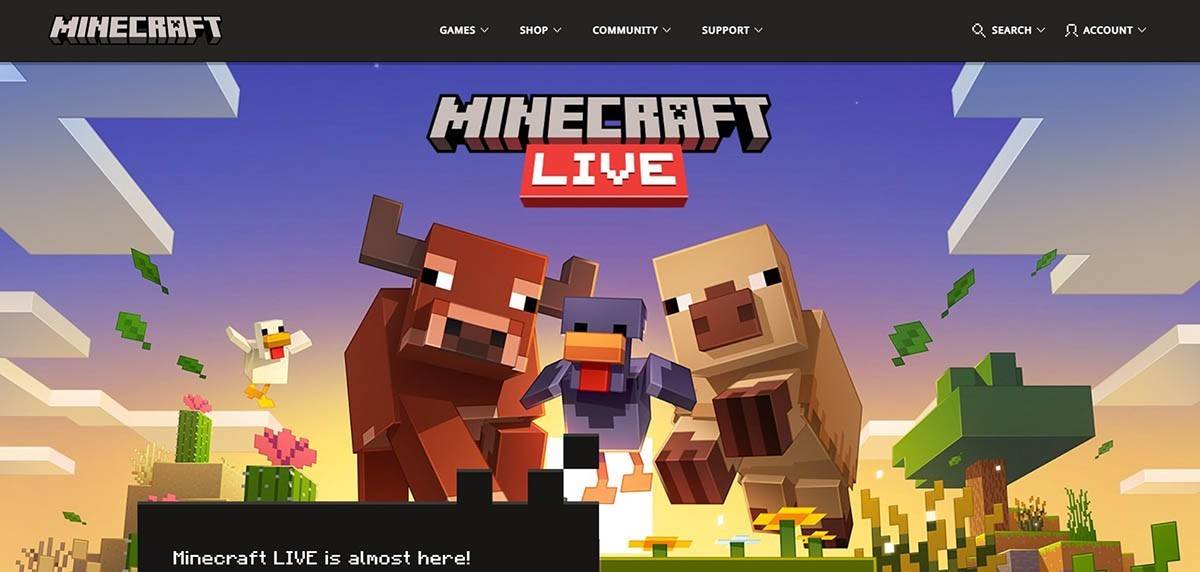
Создание учетной записи Minecraft Изображение: minecraft.net

Введите свой адрес электронной почты и выберите сильный пароль для своей учетной записи Minecraft. Затем выберите уникальное имя пользователя; Если это будет принято, система предложит вам альтернативы.
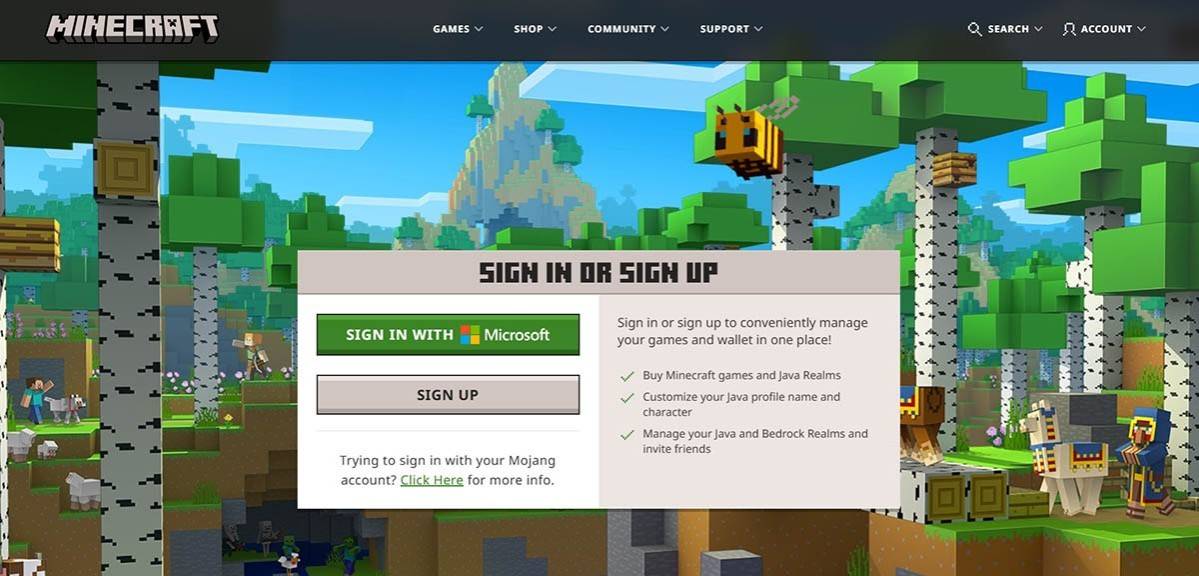
Создание учетной записи Minecraft Изображение: minecraft.net

Затем подтвердите свой адрес электронной почты, введя код проверки, отправленный в ваш почтовый ящик. Если вы не получите его быстро, проверьте папку "спам". После проверки ваш профиль связан с вашей учетной записью Microsoft, и вы можете приступить к покупке игры в магазине на веб -сайте, следуя предоставленным инструкциям для завершения вашей покупки.

Как начать путешествие

ПК (Windows, MacOS, Linux)

Для игроков ПК Minecraft поставляется в двух основных версиях: Java Edition, которая работает на Windows, MacOS и Linux и Bendrock Edition. Для начала загрузите запуск с официального сайта Minecraft. После установки войдите в систему со своей учетной записью Microsoft или Mojang и выберите, какую версию запустить.
ПК Minecraft Изображение: aiophotoz.com

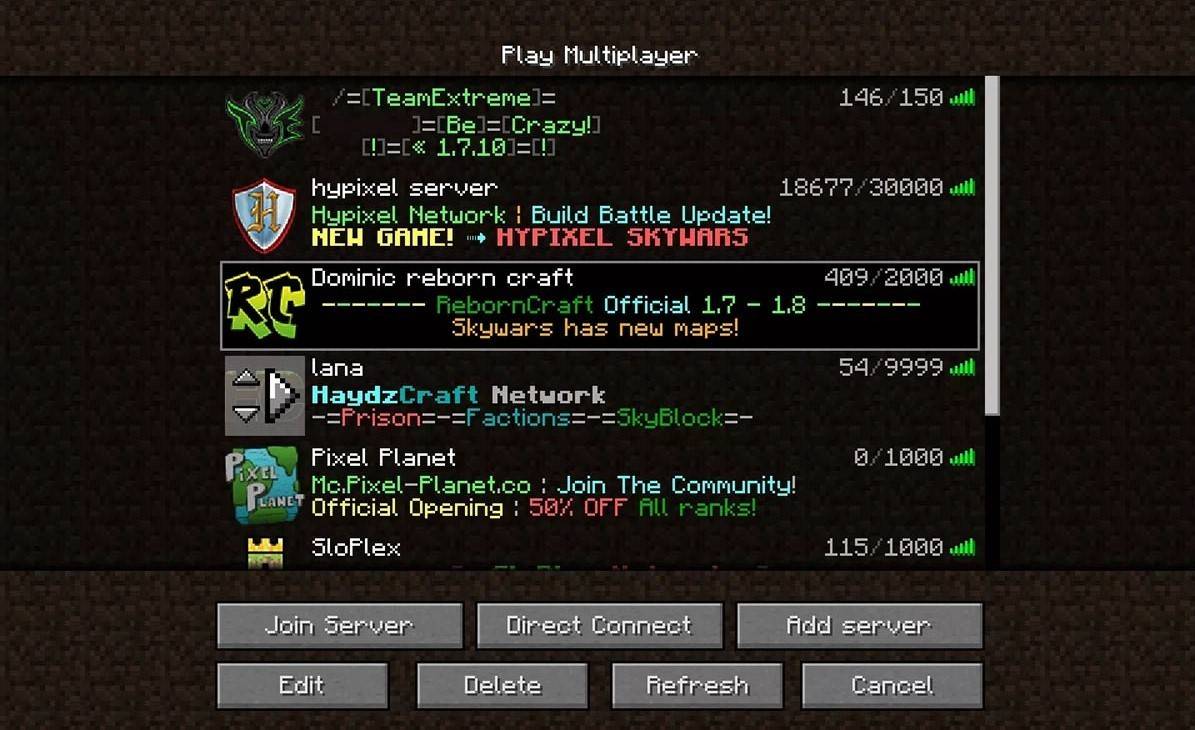
После вашего первого запуска вас попросят войти в систему с вашими учетными данными Microsoft. Если вы играете в одиночку, выберите «Создать новый мир» и выберите режим игры: «Выживание» для классического опыта или «креативного» для неограниченных ресурсов. Для многопользовательской среды перейдите в раздел «Воспроизведение», затем вкладку «Серверы», где вы можете присоединиться к общедоступным серверам или подключиться к частному серверу, используя его IP -адрес. Чтобы играть с друзьями в том же мире, создать или загрузить мир, а затем включить многопользовательскую опцию в настройках.

Xbox и PlayStation

На Xbox Consoles (Xbox 360, Xbox One, Xbox Series X/S) скачать Minecraft из магазина Microsoft. Запустите игру с домашнего экрана вашей консоли и войдите в систему с учетной записью Microsoft, чтобы синхронизировать ваши достижения и покупки.
Xbox и PlayStation Minecraft Изображение: YouTube.com

Для пользователей PlayStation (PS3, PS4, PS5) приобретите и загрузите Minecraft в магазине PlayStation. Запустите его с домашнего экрана и войдите в систему с помощью учетной записи Microsoft, чтобы включить кроссплатформенную игру.

Мобильные устройства (iOS, Android)

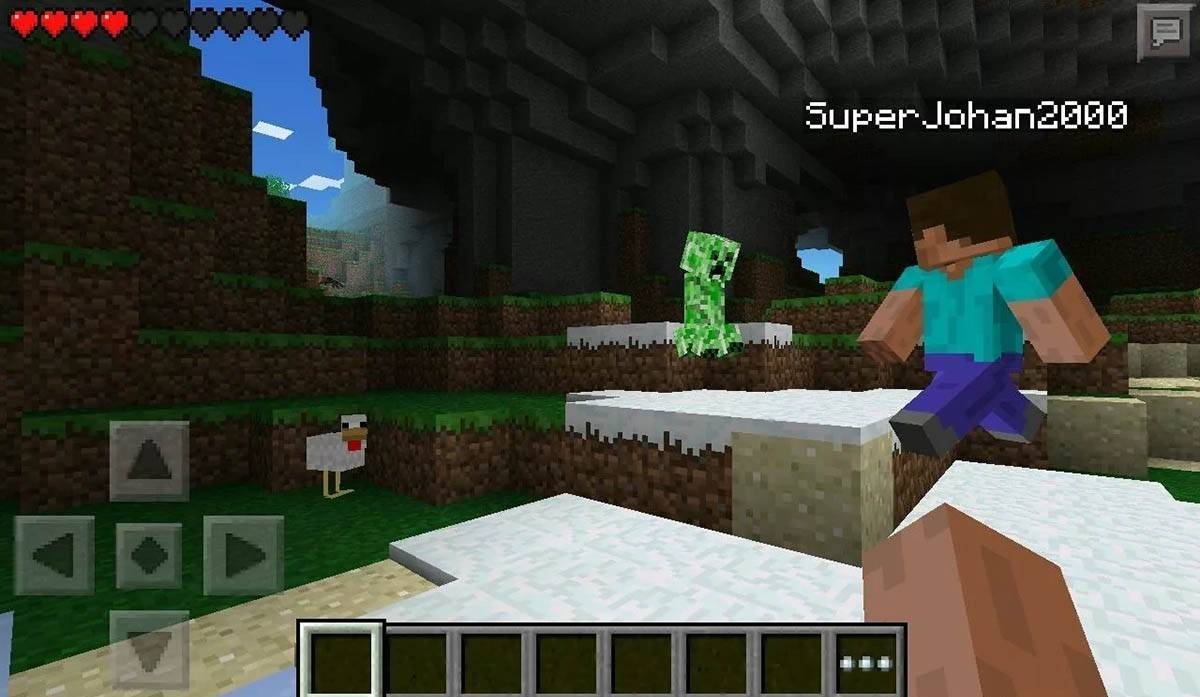
На мобильном телефоне приобретите Minecraft в App Store (iOS) или Google Play (Android). После установки войдите в систему с учетной записью Microsoft, чтобы получить доступ к кроссплатформенным воспроизведению.
Minecraft Android Изображение: Storage.googleapis.com

Обратите внимание, что Bedrock Edition поддерживает кроссплатформенную игру на всех упомянутых устройствах, что позволяет беспрепятственно многопользовательские впечатления. Java Edition, однако, ограничено ПК и не поддерживает кроссплатформенную игру.

Как выйти из Minecraft

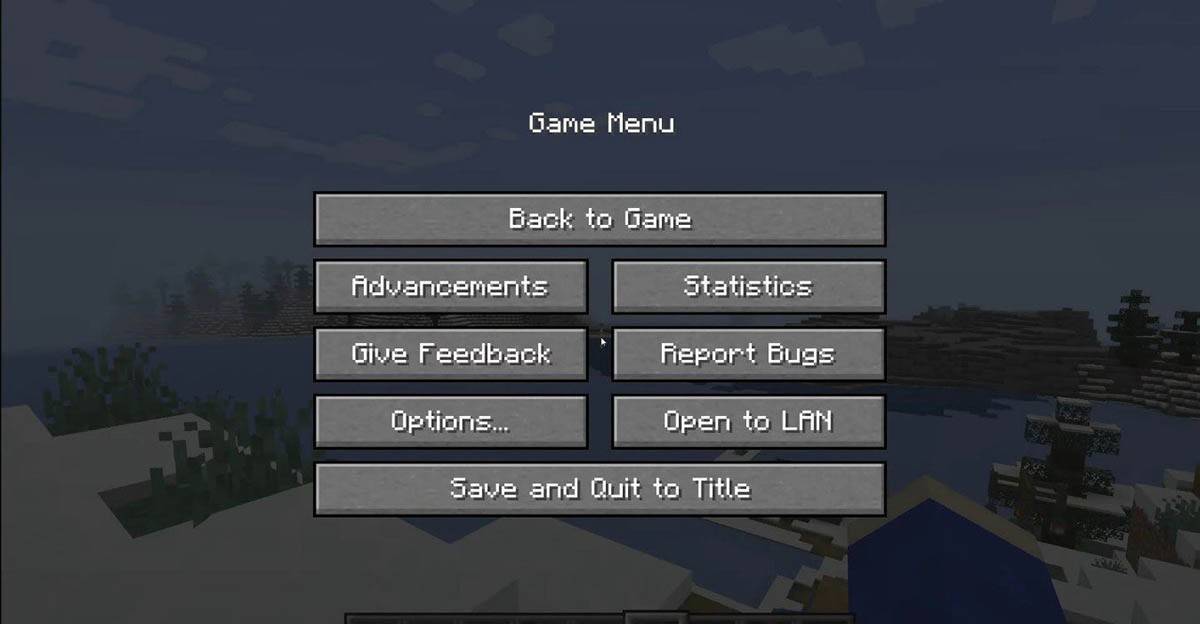
Выход Minecraft является простым на всех платформах. На ПК нажмите клавишу ESC, чтобы получить доступ к меню игры, затем нажмите «Сохранить и уйти», чтобы вернуться в главное меню. Закрыть программу, чтобы полностью выйти.
Как выйти из Minecraft Изображение: tlauncher.org

На консолях используйте GamePad, чтобы открыть меню Pause, выберите «Сохранить и бросить», а затем использовать кнопку «Дома» консоли, чтобы выделить и выйти из игры.

Для мобильных устройств опция «Сохранить и бросить» находится в меню игры. Чтобы полностью закрыть приложение, используйте системное меню вашего устройства: на Android проведите с нижней части и закройте Minecraft; На iOS двойной нажатие кнопки «Дома» или проведите, чтобы закрыть приложение.

Теперь, когда вы оснащены основами, наслаждайтесь приключениями в блочном мире Minecraft, будь то игра в одиночку или с друзьями на разных устройствах.


Последние новости
As of now, there is no publicly confirmed information from MindsEye or any official source about a

As of now, there is no publicly confirmed information from MindsEye or any official source about a "day-one update" for physical copies of a game, nor any verified statement regarding a premature street date break. It's possible this refers to a fictional, speculative, or unverified rumor circulating online. However, if such a statement were to be true or were officially released by MindsEye, here's how it might be interpreted: MindsEye, a developer known for releasing narrative-driven, immersive experiences, may have issued a public message urging fans to wait for the official launch. This could happen if: The game's release was accidentally pushed out early by a distributor or retailer, leading to unauthorized access. A "major" day-one patch was confirmed for physical copies, meaning those who bought the disc version would receive a significant update immediately upon launch—potentially fixing bugs, adding new content, or adjusting gameplay—while digital versions might have received it later. In such cases, developers often ask fans to delay playing to preserve the full experience, especially if the update includes major changes. They may also encourage players to wait for the official launch date to ensure they’re getting the most polished version. Always check official channels—MindsEye’s website, Twitter/X, Discord, or verified social media accounts—for the most accurate and up-to-date information. As of now, no such official announcement has been verified by reputable gaming news outlets. ⚠️ Caution: Be wary of unverified leaks or fan-made posts that claim to confirm "major" updates or early releases. Official sources should always be trusted over rumors. If you have a specific source or context (e.g., a tweet, news article, or forum post), I can help analyze it for authenticity.

As of now, Overwatch 2 has not launched any China-only events, and there is no official information confirming such a development. Blizzard Entertainment, the developer and publisher of Overwatch 2, has maintained a global release strategy for major game events and updates, although regional differences in content and availability may occur due to local regulations or partnerships.
In the past, Blizzard has had a China-specific version of Overwatch (developed in partnership with NetEase) that operated under different terms and sometimes featured region-specific content. However, with the shift to a global Overwatch 2 model and the eventual transition of the China version to a new, separate title (likely Overwatch: China or a rebranded version), future events in China may be distinct but would still follow official communication from Blizzard and NetEase.
For the most accurate and up-to-date information on Overwatch 2 events, including any China-specific initiatives, always refer to official sources such as:

The official Overwatch website (playoverwatch.com)
Blizzard’s social media channels
NetEase’s official announcements (for China-specific content)

Always be cautious of unofficial rumors or third-party claims, as they may not reflect the true state of events.
If you heard about

As of now, Overwatch 2 has not launched any China-only events, and there is no official information confirming such a development. Blizzard Entertainment, the developer and publisher of Overwatch 2, has maintained a global release strategy for major game events and updates, although regional differences in content and availability may occur due to local regulations or partnerships. In the past, Blizzard has had a China-specific version of Overwatch (developed in partnership with NetEase) that operated under different terms and sometimes featured region-specific content. However, with the shift to a global Overwatch 2 model and the eventual transition of the China version to a new, separate title (likely Overwatch: China or a rebranded version), future events in China may be distinct but would still follow official communication from Blizzard and NetEase. For the most accurate and up-to-date information on Overwatch 2 events, including any China-specific initiatives, always refer to official sources such as: The official Overwatch website (playoverwatch.com) Blizzard’s social media channels NetEase’s official announcements (for China-specific content) Always be cautious of unofficial rumors or third-party claims, as they may not reflect the true state of events. If you heard about "China-only events," it might have been misinformation, a fan theory, or a promotional event tied to a local partner. Double-check through official channels to confirm.